About screen size problem for Samsung smartphone

Bug Report: Touch Issue on Samsung Android Device

Device Information

  • Device: Samsung smartphone
  • OS: Android
  • App: Obsidian

Description

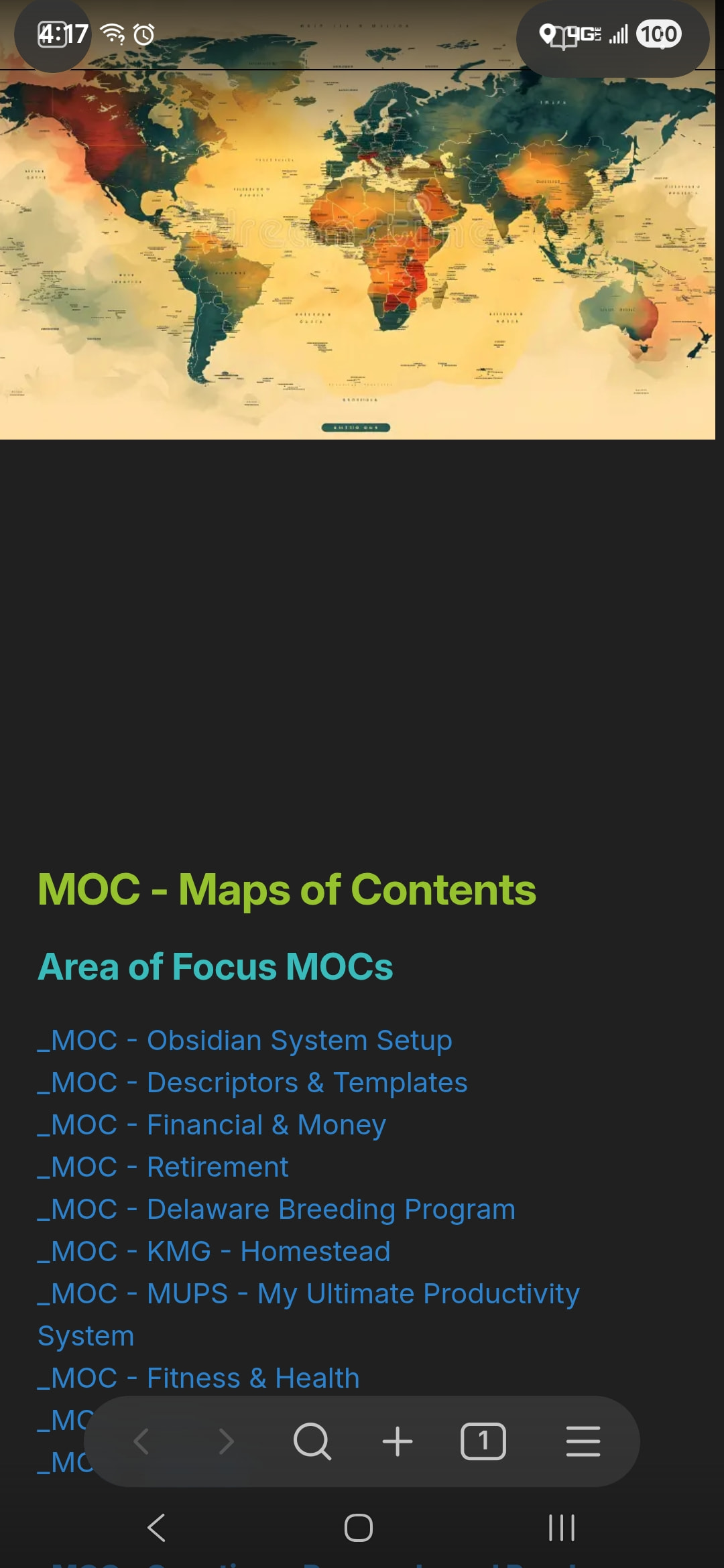
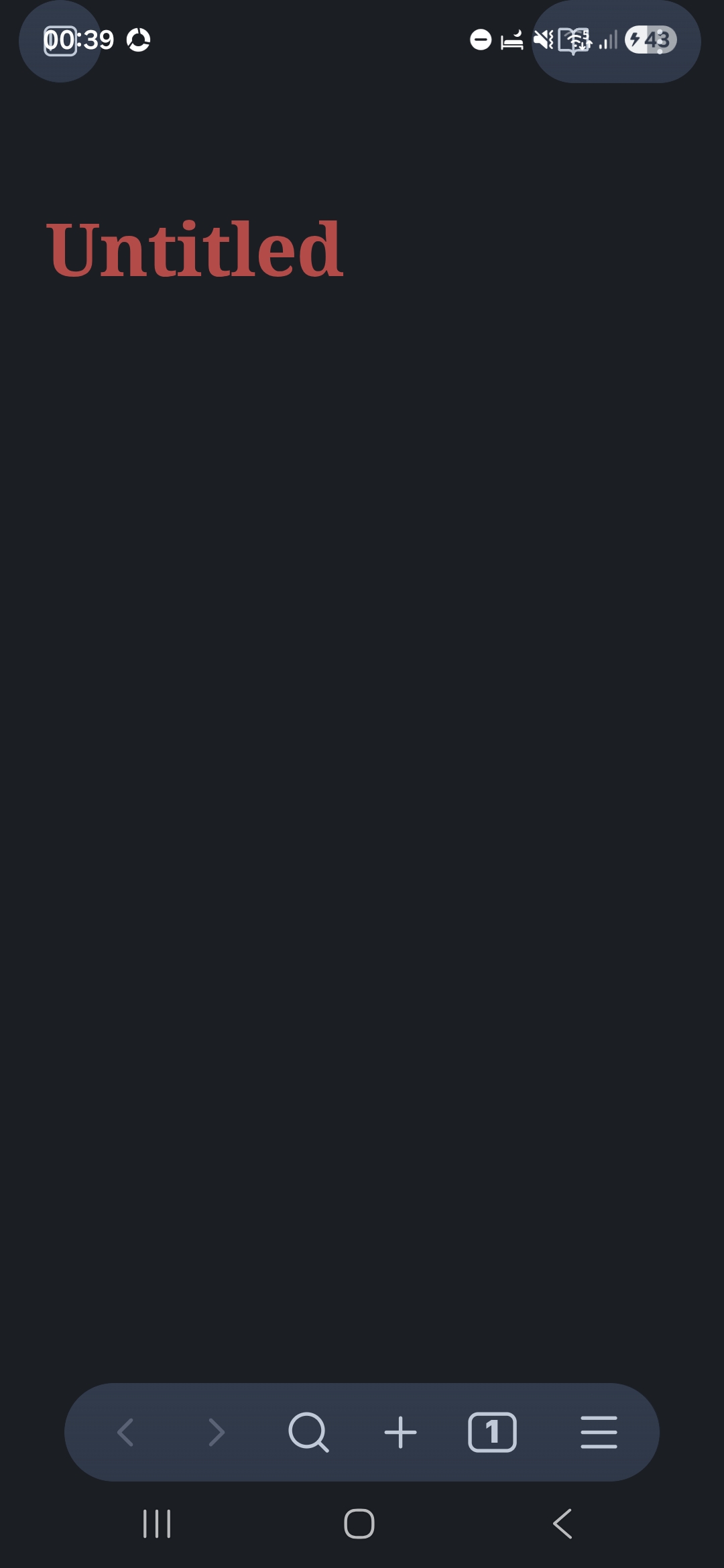
When I launch Obsidian, the app expands to occupy the entire screen, including the top notification bar area.

Because of this, the buttons located at the top of the screen do not respond to touch input and cannot be used properly.

Expected Behavior

  • The app should respect the system UI boundaries.
  • The top notification bar area should remain outside the app layout.
  • All buttons should be fully touchable.

Actual Behavior

  • Obsidian covers the notification bar area.
  • Touch input does not work on top buttons.

Additional Notes

  • This issue started after the latest update.
  • The problem occurs consistently.

Steps to Reproduce

  1. Launch Obsidian.
  2. Observe that the app covers the notification bar.
  3. Try to tap the top buttons.
  4. Touch input does not respond.

Suggested Investigation

Please check:

  • Fullscreen handling
  • UI scaling
  • Android system UI insets

1 Like

You didn’t follow the BR template.

Please,

  1. Create a new vault
  2. Make some screenshots there and post them here
  3. Copy here the output of “show debug info” command

thanks

Just adding that I am also seeing this issue on Google Pixel 9. The top buttons are unable to be interacted with.

Please,

  1. Create a new vault
  2. Make some screenshots there and post them here
  3. Copy here the output of “show debug info” command

thanks

This was an issue with my theme (LYT). Changing themes for now resolved it.

Same thing happening for me, make the app not usable

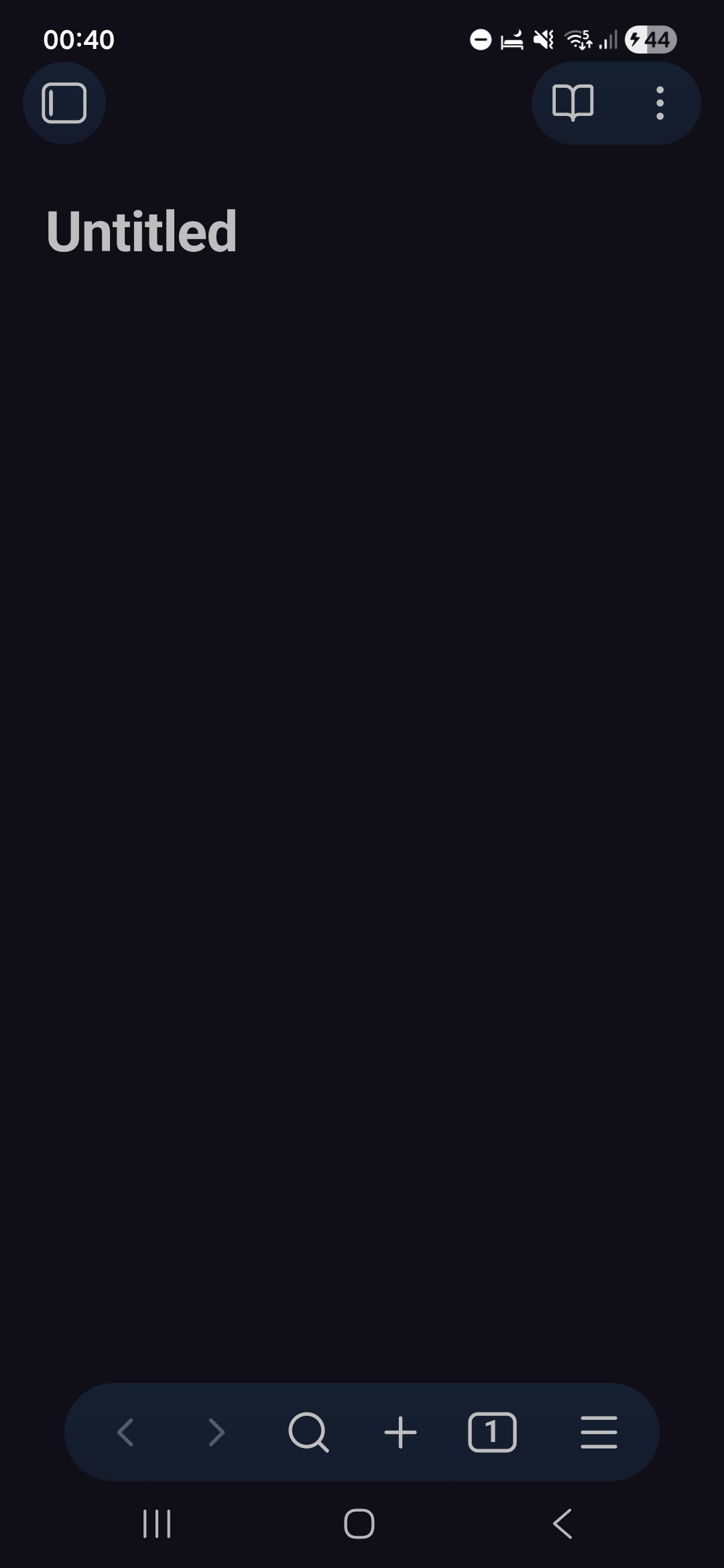
Seeing the same thing here, Galaxy S24 FE, but it seems that this is a problem only in some themes, not sure the obsidian team can do much about it. (Top: ITS Theme, Bottom: Obsidianite)

Debug info:

SYSTEM INFO:
Operating system: android 16 (samsung SM-S721B)
Webview version: 143.0.7499.192
Obsidian version: 1.11.4 (277)
API version: v1.11.4
Login status: not logged in
Language: en
Live preview: on
Base theme: dark
Community theme: ITS Theme v1.4.03
Snippets enabled: 5
Restricted mode: off
Plugins installed: 11
Plugins enabled: 11
1: Excalidraw v2.15.2
2: Iconize v2.14.7
3: Calendar v1.5.10
4: DataCards v1.1.0
5: Leaflet v6.0.5
6: Columns v1.6.1
7: Colored Text v1.3.0
8: Digital Garden v2.68.0
9: Dataview v0.5.68
10: Meta Bind v1.4.6
11: Templater v2.16.4

RECOMMENDATIONS:
Custom theme and snippets: for cosmetic issues, please first try updating your theme and disabling your snippets. If still not fixed, please try to make the issue happen in the Sandbox Vault or disable community theme and snippets.
Community plugins: for bugs, please first try updating all your plugins to latest. If still not fixed, please try to make the issue happen in the Sandbox Vault or disable community plugins.
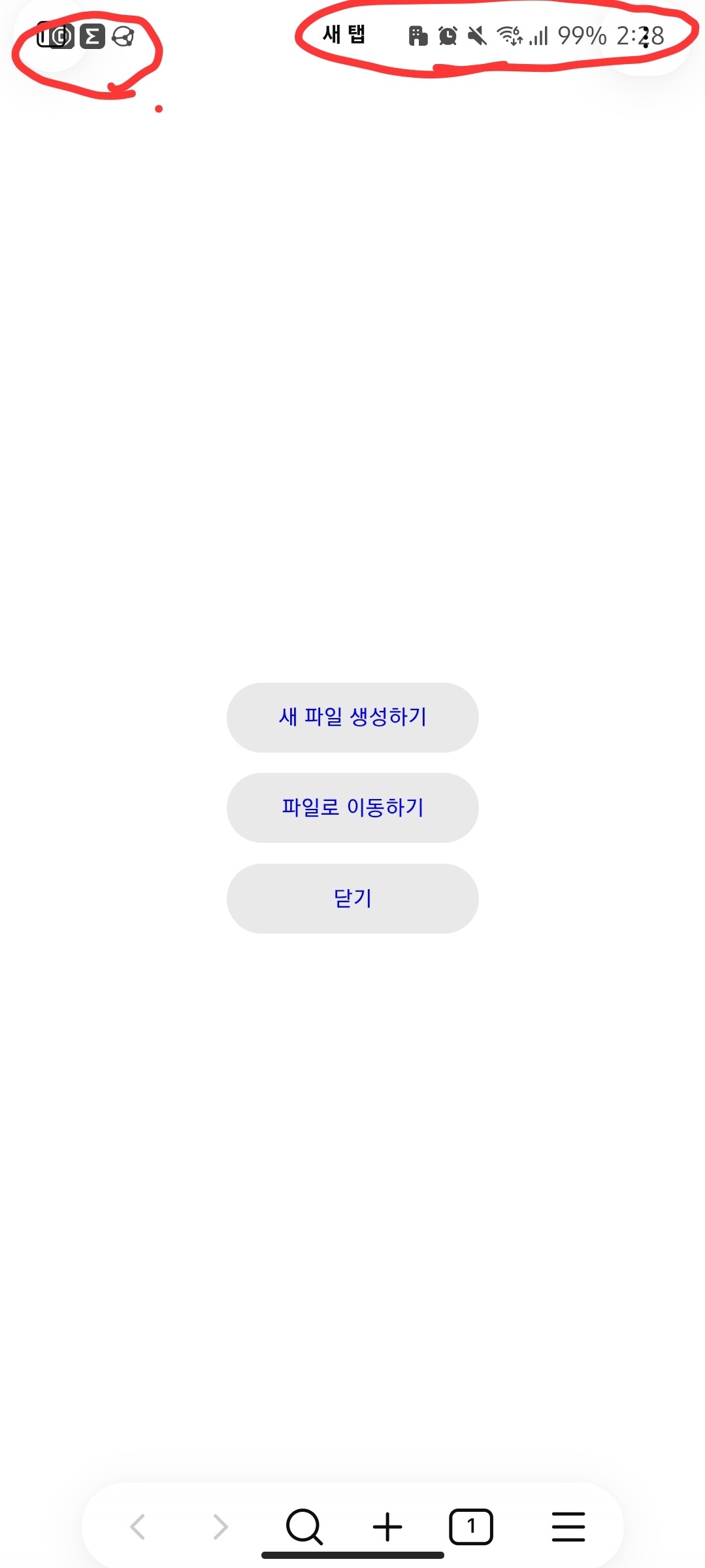
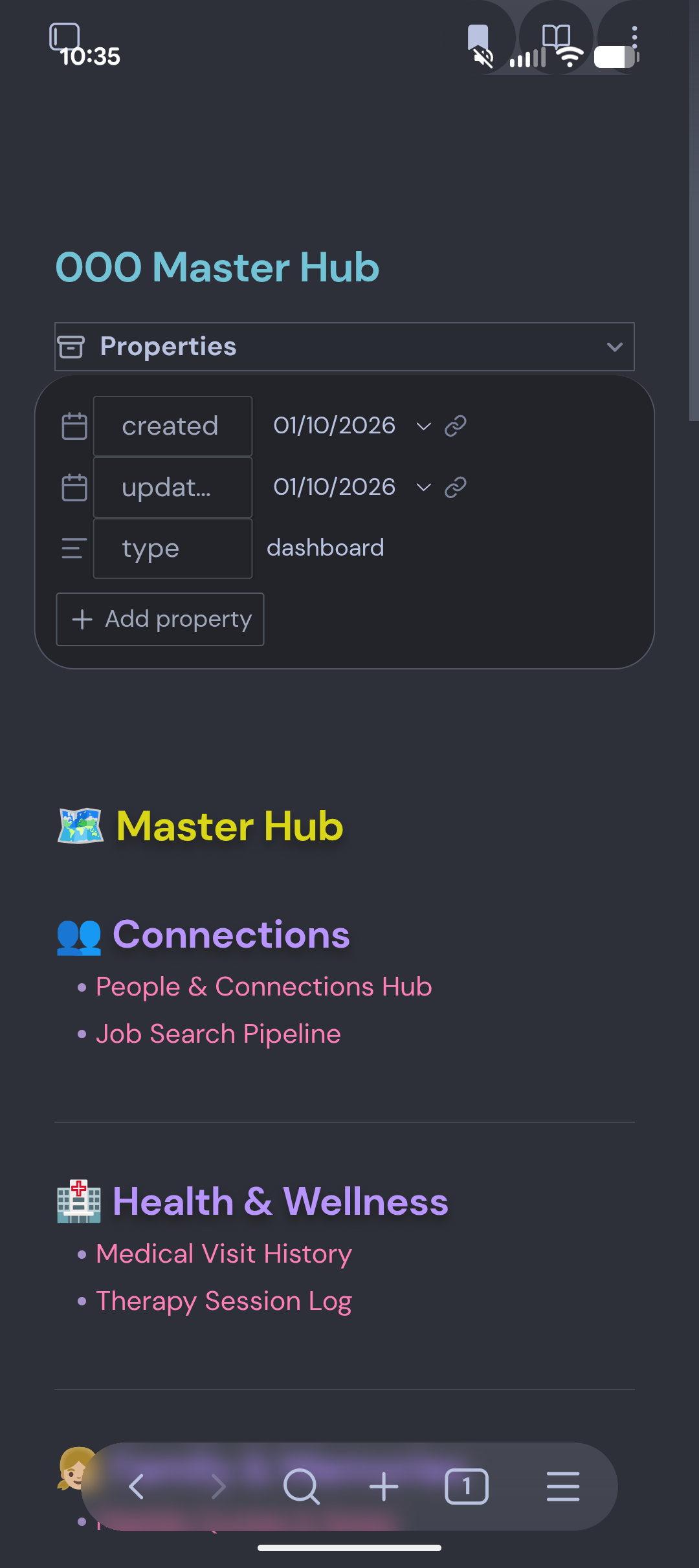
Note, I checked for updates on my theme and there was one.. After updating the theme the issue was resolved… Recommend everyone update your theme…