I don’t like this idea wholly. There is a need for current toggle heading command when you want to change current heading level or remove it. One might also want to insert custom heading level and this request doesn’t describe this case.
Proper implementation would be to offer default choice which can be then changed using ↑/↓ keys.
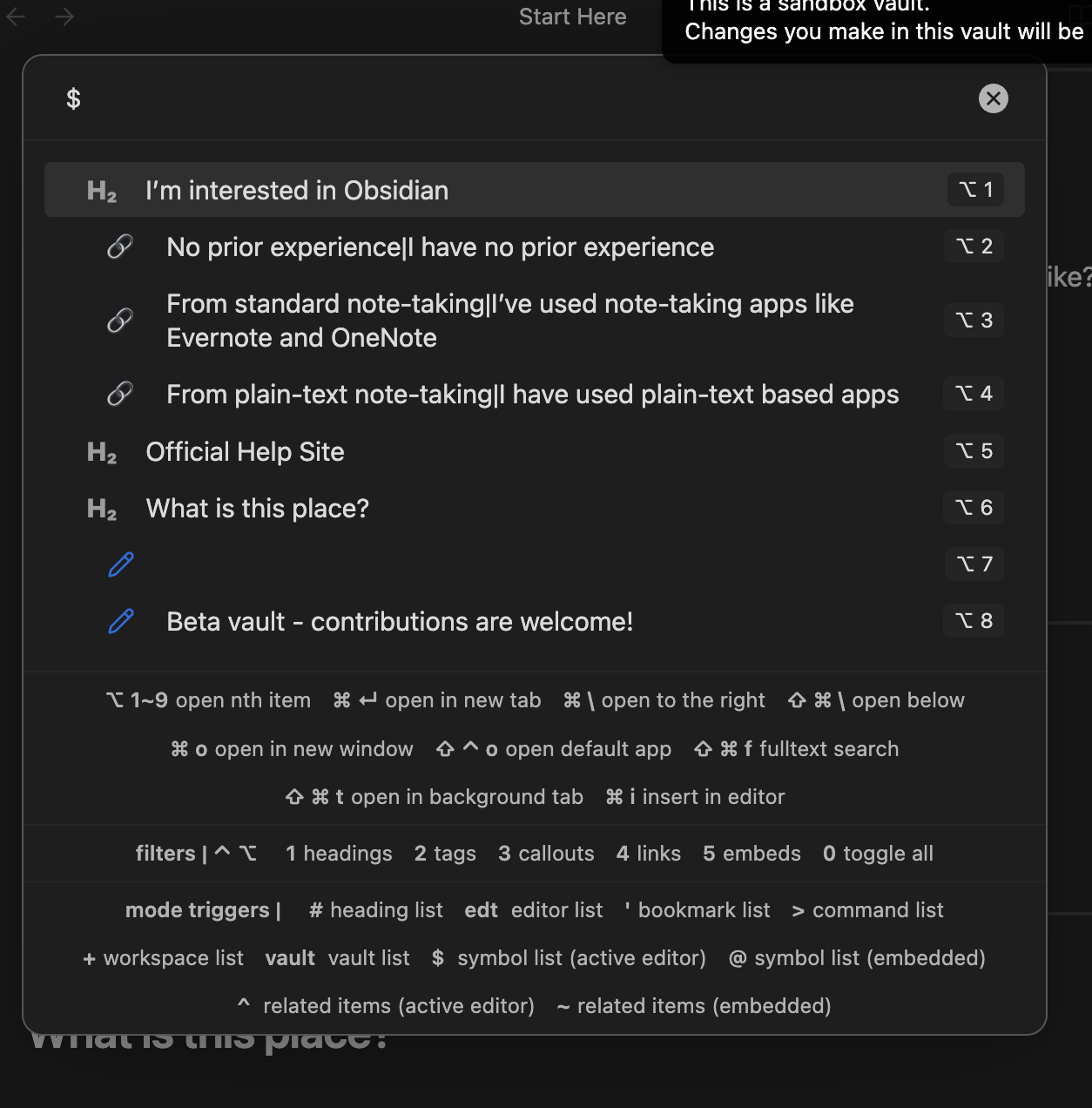
Screenshot:

About determining previous heading level:
There are numerous ways:
- Code Editor Shortcuts
Go to previous headingand thenGo to next headingor ⌘↓ - left clicking on Outline (if Outline is always visible on the right)
- scrolling in source mode
- symbols mode in Quick Switcher++
- using various themes like Blue Topaz
- various other less known community plugins that implement similar features as above

Related feature request: