New feature in V3.4.2
Region screenshot
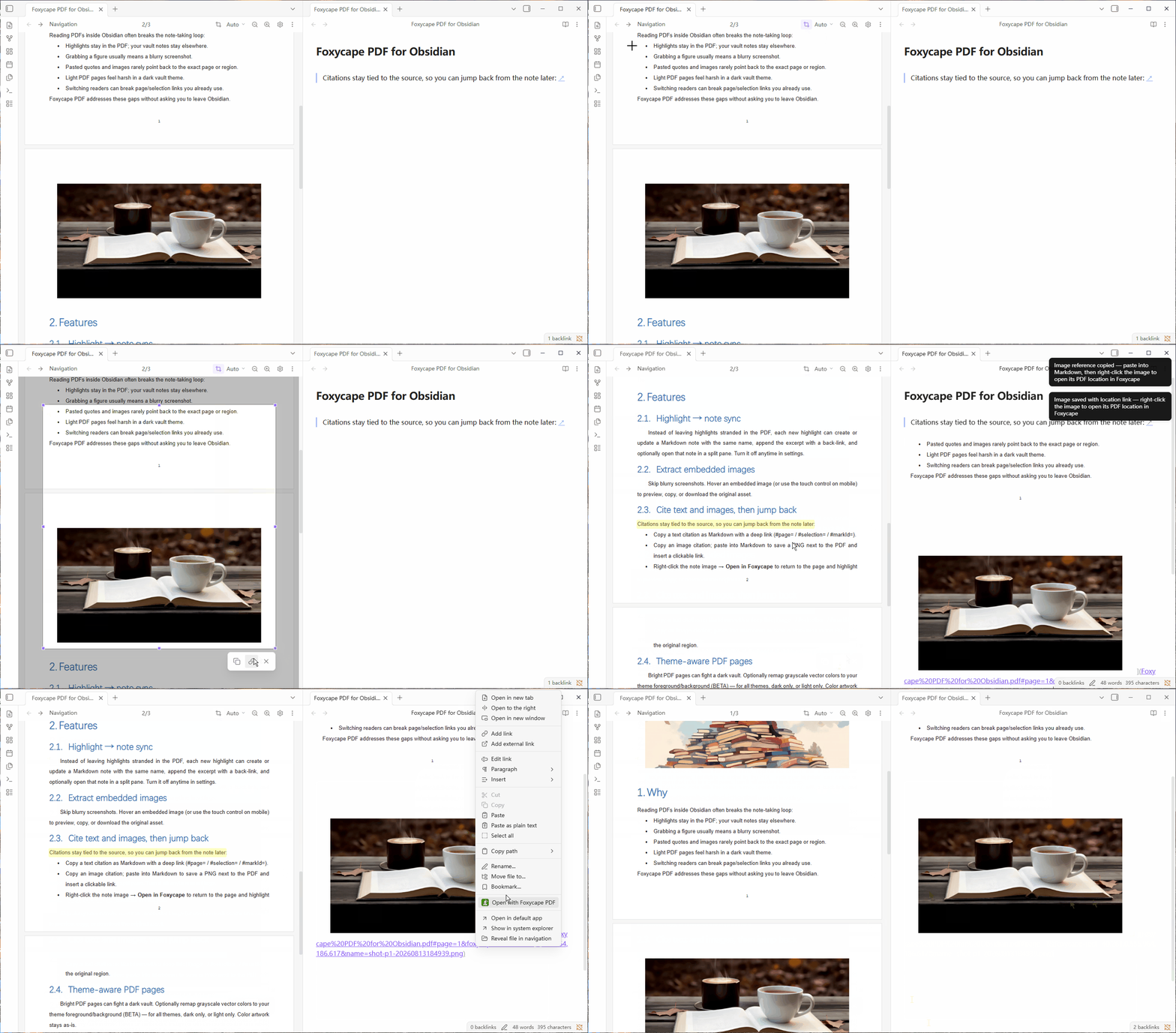
Skip the OS snipping tool, and skip stitching pages by hand. Click **Screenshot** in the toolbar and drag a region on the PDF. Copy the image, or copy an image citation so you can jump back from the note later.
Crop a region on a single page:
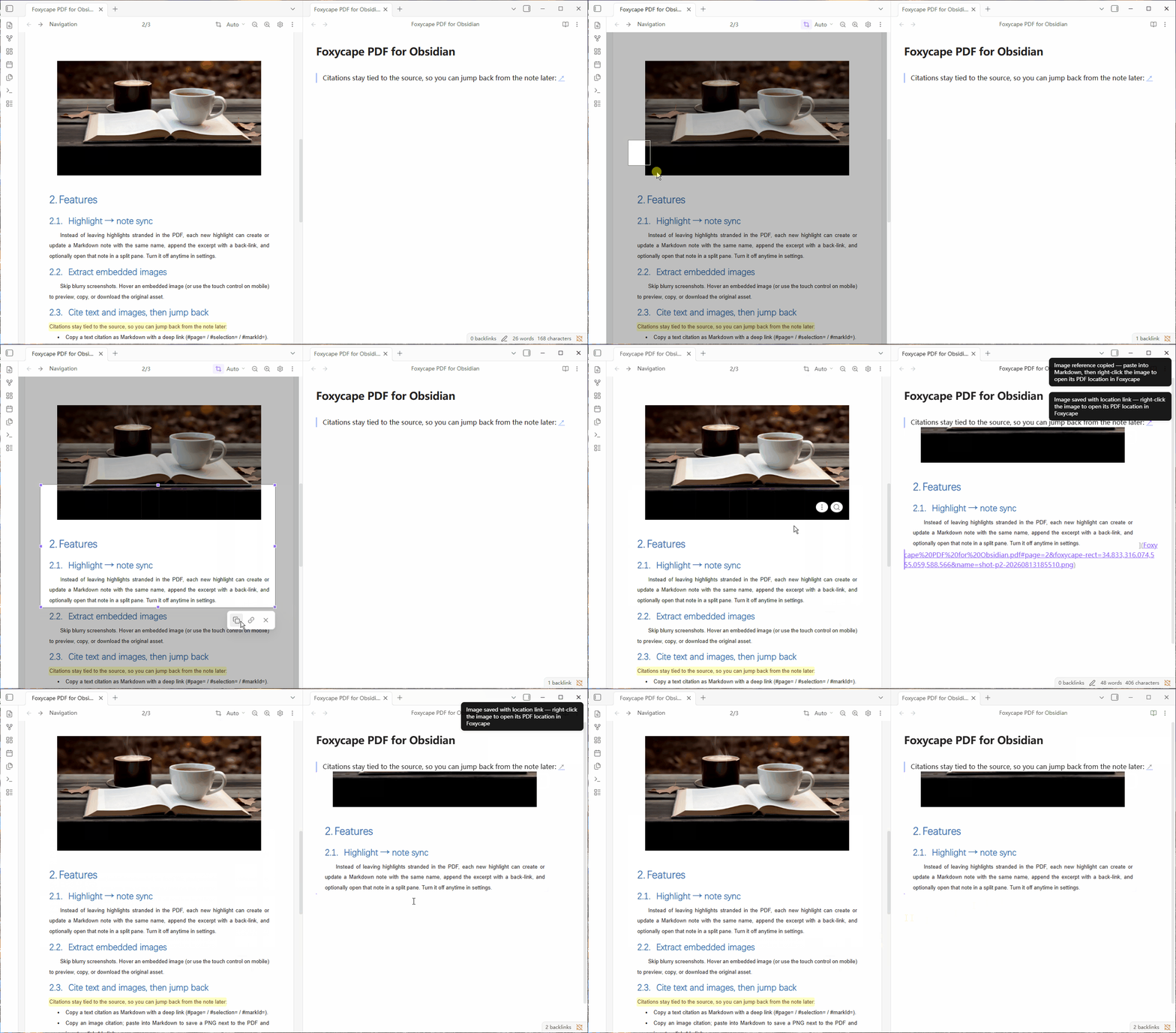
Span the page gap and Foxycape stitches it into one continuous image: