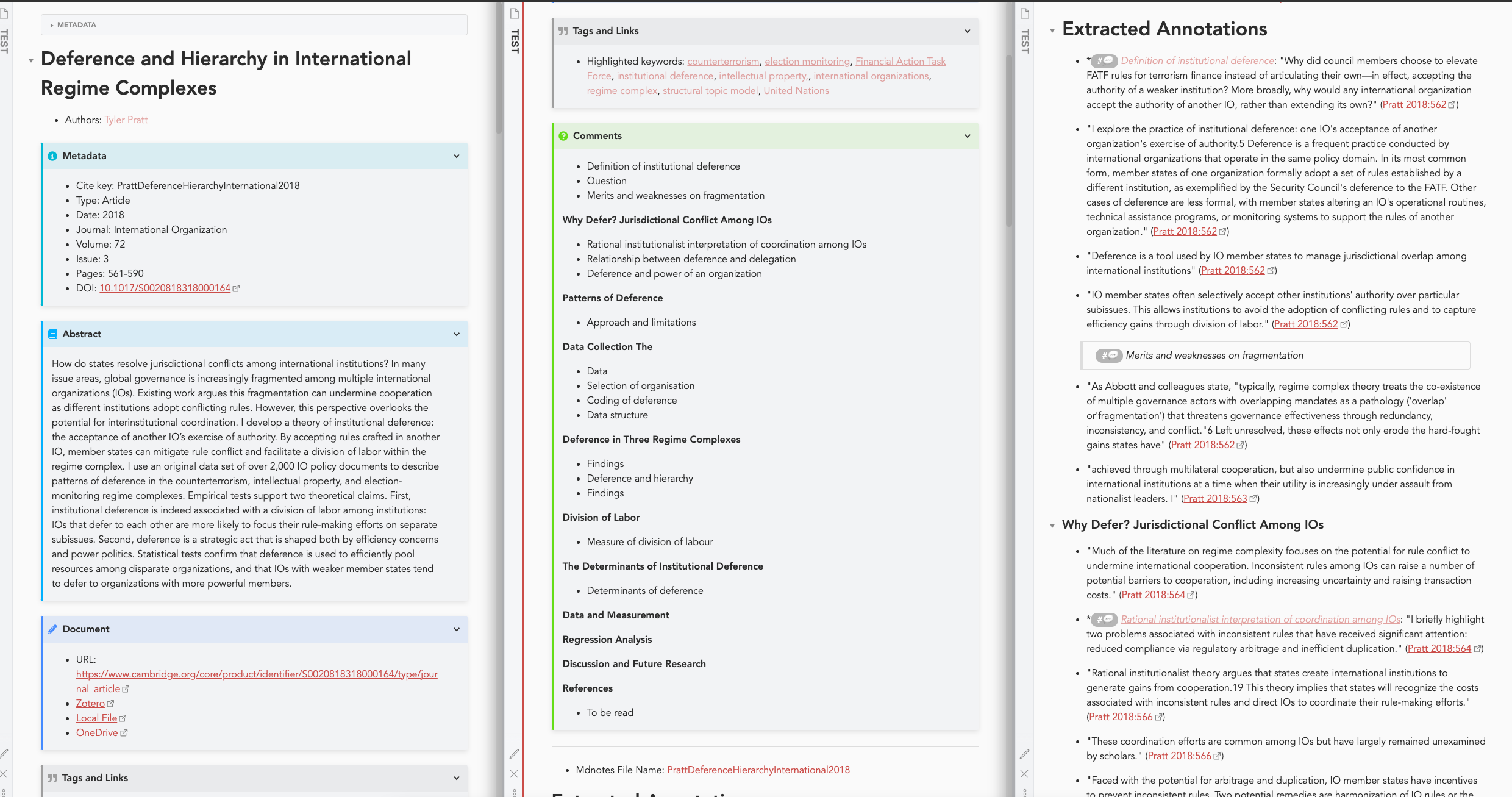
After a bit of experimentation, I managed to get the Zotero-Zotfile-MdNotes workflow (with a patch-up script that does some regex on the MdNotes export) to do what I needed. A few things that may interest others playing with the workflow described by @Cat (they/them) in the pinned post:
- the Admonition plugin is helpful to hide metadata and other information by setting the default as “closed”
- I have assigned a colour to highlight keywords and used some regex to build an index of the topics covered
- it is possible to add a link in the literature note to the local file as well as any version stored on the cloud by giving it the same name as the bibtex key (and a bit of regex), thus bypassing zotero in accessing the pdf and making it accessible also from the mobile version
- In addition to presenting the annotations next to the original piece of highlighted text, I find it helpful to gather all the comments in a separate block (created with the same manipulation of the md file)