Disclaimer
Is this plugin open source? Yes
Is this plugin completely free? Yes
Is this plugin vibe-coded beyond the author’s ability to comprehend how it works? No
Community Directory:https://community.obsidian.md/plugins/theme-autoupdater
Hi all - Obsidian doesn’t update themes on its own: a fix only reaches you if you open Settings → Appearance and click Check for updates.
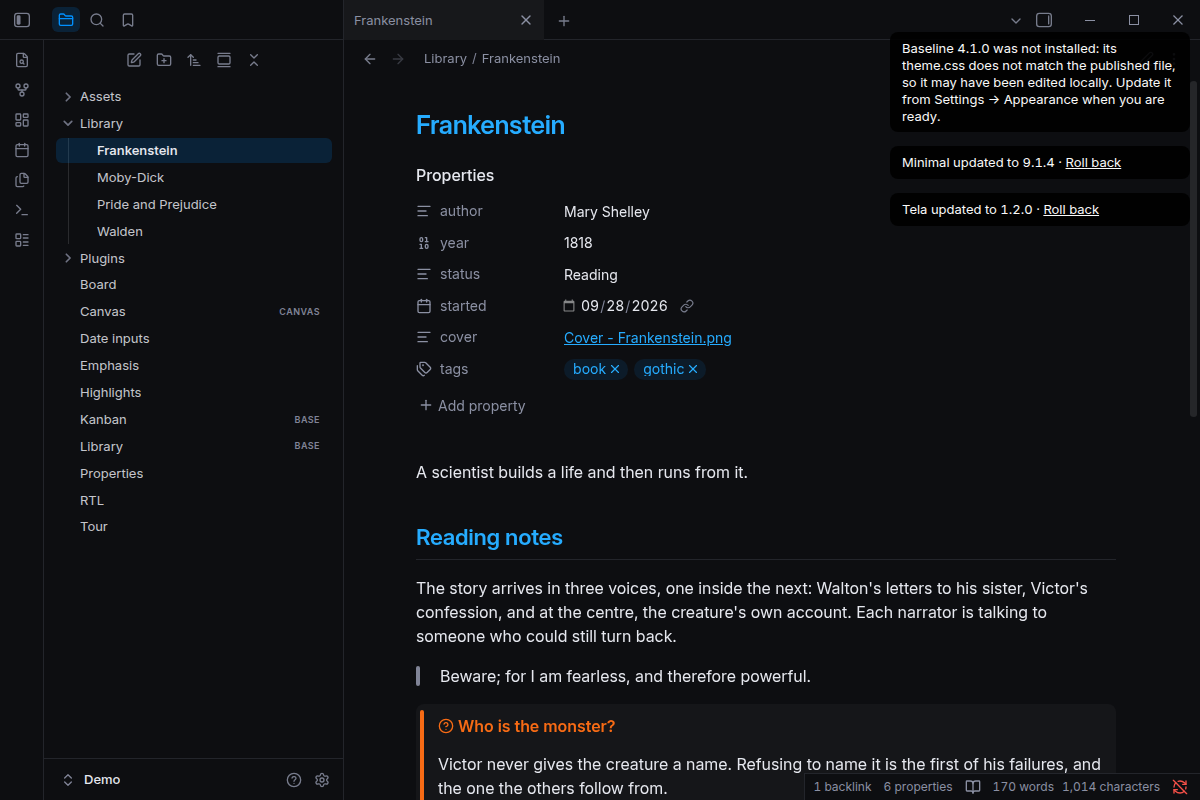
Theme Autoupdater does that for you at startup, installing the same version Obsidian’s own updater would:
- Backup before every update, and the old files go back if a write fails
- One-click rollback from the notice or the settings tab; the version you rolled back from is skipped until the next one
- Local edits are never overwritten: a theme whose CSS doesn’t match the published file is left alone, and you’re told once
- Themes only: they’re CSS, so an automatic update can’t run code
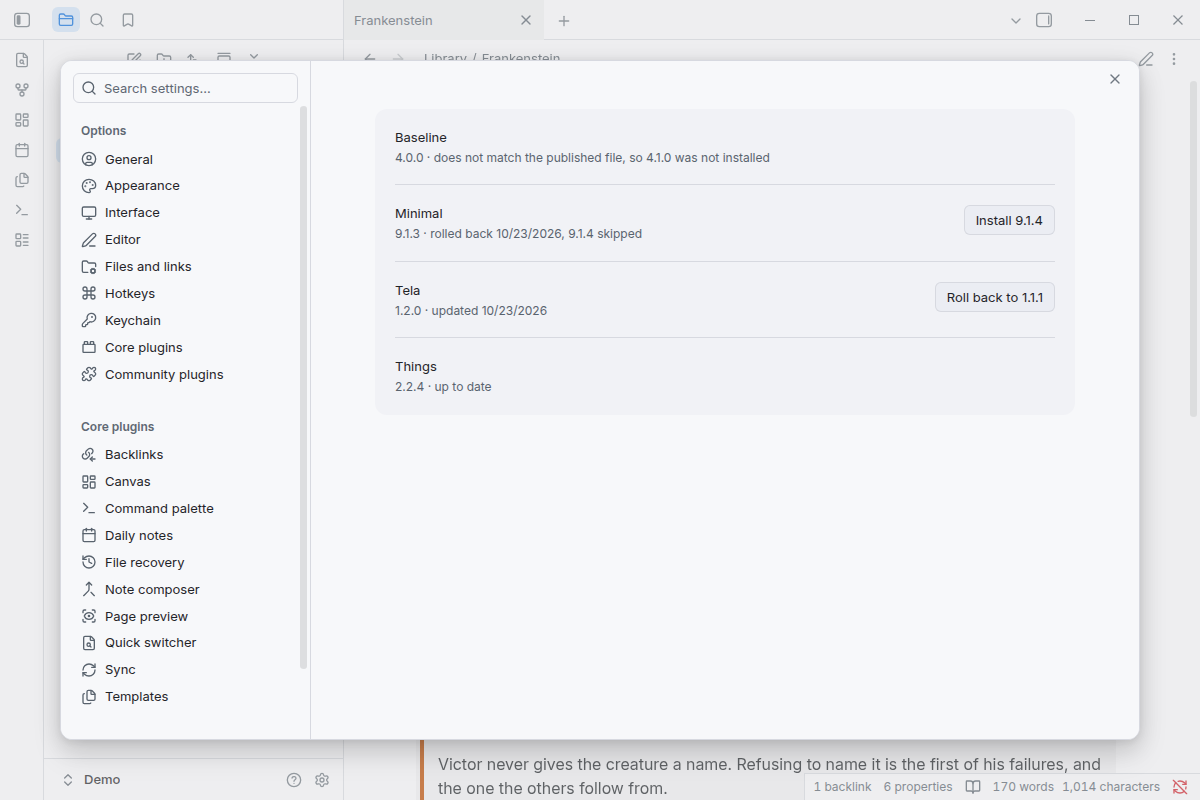
Theme authors: nothing to set up, as long as your release tags match your manifest version (1.2.0, not v1.2.0).
Source: https://github.com/rbartoli/obsidian-theme-autoupdater