I see 
Thanks, I’m surprised to still see it updated, finally I don’t have to use the old version which has a lot of broken features! 
Late to the party as usual. First off, thank you @jackjack, you hit the nail on the head with this.
You mentioned you’d port it to v3 once it came out. Is that still the plan?
FYI I left a github issue regarding this too.
@ ichmoimeyo What plugin are you using to generate the transcript and then how ae you using the Regex/Find replace.
With my Media Extended plugin that takes timestamps in hh:mm:ss… … 01:22:30 How do i make my timestamps in format hh:mm (01:22) and exclude ss. ?
Using Media Extended 3.1.0 , YTranscript 0.9.2 and Regex Find/Replacev1.2.0
… here is my process
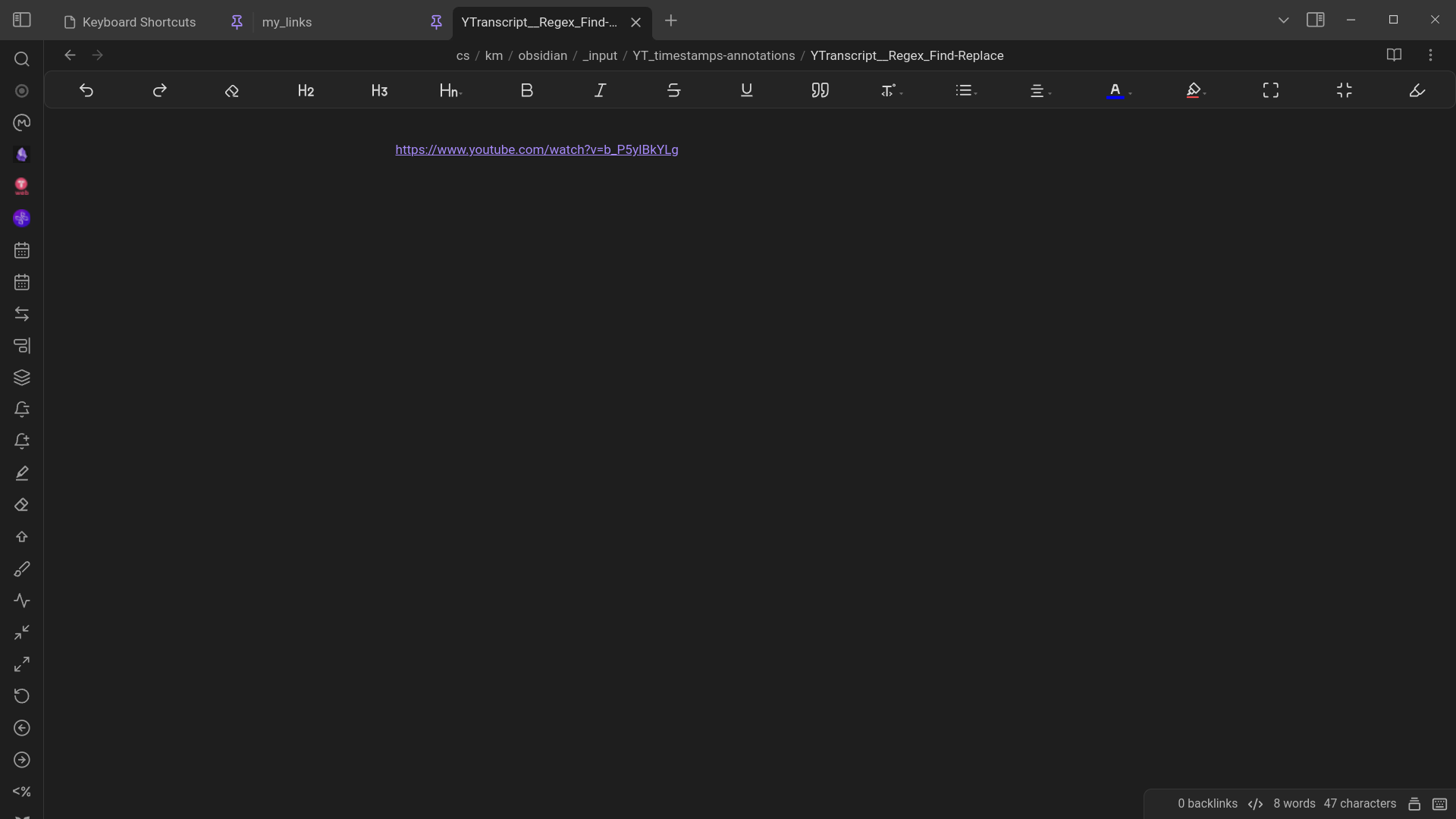
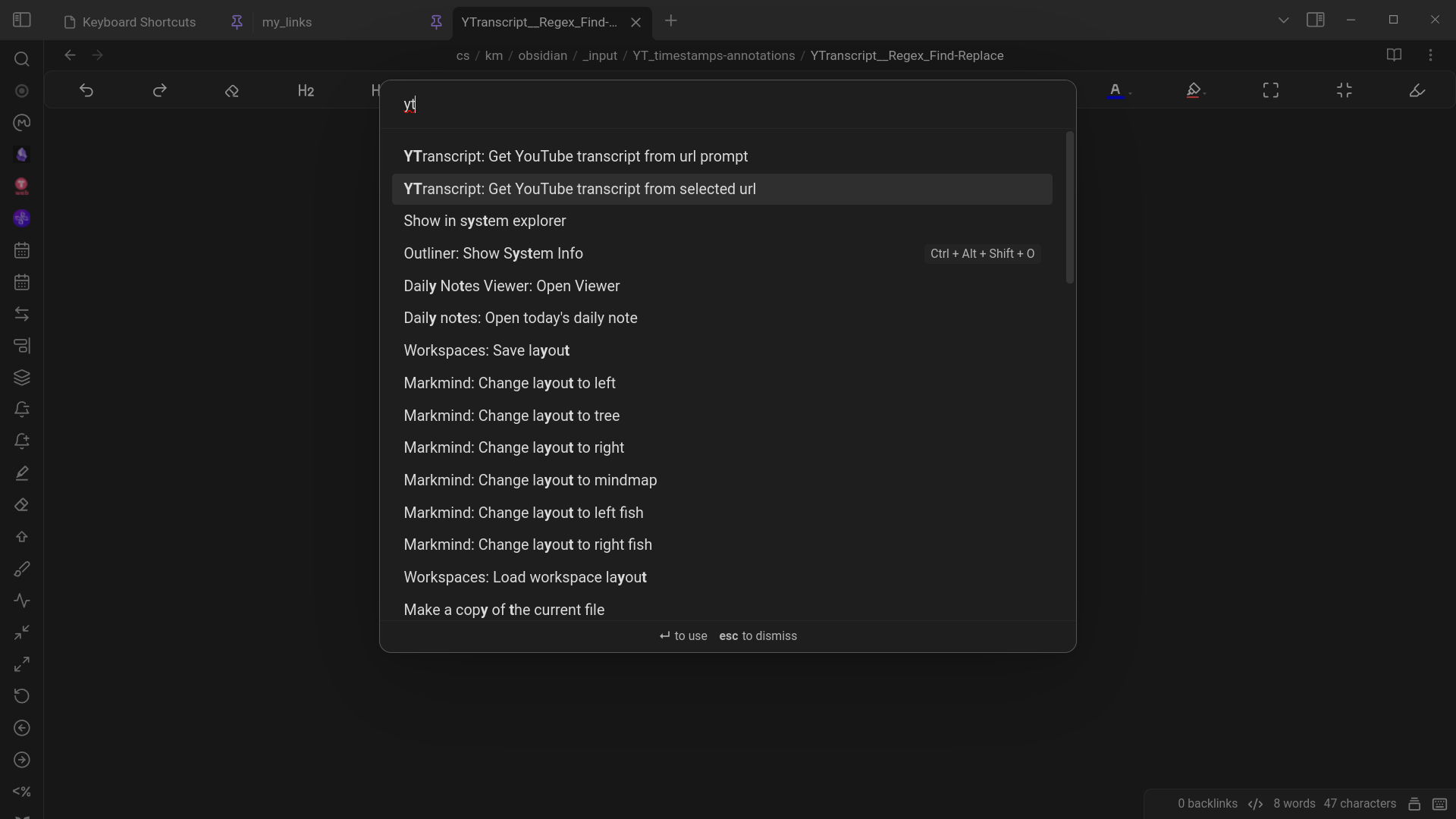
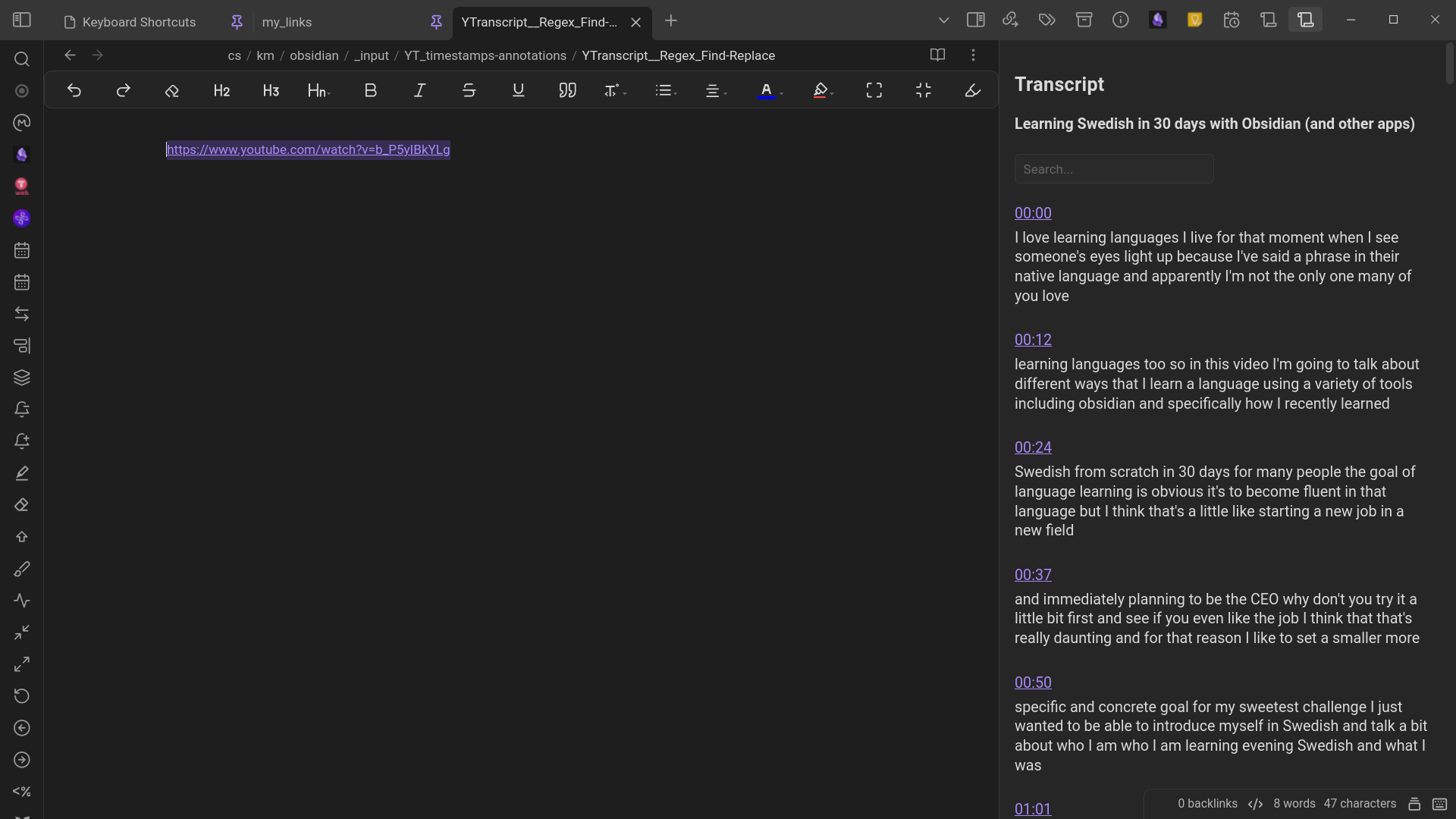
In settings you can control how often timestamp should appear (once for every x lines)
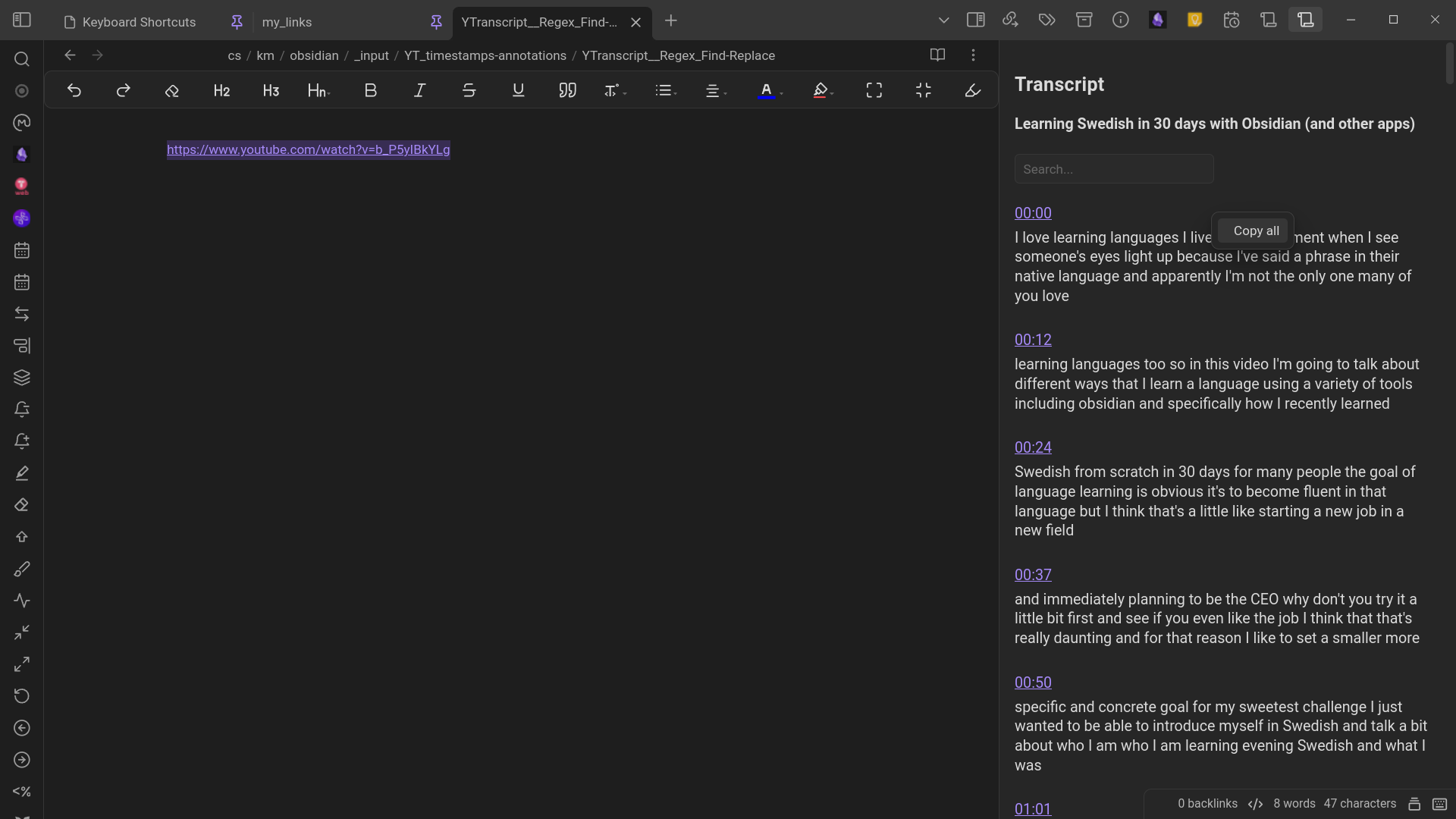
Right-click the transcript to see Copy all
Click it & Paste into the note …
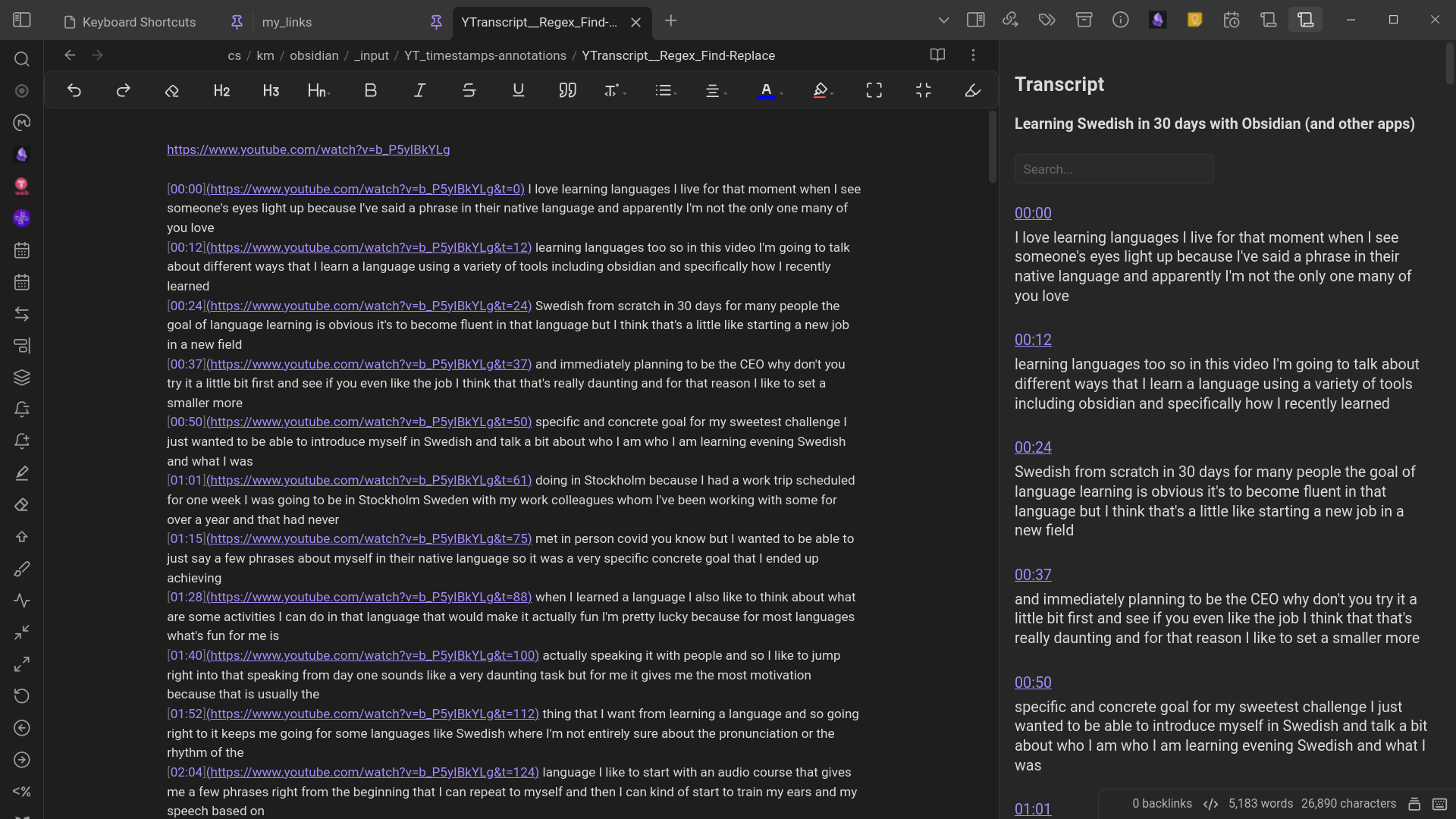
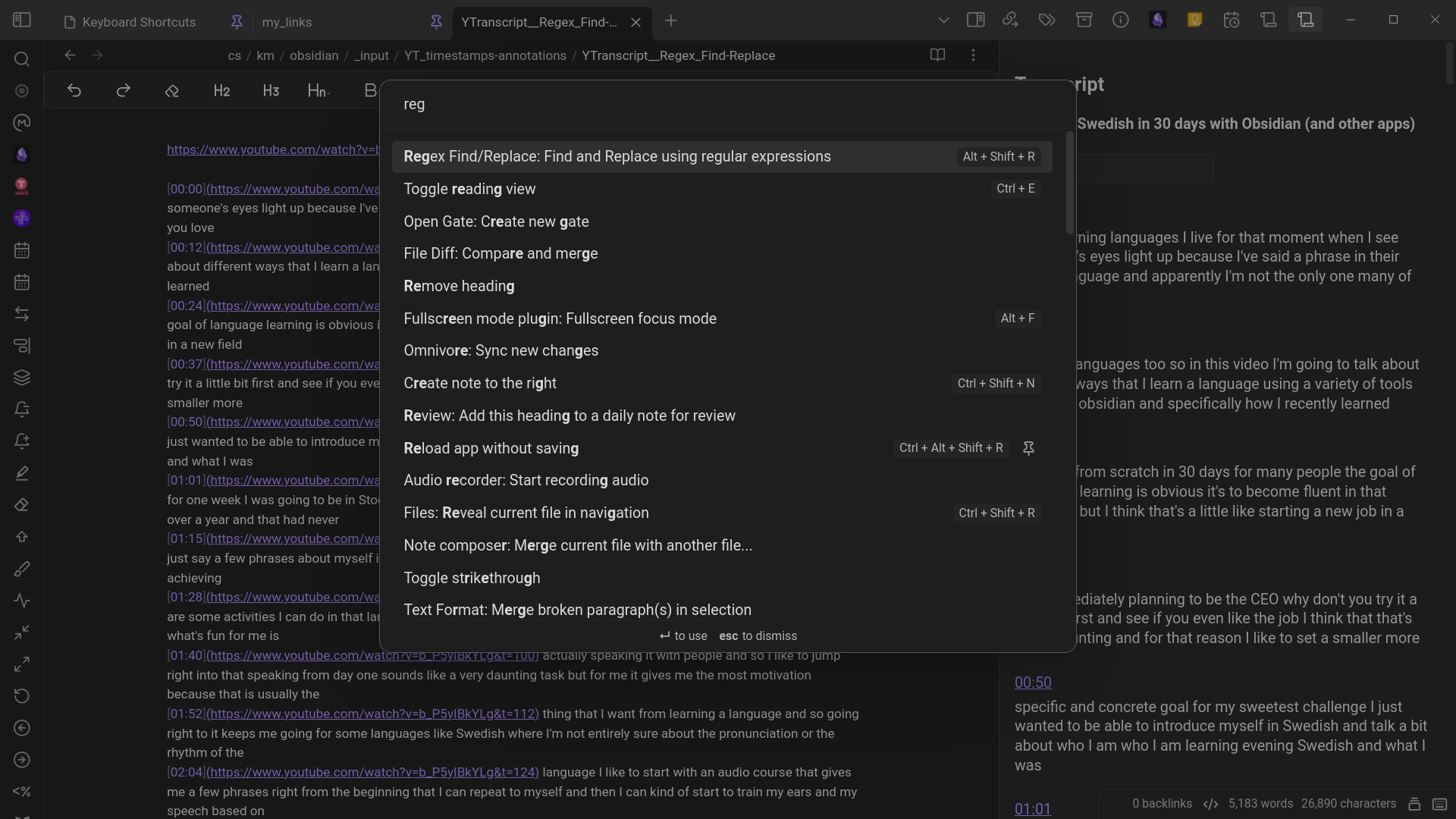
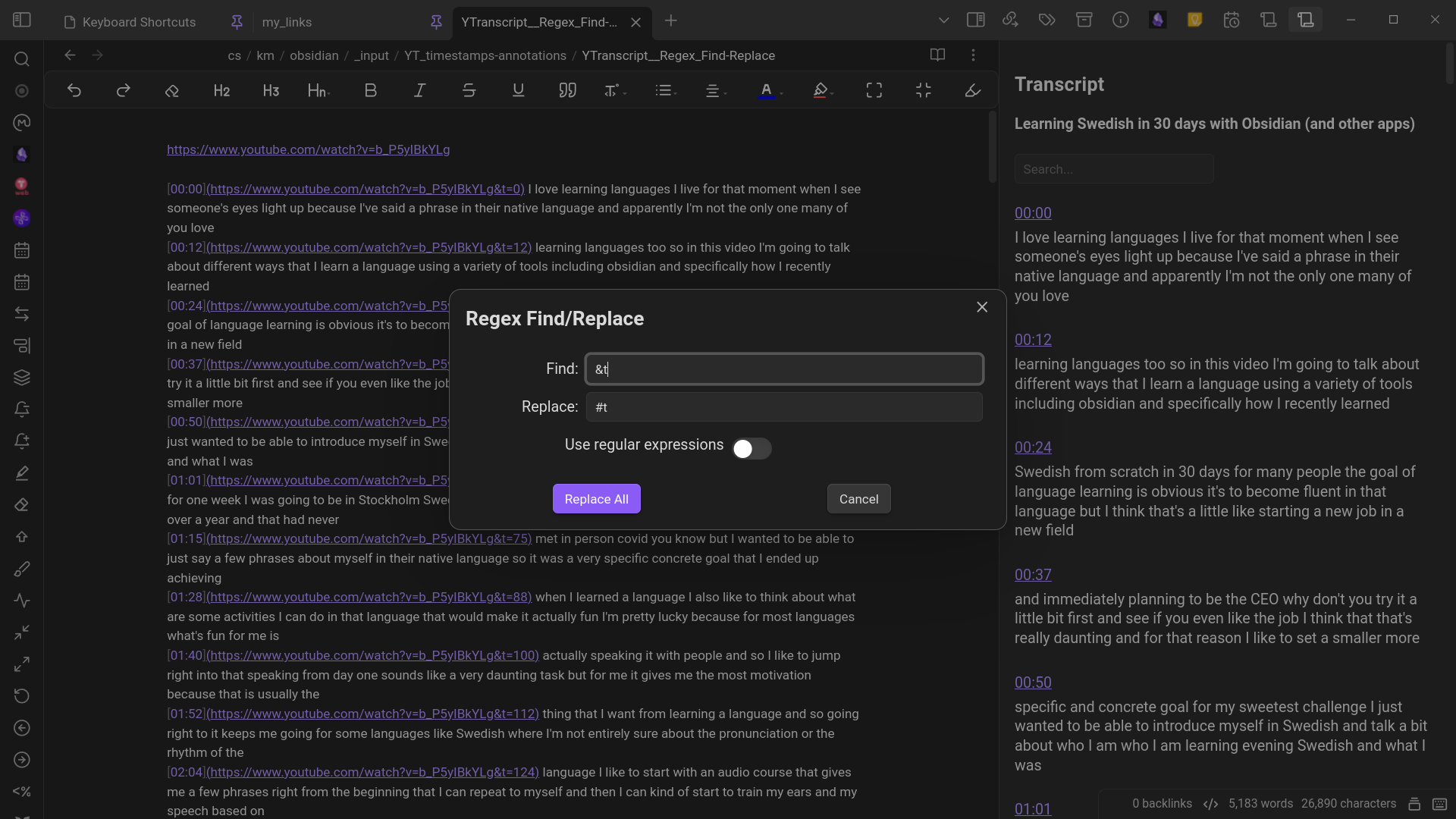
Find: &t Replace: #t → necessary for it to play correctly within Obsidian.
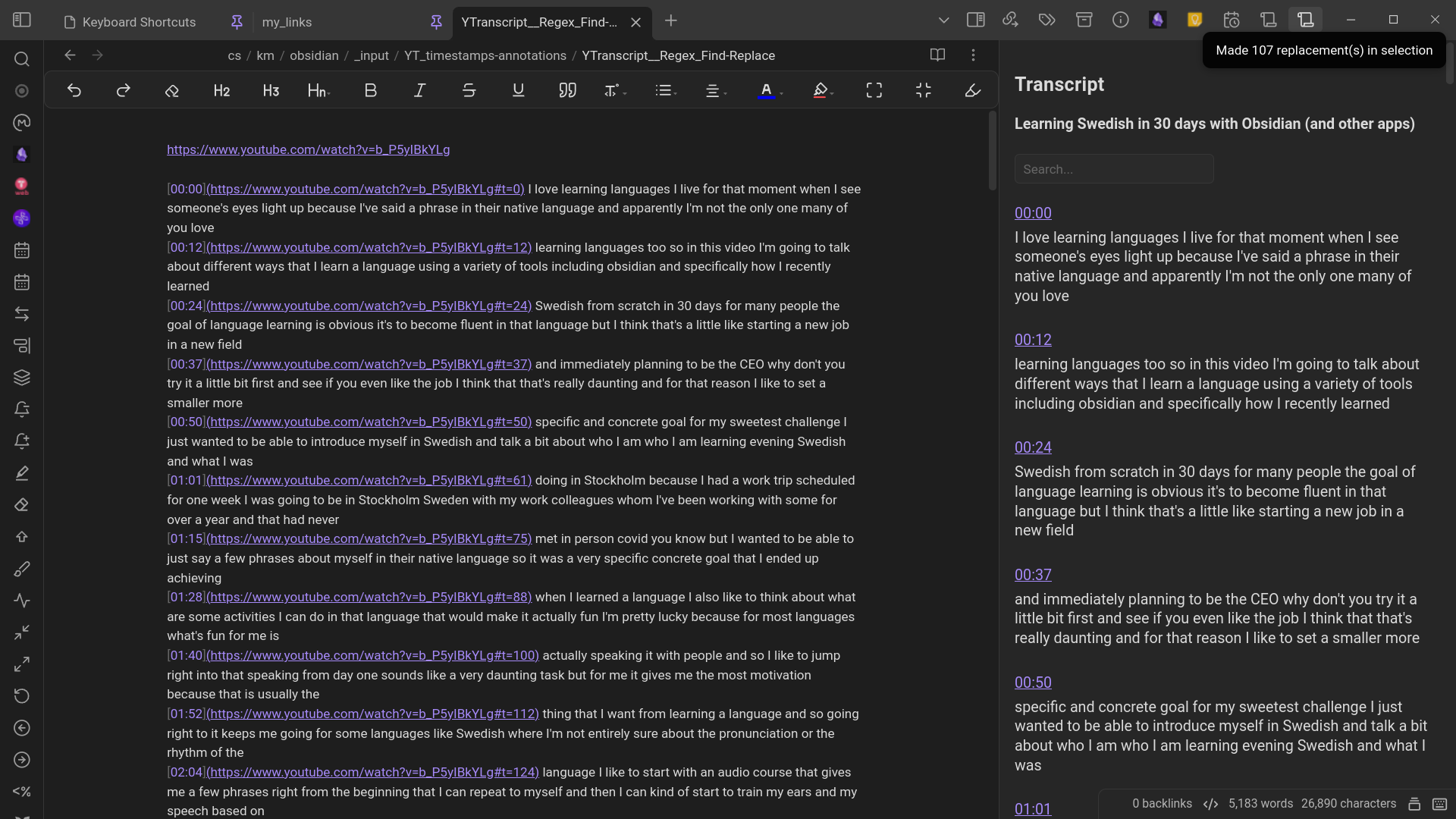
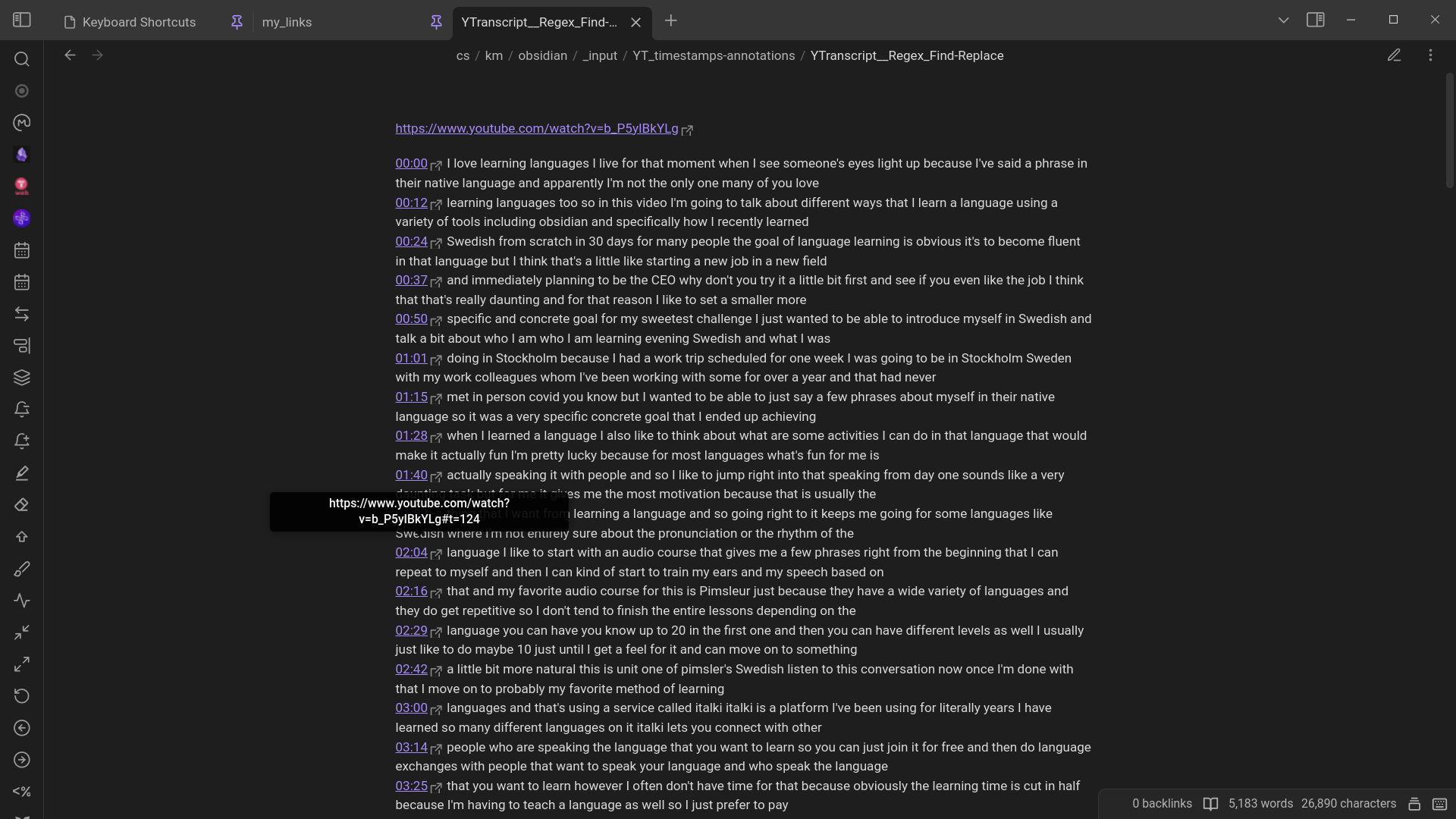
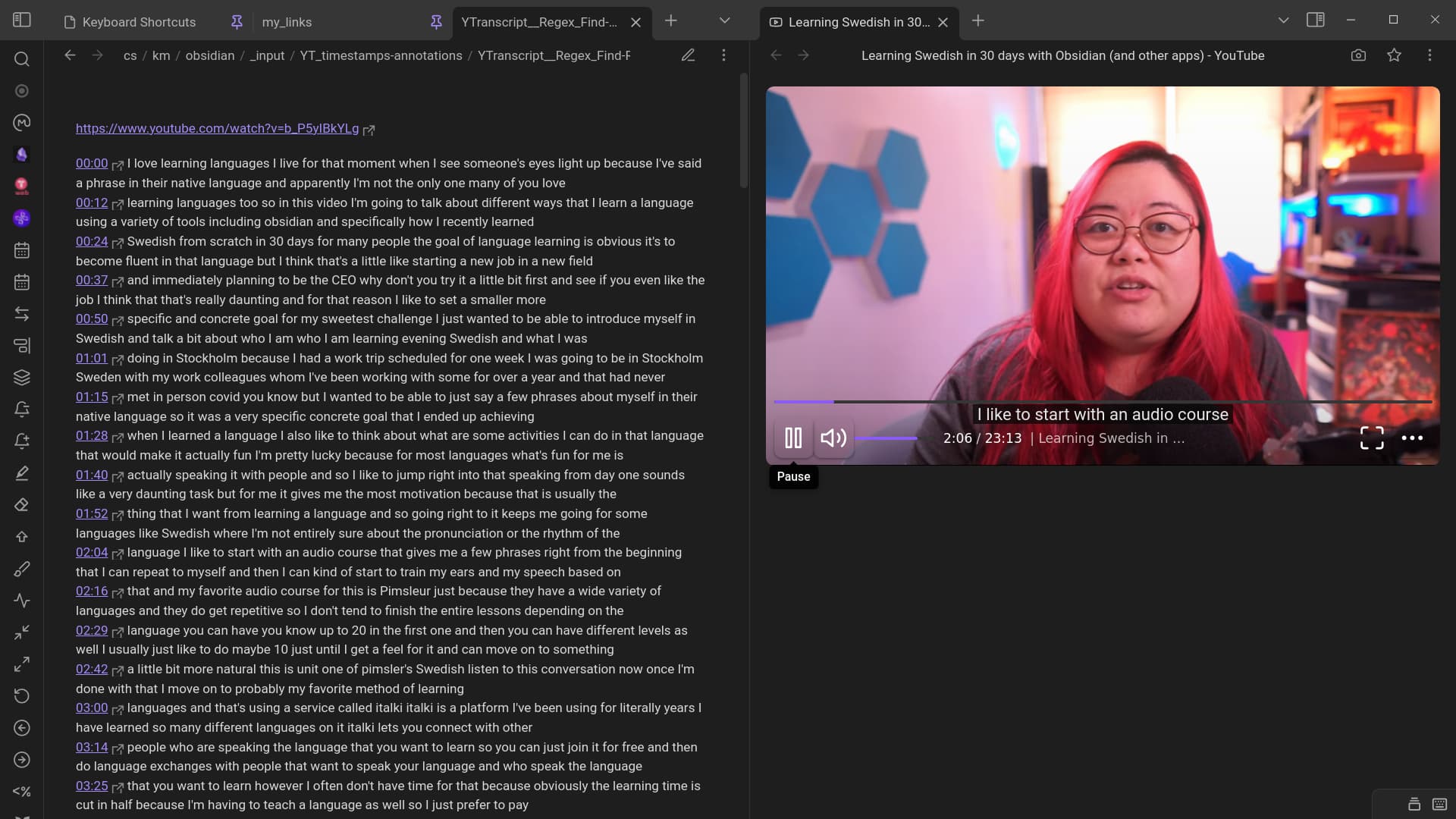
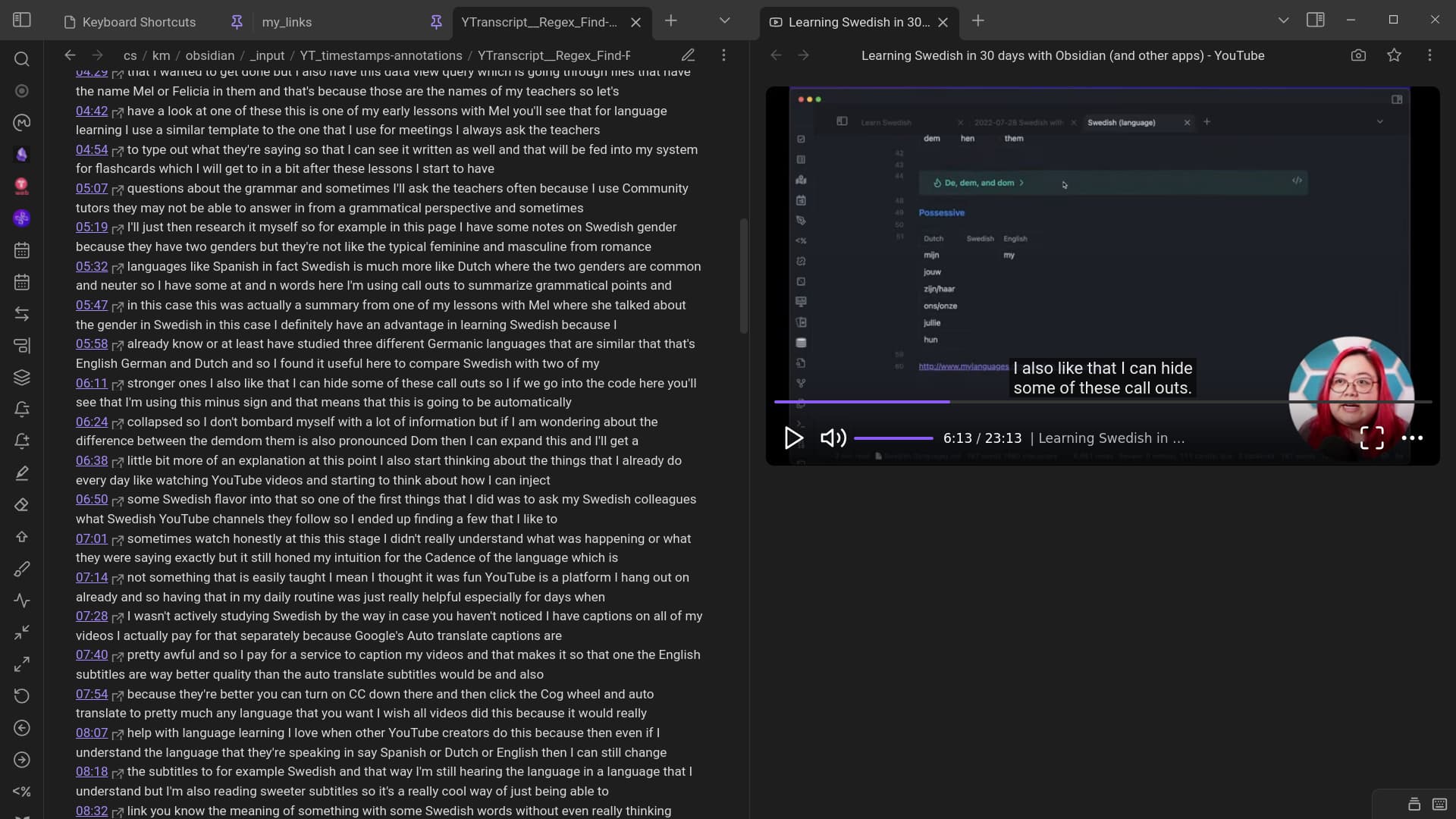
… hope that helps 
Thanks you so much for taking time to share your workflow. I am sincerely very grateful. Let me try your process and get back to you.
Great, I look forward to hearing how it went.
Just tied it. Works great. . One thing in noticed is that when Y Transcript creates original summary there is a search button that is particularly useful to search big transcripts. When we copy the transcript to another page we loose that search button. . Is there a way to get that back.
Have you done anything similar for summarizing YouTube videos and did it work for you. Did you do any tweaks to make it work.
Search button:
Mine actually doesn’t disappear even if I fold & unfold the right panel & so I can go back & forth to search for & get the bits I want.
At worst I could quickly do: “ctrl+p … yt … get … transcript from selected url” again.
YouTube summaries:
I’ve mainly used the Glasp PDF & Web Highlighter + YouTube Summary chrome extension for highlighting/annotating & downloading markdown timestamps as well as clicking the icon to generate an openai summary (“Summarize the following in an in-depth ordered markdown list”), that I can also use to produce a mind map in Obsidian.
[see top of right of YT video]
I just started using the Merlin AI chrome extension that can amongst other things summarize a YT video with timestamps ready to be copied into Obsidian(also needs regex: &t → #t)
[see just below Glasp]
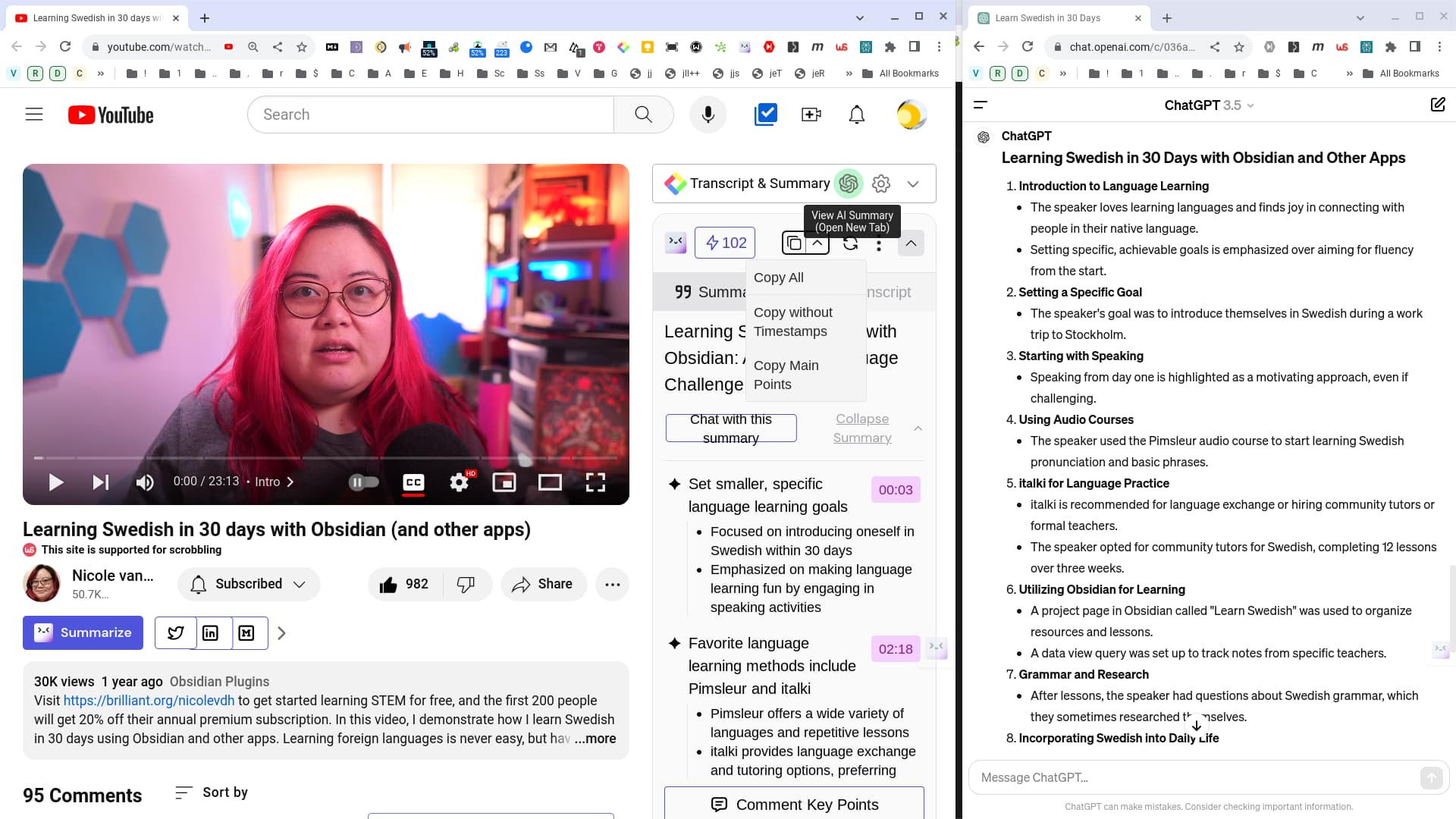
PS - YT ADS:
I’m getting a lot of YouTube ADS now here also in Obsidian as I’ve “obeyed” and disabled my ad blocker for YT in my web browser.
Instead via … aidenlx
By default the video is running in a standard website for better compatibility and subtitle support. If you want ad-free experience similar to timestamp note, just right-click on any YouTube link and select
iframeoption inalways open as
right-click on YT video url …
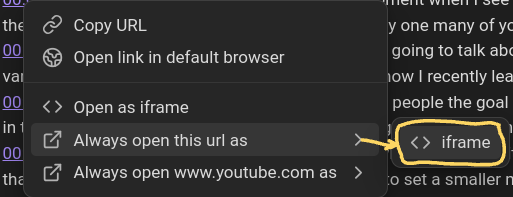
… seems to have solved it.
Thanks for mentioning about the ads issue. i generally watch using iframe . I haven’t used Glasp but have used Merlin AI for summary . Which do you find is better. I find most of the tools give good concise summary but are not very good in giving detailed summary. What do you find is difference between Merlin and Glasp as far as summaries go. i know Merlin gives you both options for concise and detailed summary.
I also saw you use the mindmap tool plugin within obsidian. Have you subscribed to the premium $12 version and do you find it useful and do you use it for annotations of pdfs. I was thinking of getting that. I have been using mindjet software for long time but prefer something that works wish obsidian . Have you found any good online mind mapping tools where you can download them as markdown or some graphic file and move it to obsidian to read it . Thanks