Disclaimer
Is this plugin open source? Yes. The plugin is MIT-licensed. It works with Synclo’s online service, which is not open source.
Is this plugin completely free? No. The plugin is free, but making presentations uses Synclo’s service. A new account gets 400 free credits, about 40 slides. After that it’s a paid plan or a credit pack. Building or editing by hand in Synclo stays free.
Is this plugin vibe-coded beyond the author’s ability to comprehend how it works? No.
Community Directory:https://community.obsidian.md/plugins/synclo
Hi everyone. I’m Ajit, and I built Synclo. It turns a note into a designed presentation, right inside Obsidian. Here’s one it made from a sample note of café interviews:
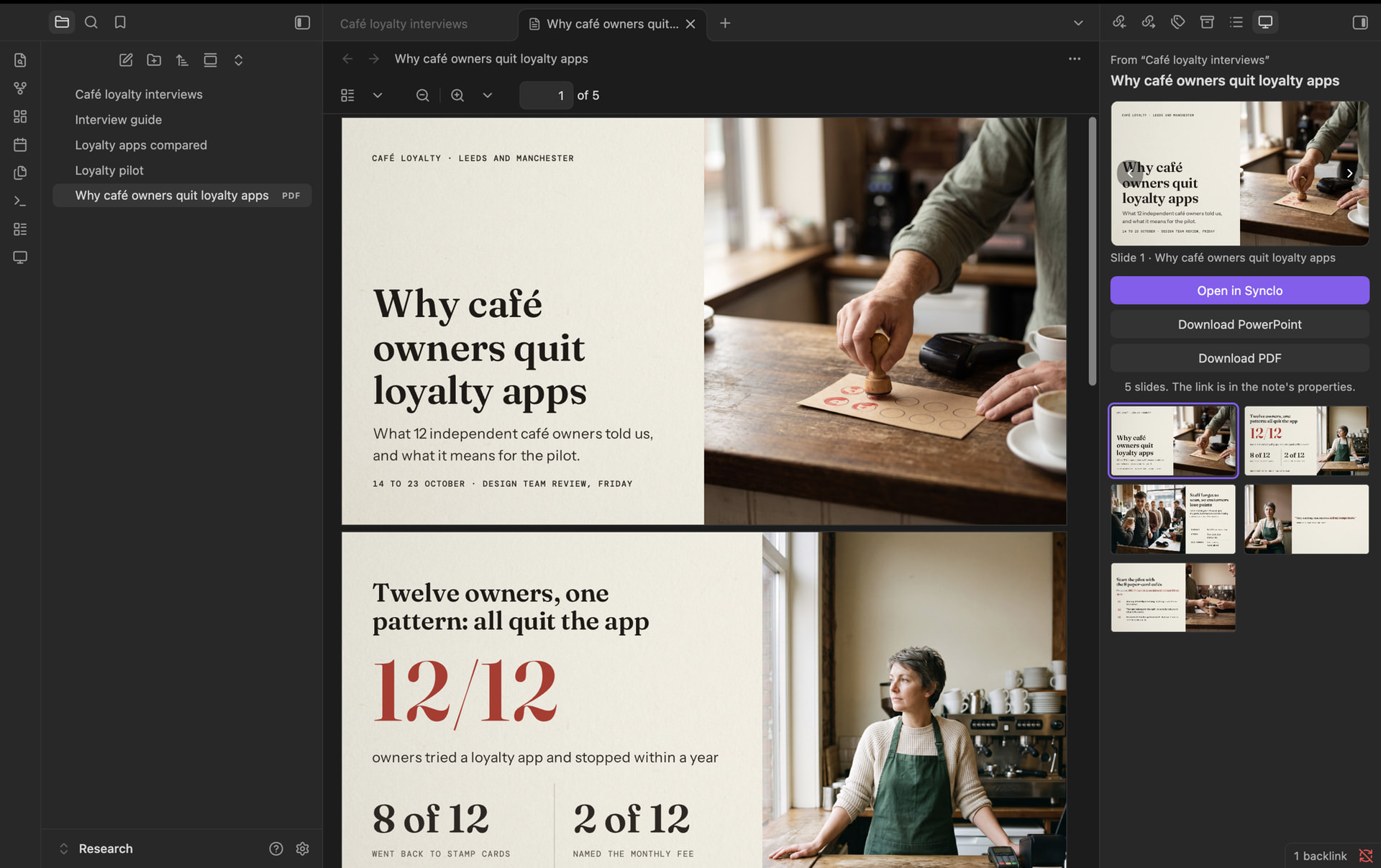
I built it because making a deck meant doing the work twice: once to think it through in my notes, then again to turn those notes into slides. I wanted the notes to be enough.
How it works
- Open a note and run Make a presentation from this note, or select some text and use Make a presentation from the selection. The first time, you sign in to Synclo in your browser.
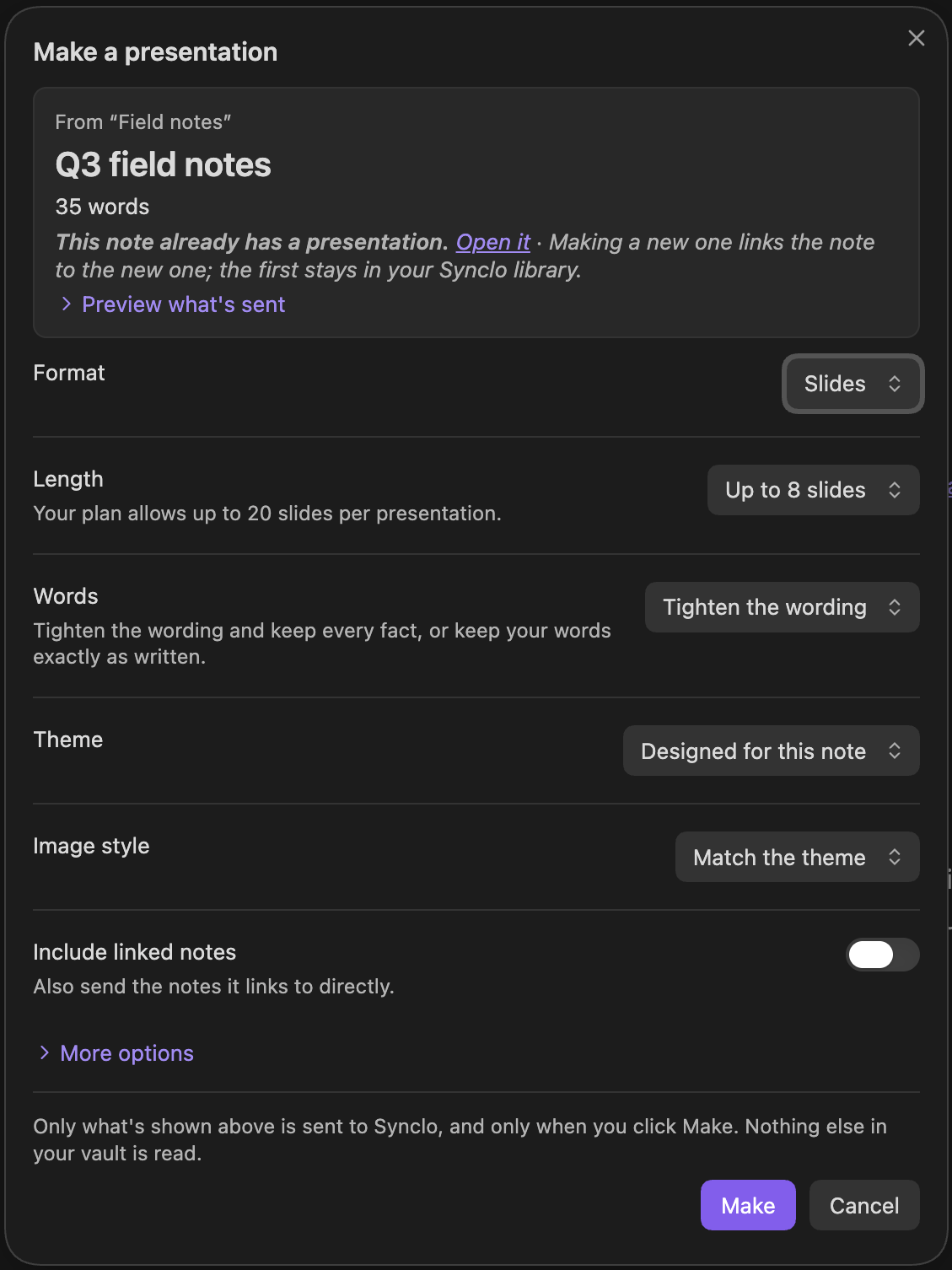
- Choose the format (slides or a document), the length, a theme and an image style. Synclo can tighten your wording and keep every fact, or keep your words exactly as written.
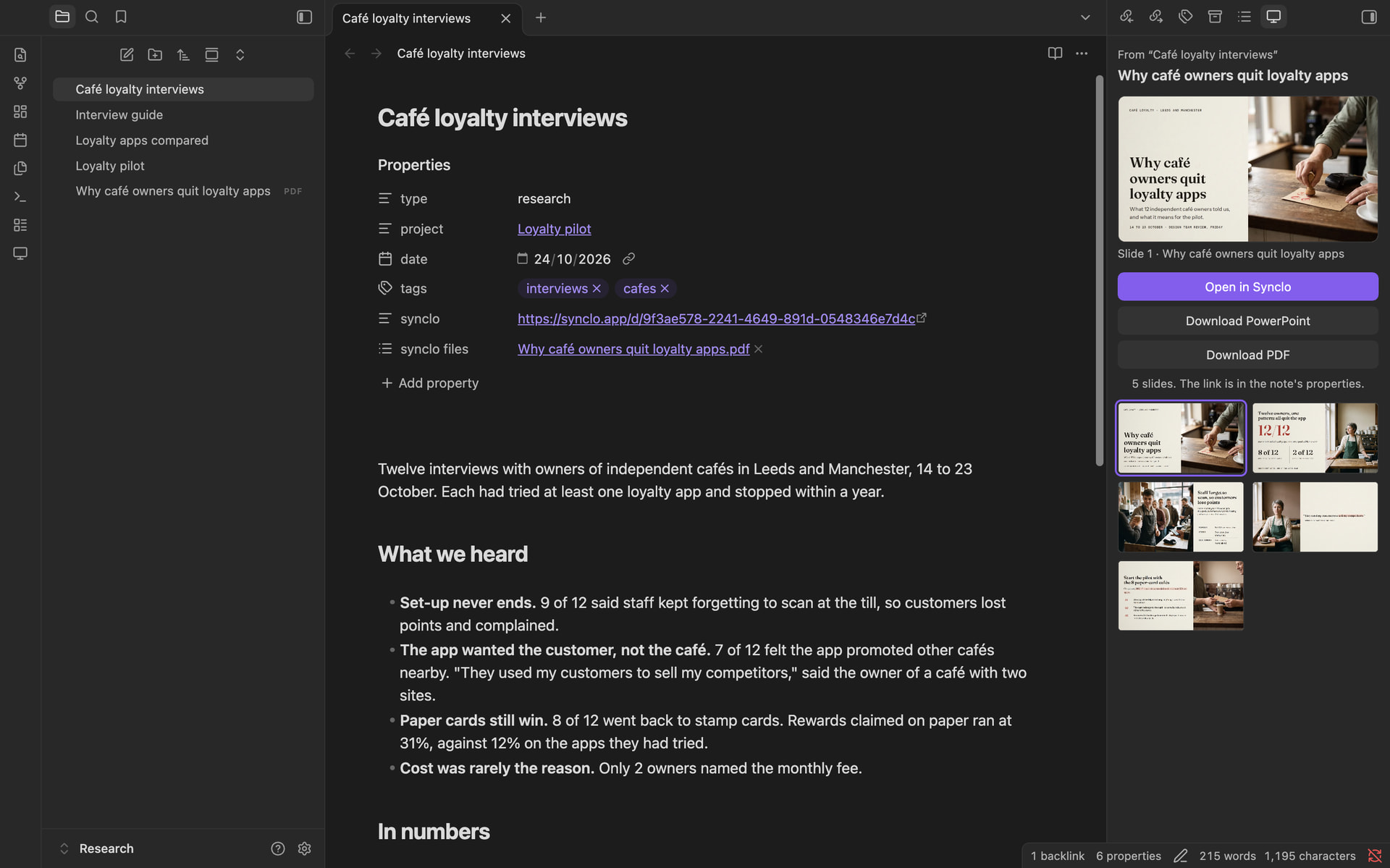
- Watch it in the Synclo panel. Each slide appears as it’s written, and its images fill in as they’re made. It takes three to five minutes.
- Look through the slides in a tab, open the presentation in Synclo to edit or share it, or download it as PowerPoint or PDF. Its link is saved in the note’s properties, and downloads are saved in your vault.
It works on desktop and on phones.
What’s sent
Only the note you choose, when you press Make: its text, the notes and images it embeds, and the notes it links to if you turn that on. It goes to Synclo’s servers and the AI providers that make the presentation. Properties, comments and queries are never sent, and you can preview exactly what’s sent before you confirm. The plugin collects no usage data.
If you’d rather write your slides yourself in Markdown, Slides Extended and Marp are the plugins to use. This one is for when you have the notes and want the deck made from them.
I’ll post updates in this thread. If you try it on a long or messy note, tell me what came out wrong.