Once you’ve done the above, delete everything above this line.
Steps to reproduce
open the settings menu
Open the settings menu and check if the settings window is opening with the top visible
Did you read and follow the Troubleshooting guide ? [Yes]
Expected result
settings window is completely visible
The window should render with all of it on the screen
Actual result
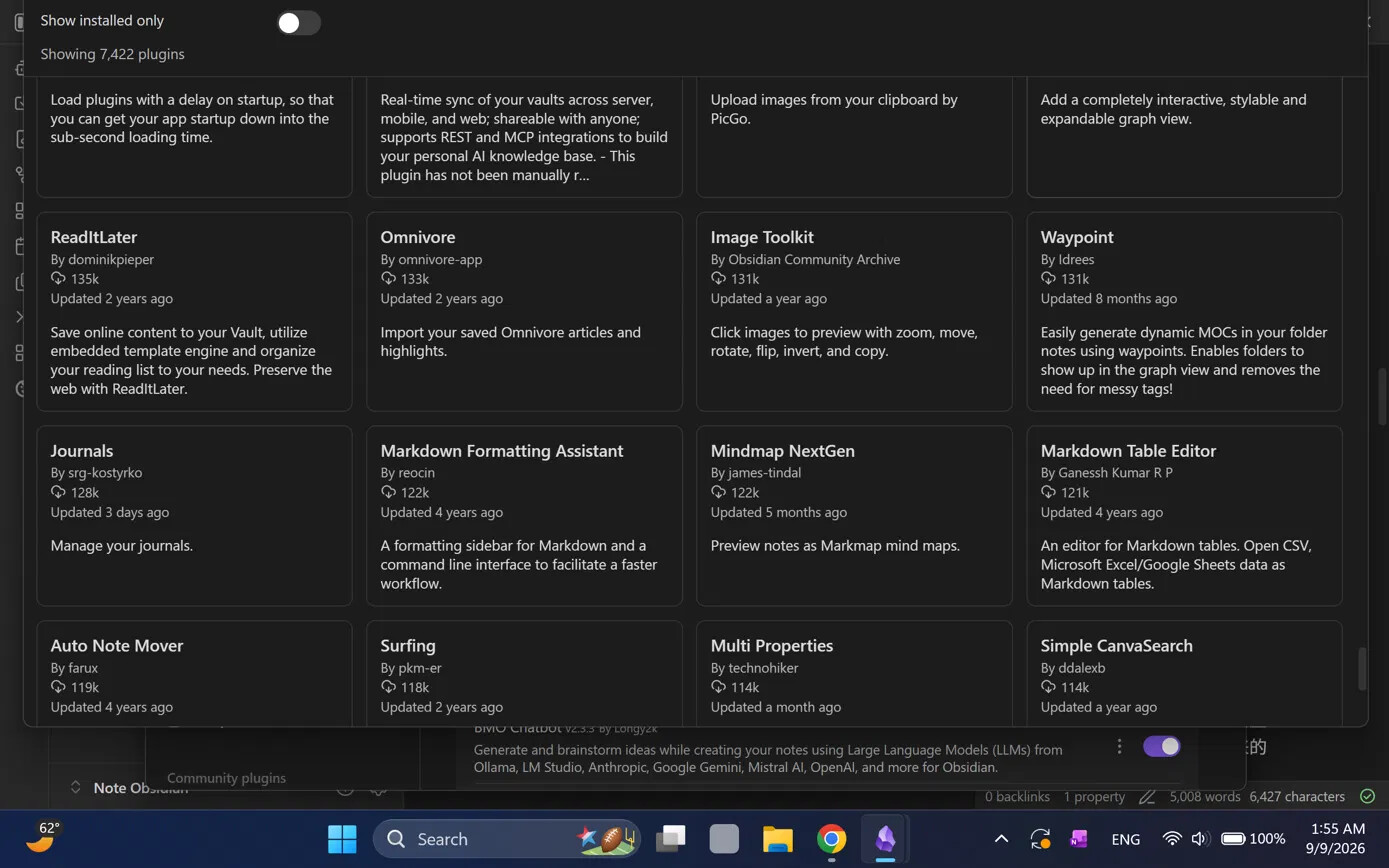
top is cut off by the screen
the top is cut off
Environment
SYSTEM INFO:
Obsidian version: 1.14.5
Installer version: 1.14.5
Operating system: Windows 11 Pro 10.0.26300
Login status: not logged in
Language: en
Insider build toggle: off
Live preview: on
Base theme: light
Community theme: Solarized 1.1.5
Snippets enabled: 2
Restricted mode: off
Plugins installed: 16
Plugins enabled: 11
1: Ninja Cursor v0.0.14
2: Open Link With v0.1.10
3: Typing Transformer v0.4.9
4: Capitaliser v0.1.1
5: Style Settings v1.0.9
6: Heading Shifter v1.15.0
7: Shiki Highlighter v0.7.7
8: QuickAdd v2.33.1
9: Callout Manager v1.1.2
10: Latex Suite v1.14.0
11: TikZJax v0.5.2
RECOMMENDATIONS:
Custom theme and snippets: for cosmetic issues, please first try updating your theme and disabling your snippets. If still not fixed, please try to make the issue happen in the Sandbox Vault or disable community theme and snippets.
Community plugins: for bugs, please first try updating all your plugins to latest. If still not fixed, please try to make the issue happen in the Sandbox Vault or disable community plugins.
Additional information
I’ve spent 45 minutes trying to fix this with Gemini, CSS, and Windows 11 OS settings to no avail.
yeah it can always be fixed manually each time the settings menu is opened but it’s annoying and janky to have to do that – i’d rather it was permanently fixed. i’ve managed to fix it permanently before but it started happening again this week. i can’t remember how i fixed it last time. this time i probably tried all the same stuff as before to no avail. (i just use Gemini to brute force a solution for this kind of stuff by trying all their recommendations)
Community plugins modal header renders off-screen when the window exceeds the display bounds
Steps to reproduce
Position or restore the Obsidian window so its top edge sits above the top of the display’s work area. (In my case the window restored this way on launch; it can also be forced by dragging the window up past the screen edge.)
Open Settings → Community plugins → Browse.
Expected result
The modal is clamped to the visible viewport. The search field and sort control are reachable.
Actual result
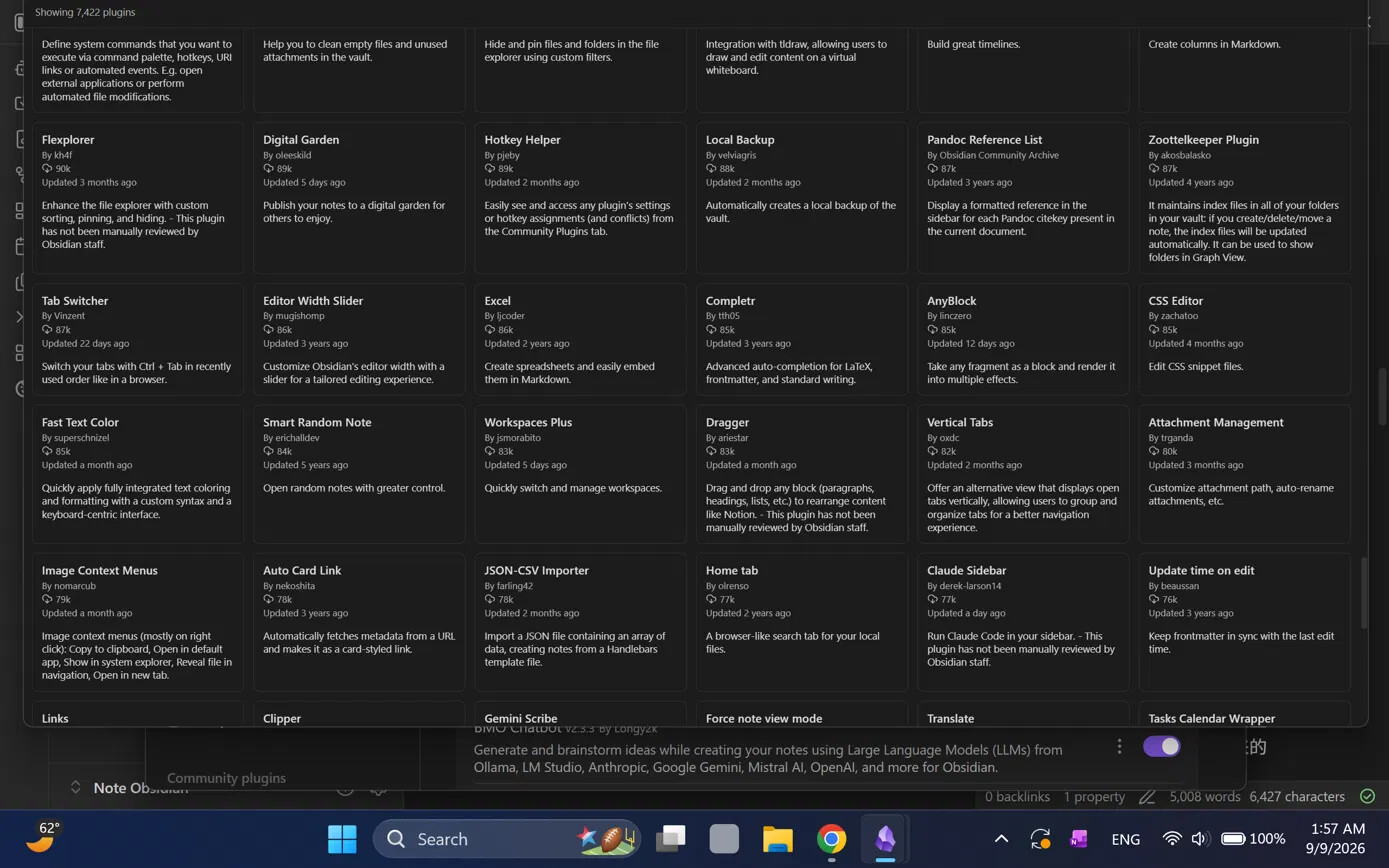
The modal header — search field and sort control — renders above the visible area and cannot be reached. The plugin card grid is visible and scrolls normally, but scrolling it does not bring the header into view. There is no visual indication that a search field exists, so the browser appears to have no search at all.
Ctrl + minus does not help and makes it worse: the modal’s on-screen geometry does not change, so zooming out fits more rows into the same off-screen strip. In my case it went from four columns to six and pushed the “Show installed only” toggle off-screen too.
Dragging the window corner to resize forces a re-layout and brings the header back. Not discoverable from the symptom.
Suggested fix
Clamp restored window geometry to the current display’s work area on startup, and clamp modal position to the visible viewport rather than the window frame.
Environment
Obsidian 1.13.7, Windows 11.
I don’t know if this reproduces in the Sandbox vault / Restricted mode with default theme and snippets disabled. Please tell me if this test is necessary.
Show debug info output:
SYSTEM INFO:
Obsidian version: 1.13.7
Installer version: 1.12.7
Operating system: Windows 11 Home 10.0.26200
Login status: logged in
Language: en
Catalyst license: none
Insider build toggle: off
Live preview: on
Base theme: adapt to system
Community theme: none
Snippets enabled: 0
Restricted mode: off
Plugins installed: 7
Plugins enabled: 7
1: BMO Chatbot v2.3.3
2: Importer v3.1.5
3: Custom Attachment Location v12.0.0
4: Advanced Rename and Delete Handler v1.3.0
5: BRAT v2.2.0
6: AttachFlow v0.4.5
7: File Cleaner Redux v1.15.2
RECOMMENDATIONS:
Community plugins: for bugs, please first try updating all your plugins to latest. If still not fixed, please try to make the issue happen in the Sandbox Vault or disable community plugins.
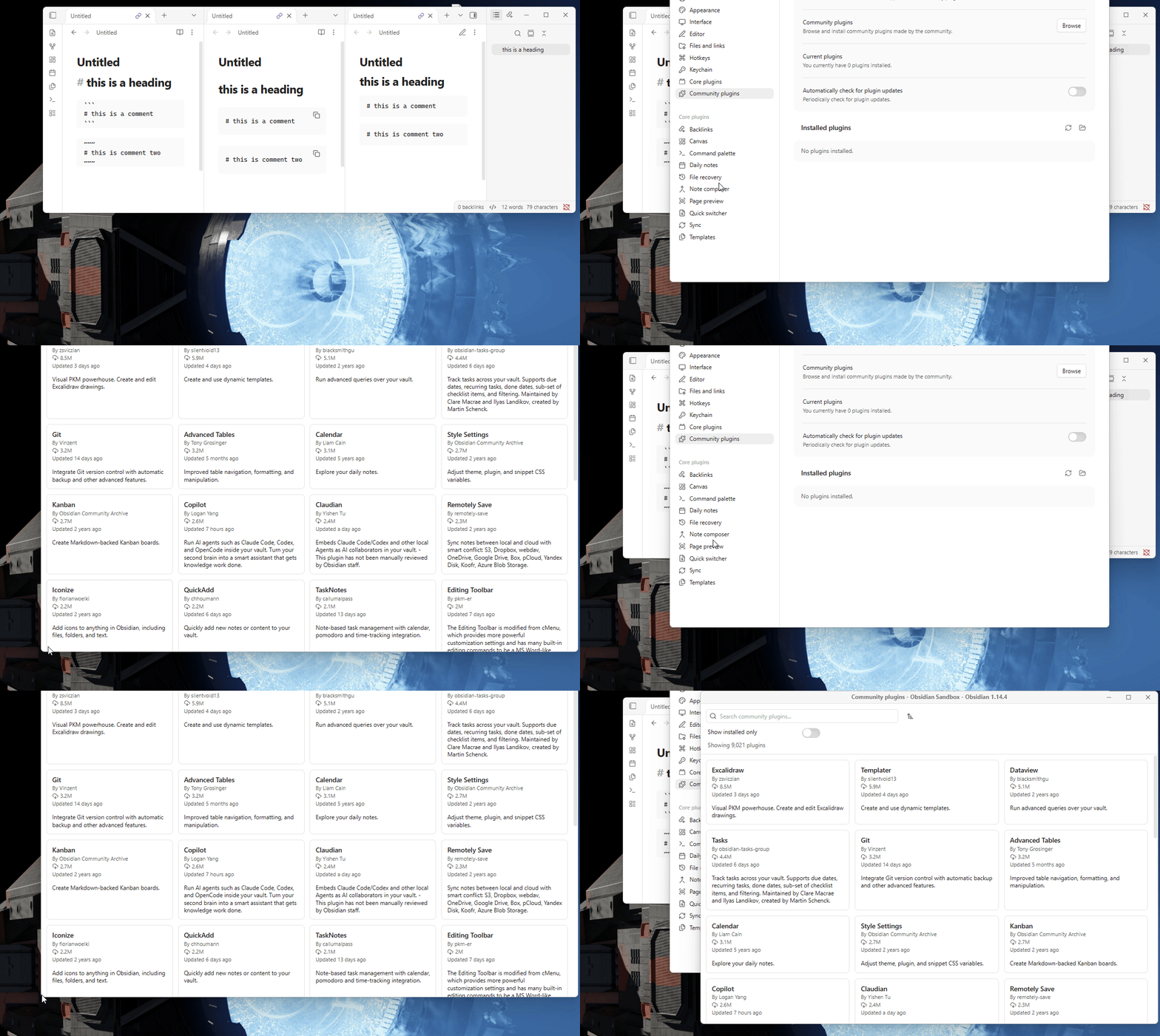
I couldn’t get the main Obsidian window to sit out of monitor’s display area. When I tried to drag and drop it off screen, it popped back into the main area automatically.
However, with the main Obsidian window at the top right of the screen and narrow, hitting ctrl-, (open Settings) opened the Settings window and plugin browser off the top of the screen.