Hi!
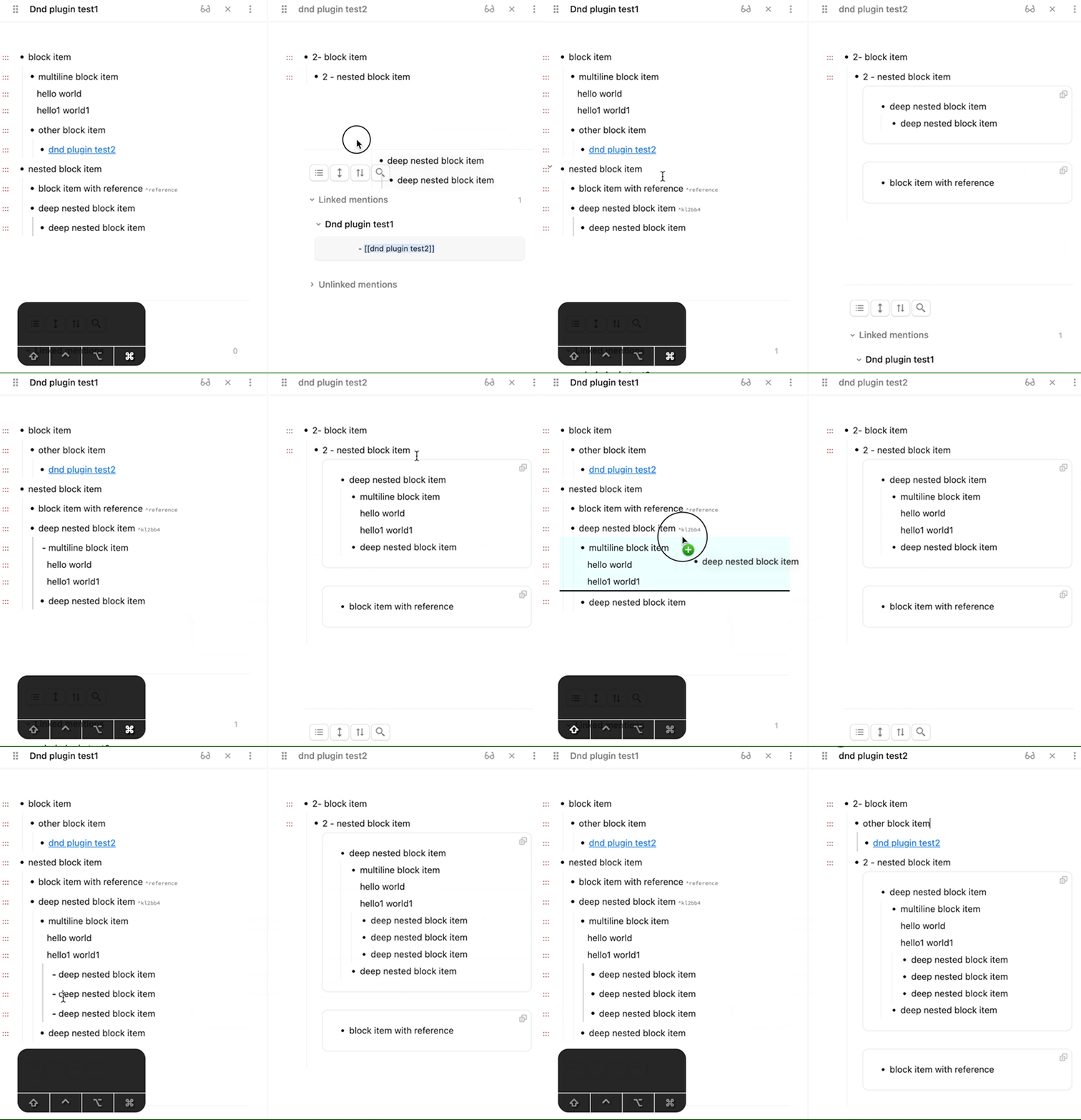
You can use my plugin Drag-n-Drop.
Also it’s already available in plugin community list by name “Drag-n-Drop for blocks”.
It was inspired by Logseq drag-n-drop functionality for fast creation of embeds. If you drag-n-drop without modifiers it will create reference to the block, with Shift it will copy whole block.
If you drag inside the same note without modifiers - it will just rearrange blocks