Vertical Tabs v0.17.0-Beta: Maybe you don’t need “vertical” tabs.
When you open too many tabs in Obsidian, the built-in horizontal tabs become hard to manage—that’s why I created Vertical Tabs.
But screen space is precious. With files, bookmarks and backlinks already competing for sidebar real estate, adding vertical tabs sometimes creates more friction than it solves. There’s also the learning curve. Not everyone is comfortable with vertical tabs. Deep down, I knew this wasn’t the perfect solution. It was time to rethink how we interact with tabs.
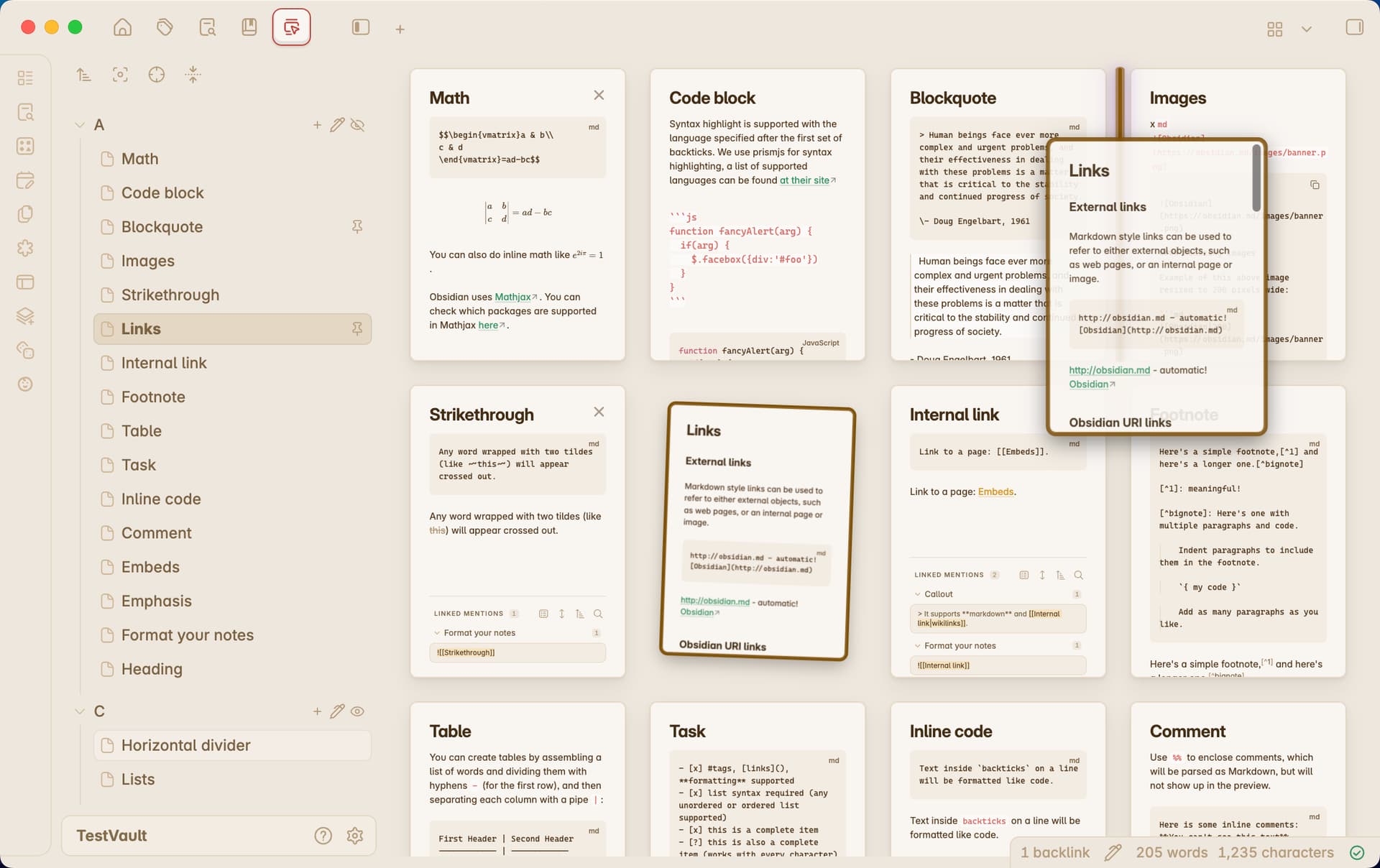
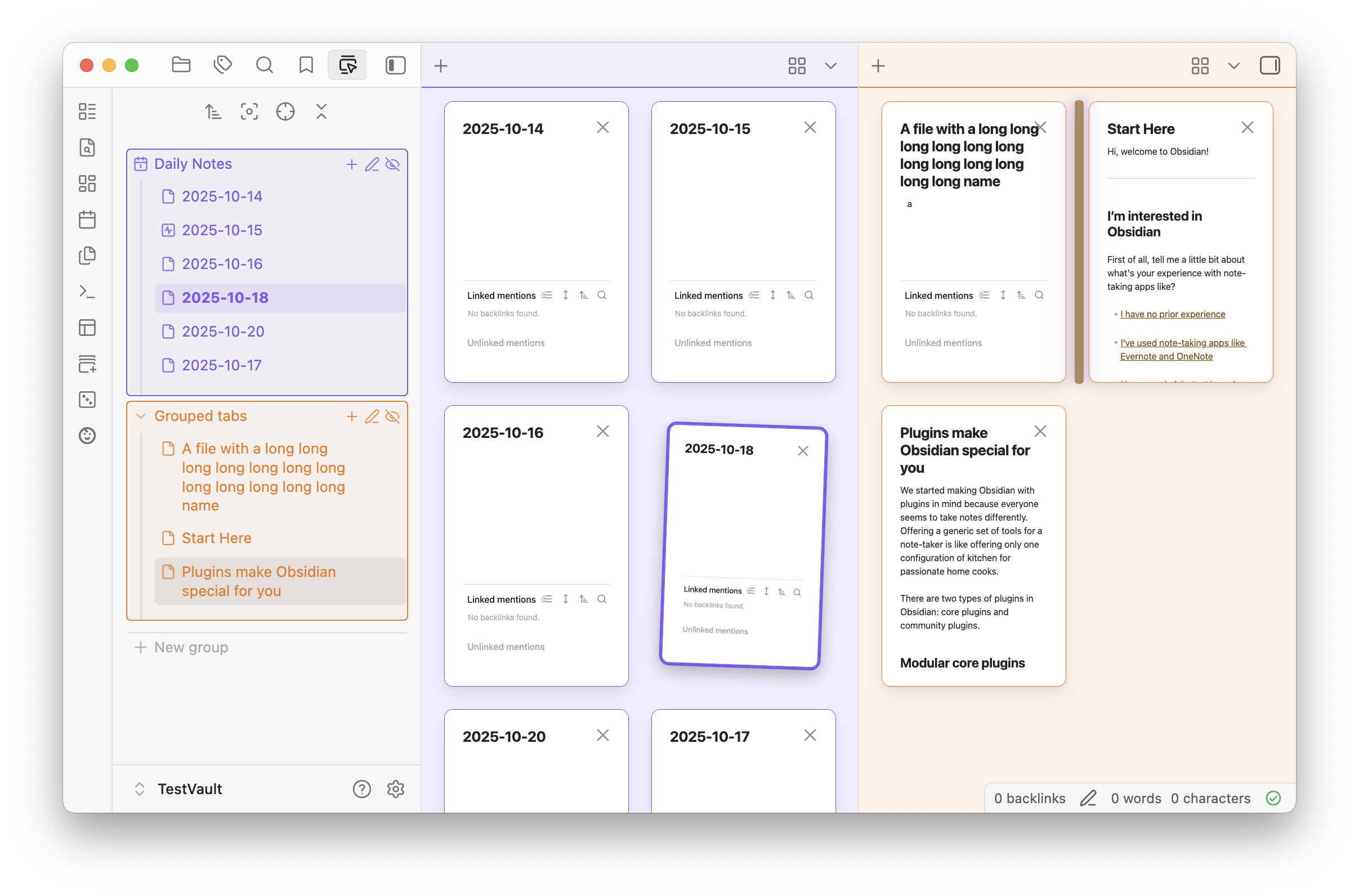
Introducing Scrollable Tabs and Mission Control View—an intuitive new way to navigate your workspace.
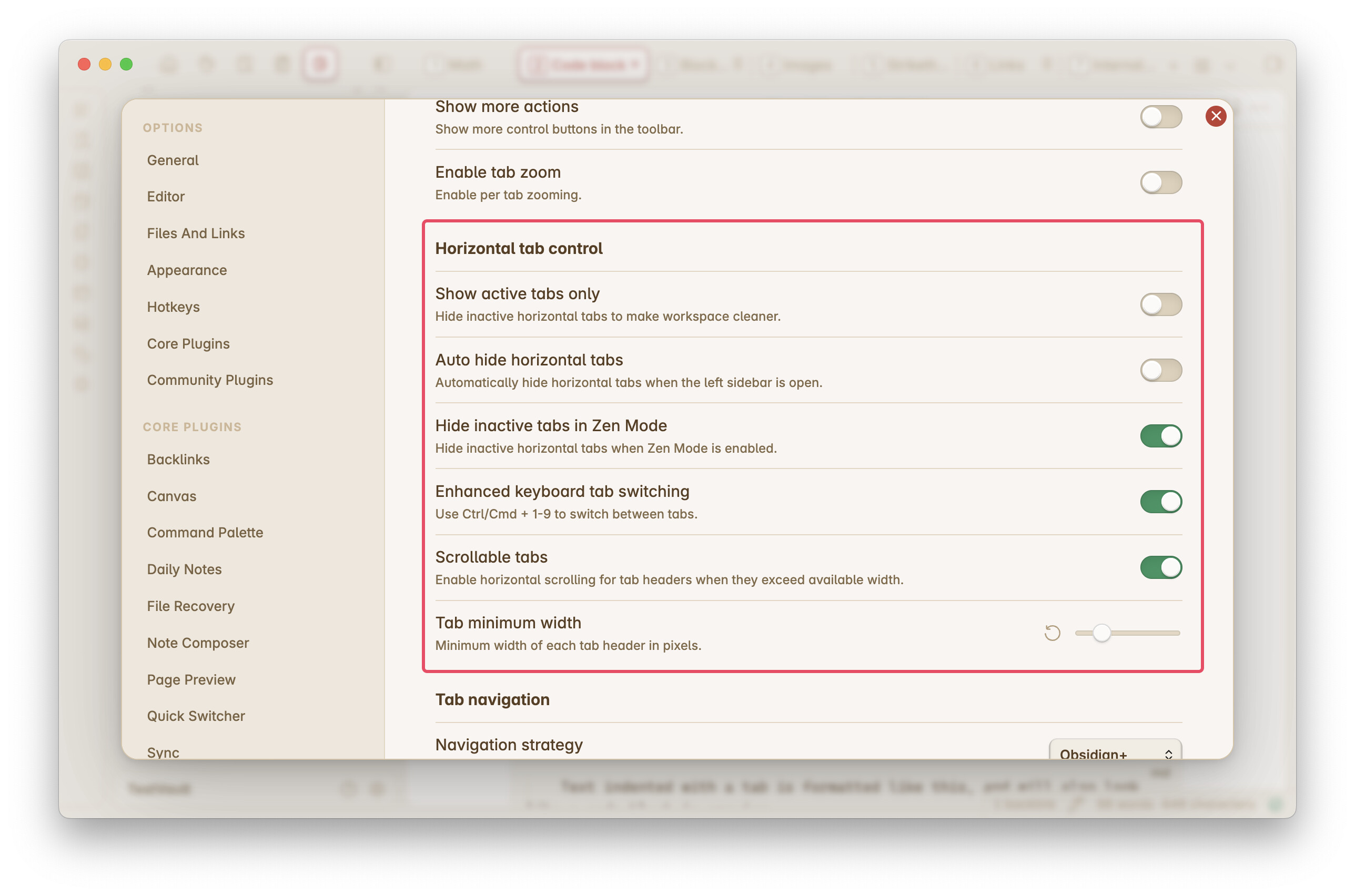
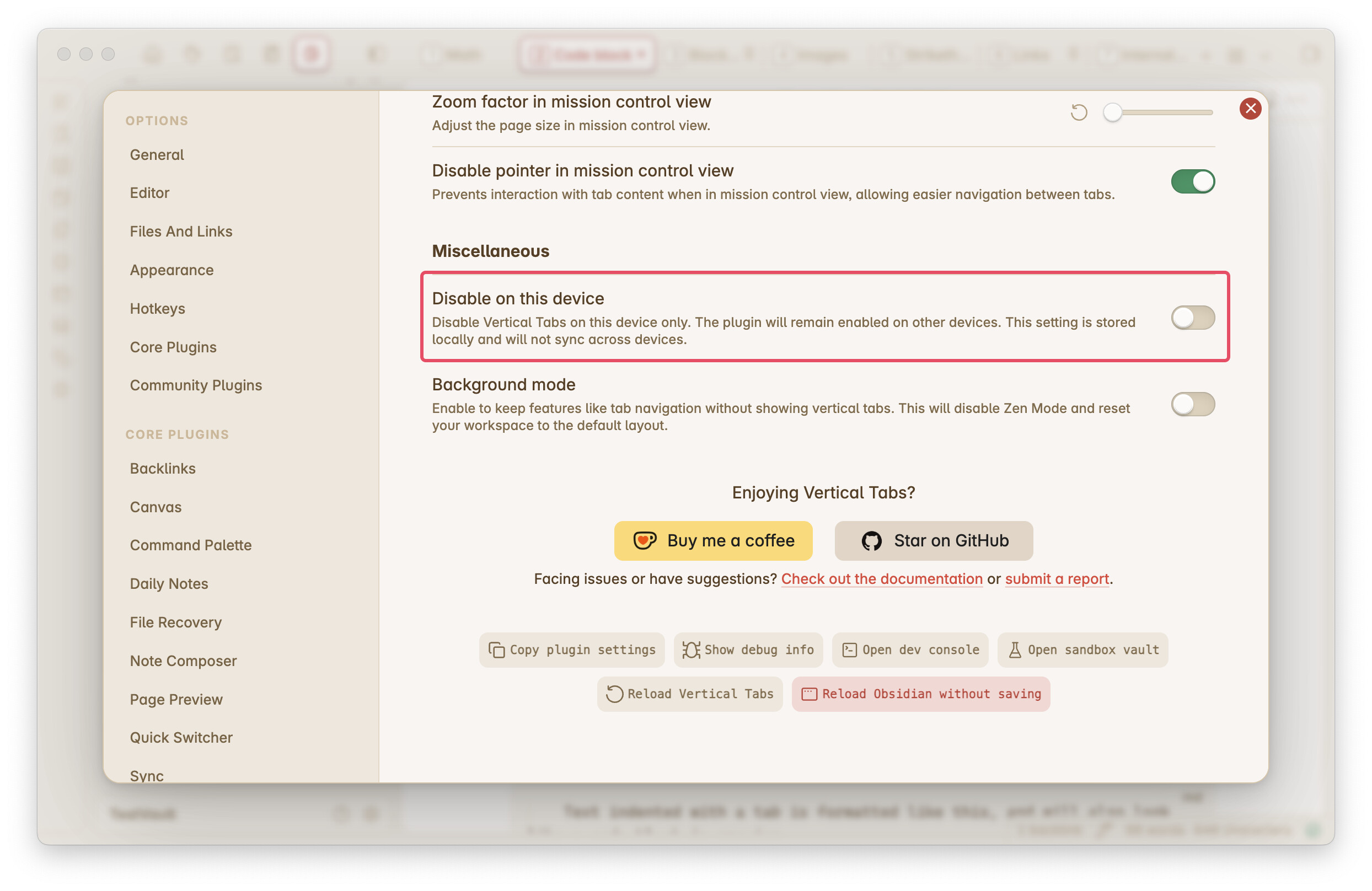
 Scrollable Tabs make the default horizontal tabs more usable without changing your habits.
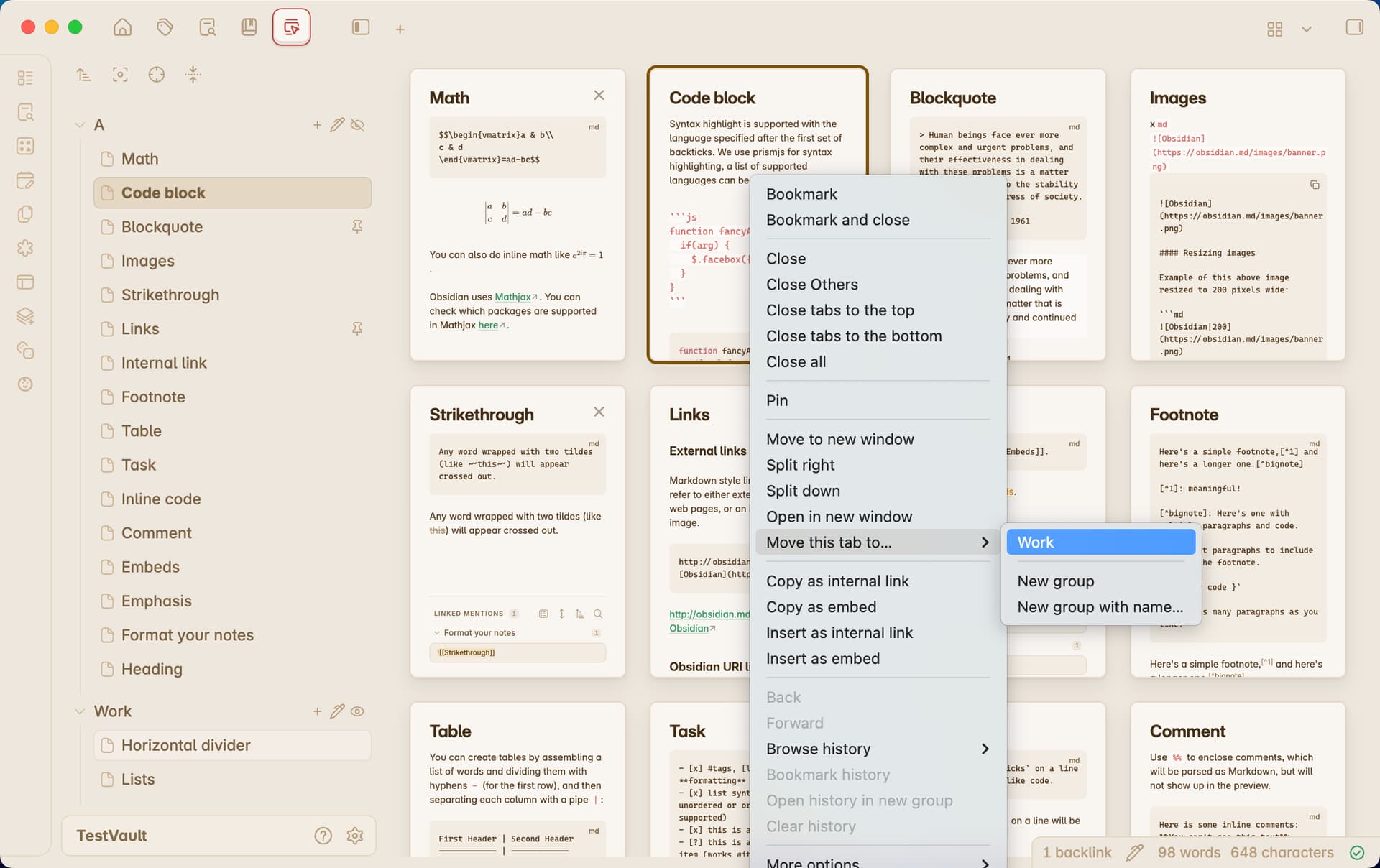
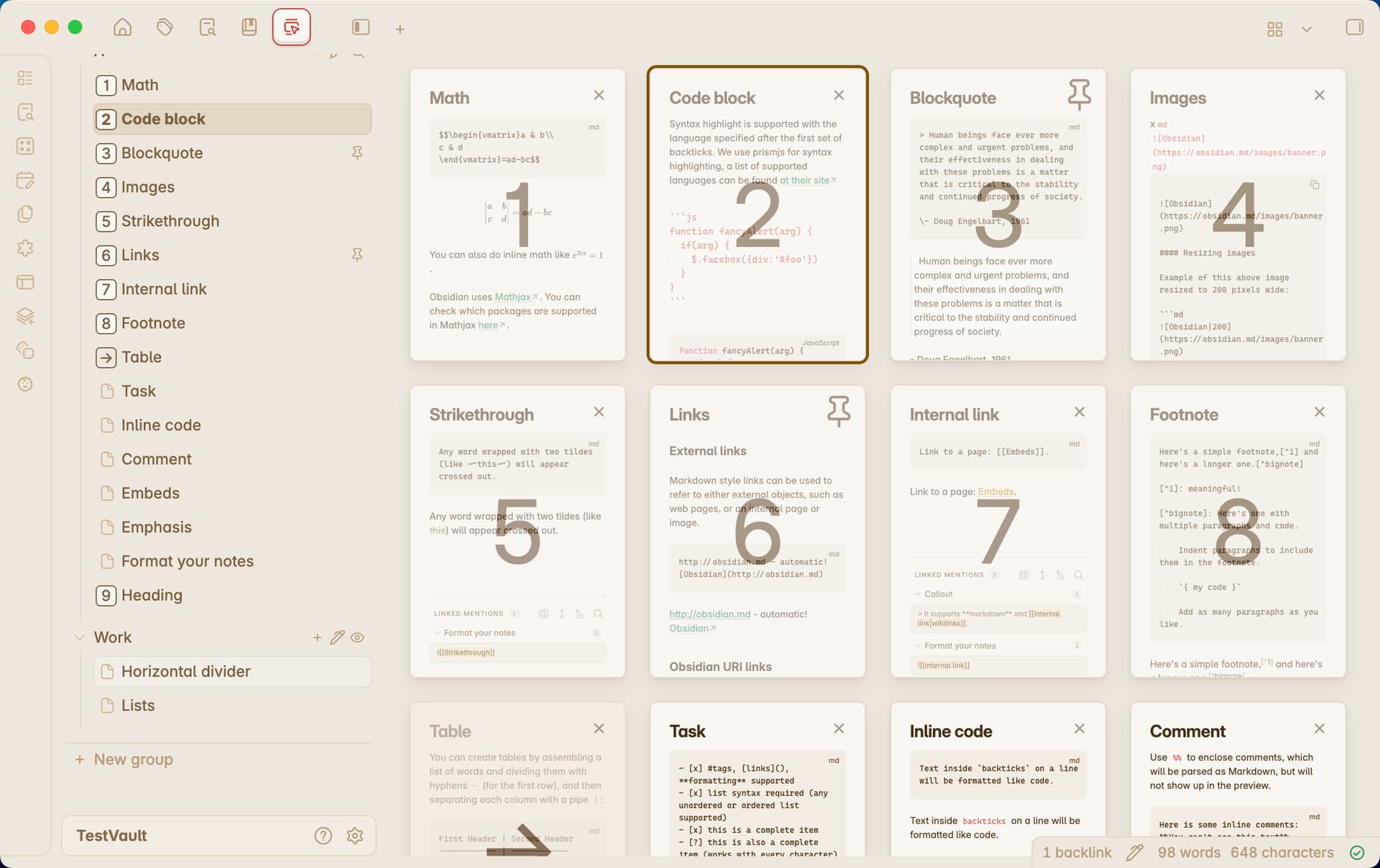
Mission Control View has been redesigned with tons of new features. You can now move, close, pin, and unpin tabs directly in Mission Control View. Deep integration with Enhanced Keyboard Tab Switcher makes it even more powerful and intuitive for keyboard users.
For Vertical Tabs enthusiasts, this release adds multi-selection, workspace splitting on mobile, auto-hide horizontal tabs, and more.
 About the Beta Program: These features are currently available to Beta Program subscribers and will be free for everyone in the future. Vertical Tabs will remain free and open source. Subscribers get early access and help me continue improving the plugin. To subscribe, click here. Remember to check out the FAQ and How-to Guide. Questions? Feel free to comment or DM me.
Subscription ($1.99/m) is only required to download beta versions. Once installed, you may use it as long as you want.
Existing sponsors: If you’ve already supported me on Ko-fi, you’ll receive a free one-year Beta Program subscription as a thank you. Contact me on Ko-fi to redeem. Thank you for your support!
 What’s New:
 Improvements:
 Bug Fixes:
 What’s New: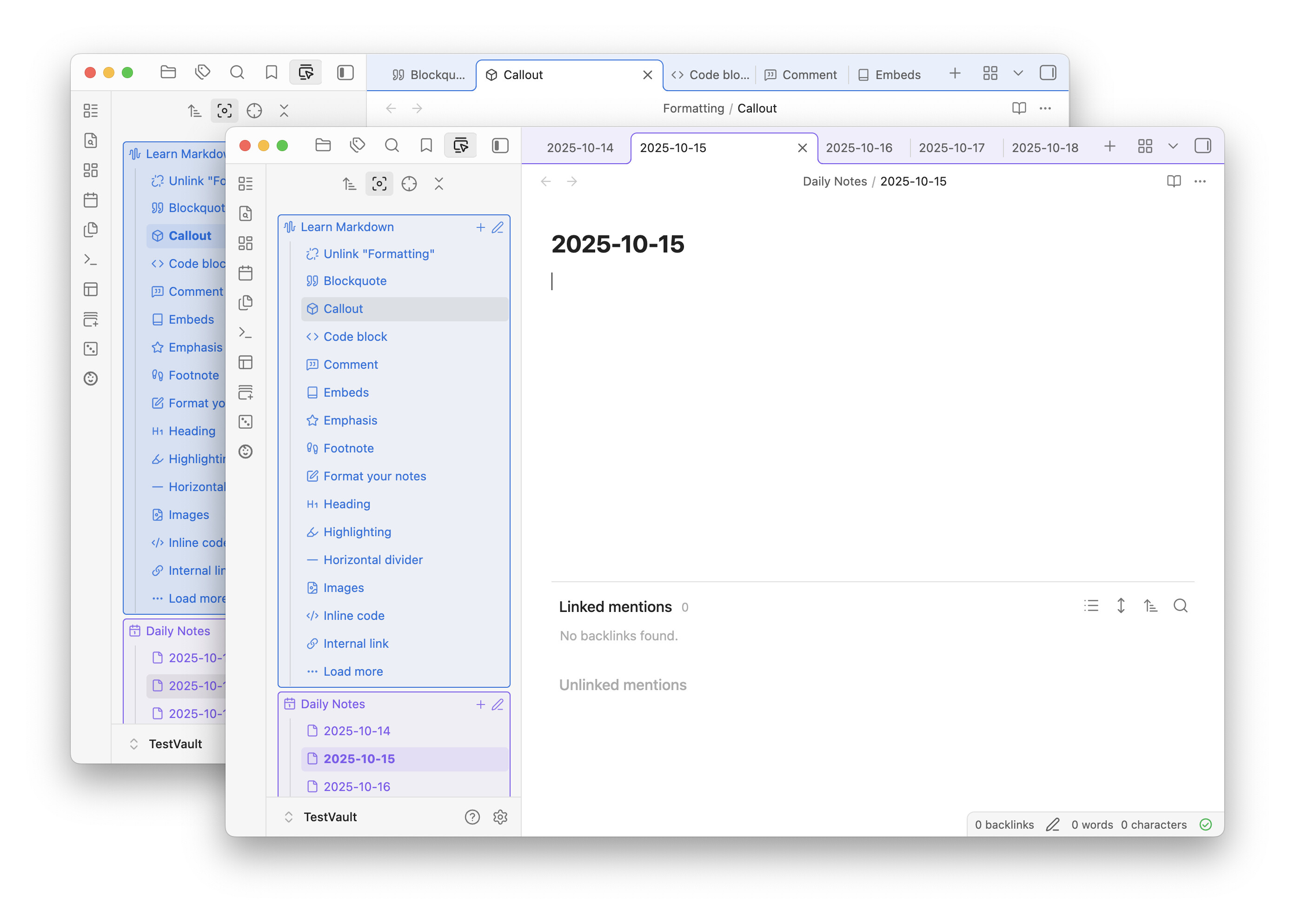
 Improvements:
 Bug Fixes:
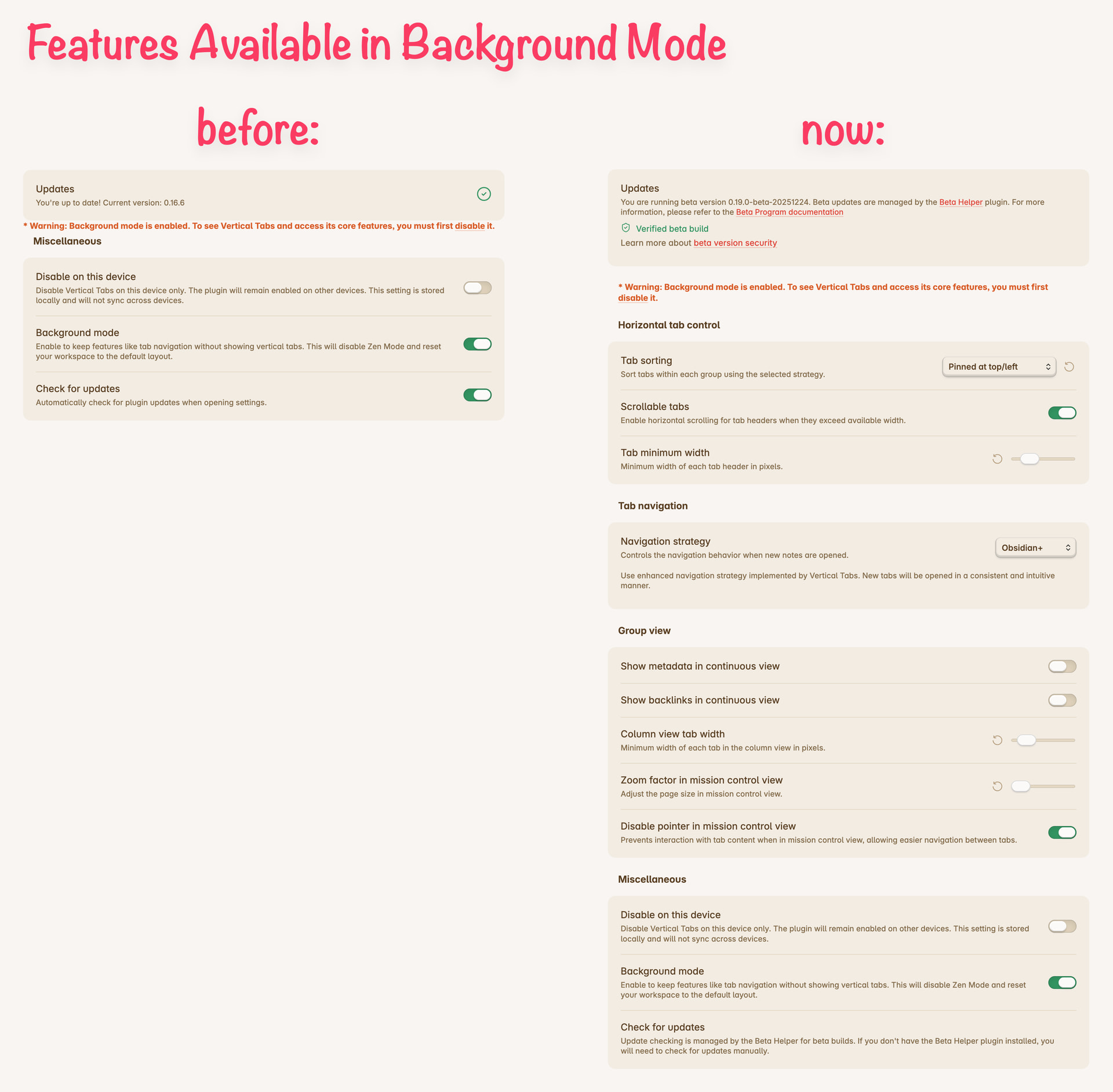
 Feedback is welcome, especially from developers planning to build on top of the API.