What I’m trying to do
I’m using the Citations community plugin with the Zotero integration, Pandoc and Pandoc reference list plugins to insert Zotero references into my notes. Until recently, when I typed [@author.year] in my note, a live preview of Zotero notes would appear, I would select one, and then the reference would display in my note as Author (year). All the citations used in my document would also appear in the references tab on the right-hand toolbar.
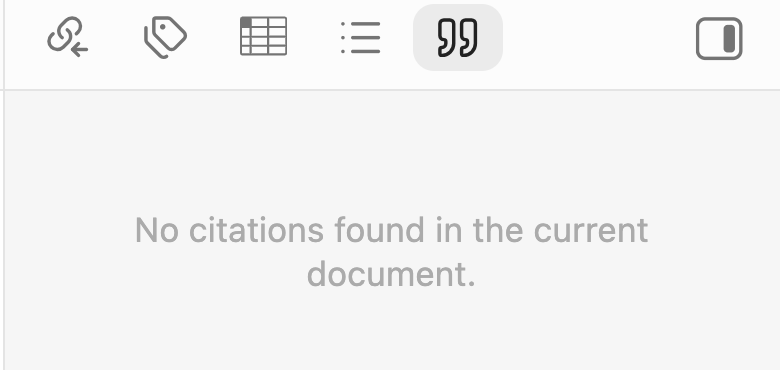
About a week ago, something seemed to “break,” even though I didn’t change any of the settings for the four plugins. Now, I still see a preview of Zotero notes when I type [@reference.year] , but after I select the reference, the display doesn’t change, and it only appears as [@reference.year]. In addition, on the right-hand toolbar, the references tab only displays the message, “No citations found in the current document.” In other words, Obsidian can still “read” Zotero citations when I insert them into my note, but then it doesn’t seem to recognize them as citations. I’d like things to go back to the way they were!

Things I have tried
I have searched the forum and help docs for the “No citations found in the current document” message, as well as troubleshooting the Pandoc, citations, and Zotero integration plugins. Other things that I have tried include:
- Clicking “refresh bibliography” in the Pandoc reference list settings
- Enabling and disabling “pull bibliography from Zotero”
- Changing the bibliography file path from a .json to a .bib file and back again
- Double-checking that the citation database file path matches the Pandoc and Pandoc reference list plugins
- Changing the extra Pandoc arguments (which is currently: bibliography=“/Users/
username/obsidian2word/my-library.bib”)
It looks like there was a Zotero update on October 1st, so perhaps this is where
the issue is coming from? Any help you can offer is much appreciated!