Long notes — drafts, prose, articles you saved — are awkward to read by scrolling: you lose your place, your eyes have no anchor, and the endless column never feels like reading. MD Reader turns any note into a book.
Open a note in the reader and the rendered Markdown is laid out into pages you flip sideways — swipe or tap on the phone, arrow keys / space / mouse wheel / edge clicks on the desktop. On a wide screen you get a proper two-page spread, on a narrow one a single page (or force either mode in settings).
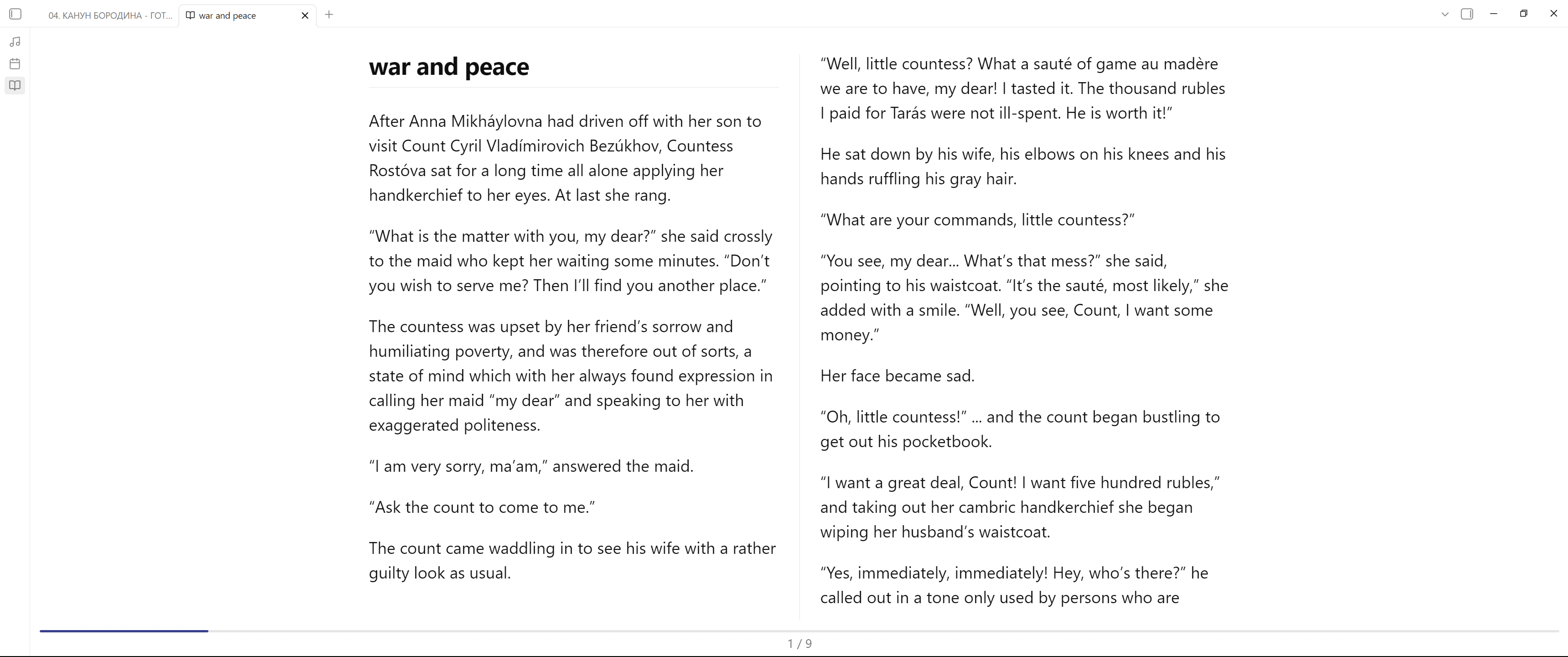
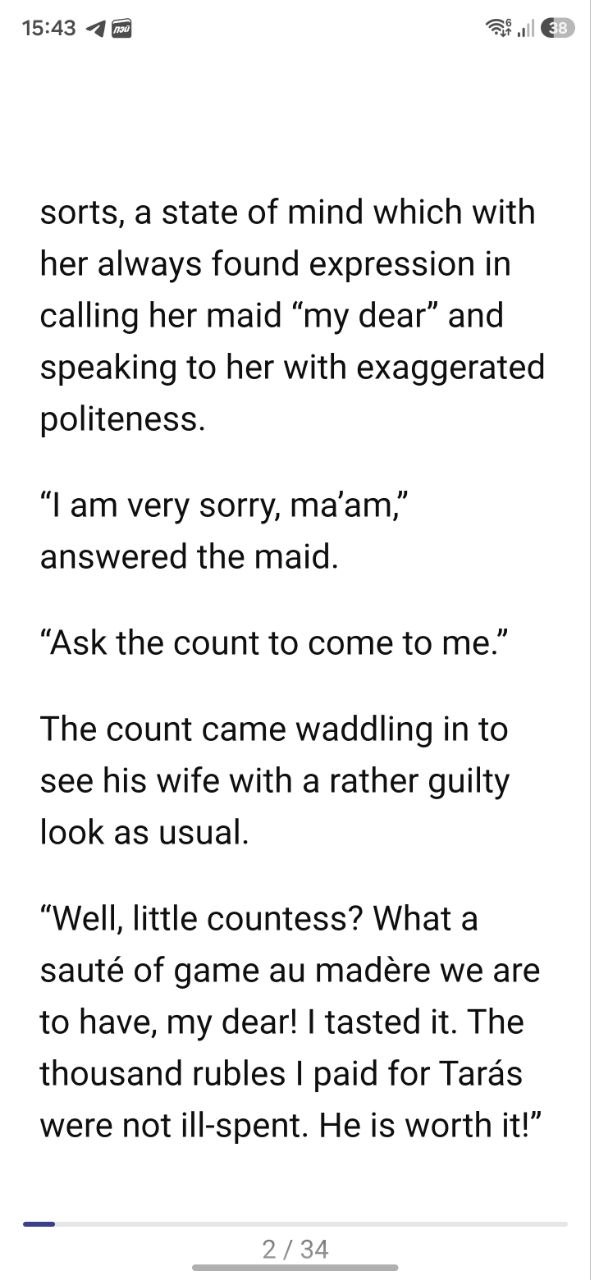
(screenshot: single page on mobile)
What it does:
 Renders the note (not raw markdown) and paginates it — headings, images, callouts, code blocks all flow into pages
 Swipe / tap zones on mobile, keys / wheel / edge clicks on desktop
 Single page or two-page spread — automatic by width, or fixed
 Remembers your reading position per note
 Immersive mode: hides Obsidian’s chrome; tap the center to bring the controls back
 Settings for page width, font size, line height, spread gap, animation, tap zones
 UI in English, with Russian localization following the app language
- Works on desktop and mobile
Install: it’s in the community catalog — search for MD Reader in Settings → Community plugins, or use this link.
Source: GitHub - mrrepac/obsidian-md-reader · GitHub
I built it because I write long-form prose in Obsidian and wanted to reread scenes the way I’d read a book, not a log file. Feedback and issues are very welcome!