In the tab right-click context menu, you could Split right → Link with tab... → select the opposite tab you are in → then change one to Source mode or Live Preview and the other to Reading view.
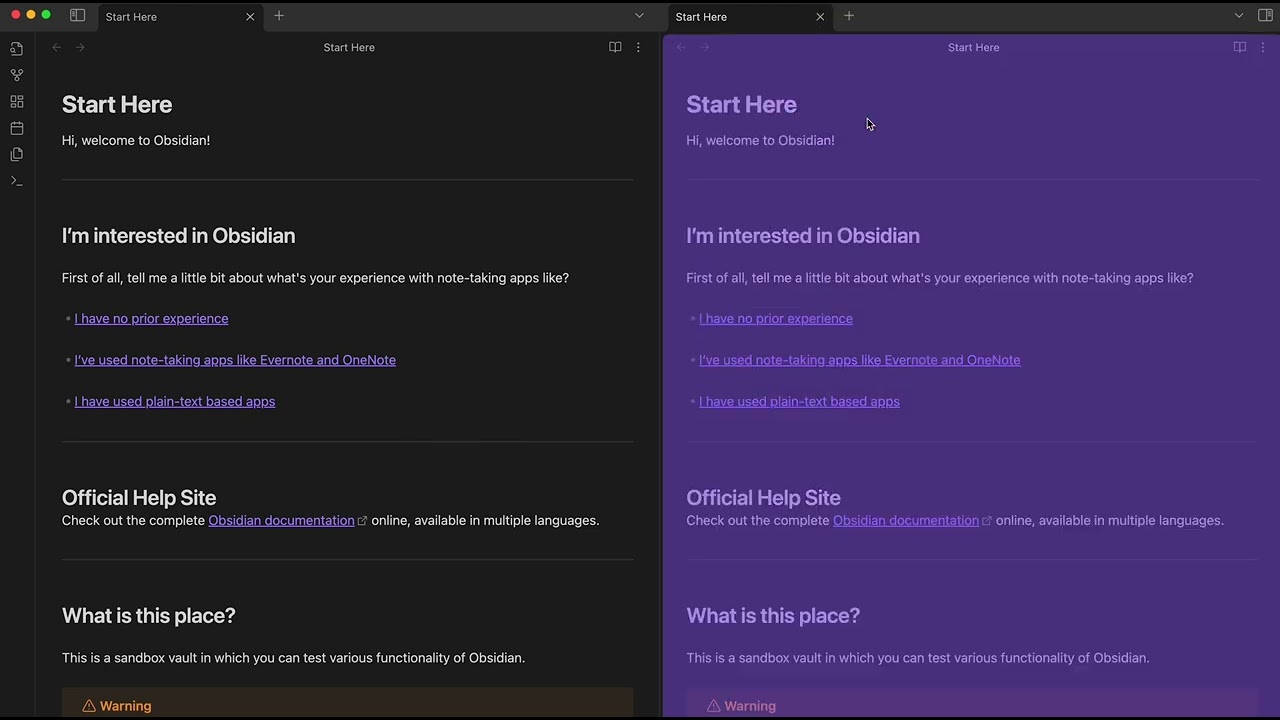
You can also simply cmd/ctrl + click on the book/pen icon to skip a few steps.