Disclaimer
Is this project open source? Yes
Is this project completely free? Yes
Is this project vibe-coded beyond the author’s ability to comprehend how it works? No
Community Directory: lilbee
Hi all,
A bit about me first. I’ve been fascinated by local AI since I discovered Ollama a few years ago. It was really fun, but the novelty wore off fast when I realized I couldn’t do much with the models on their own.
So a few months ago I started exploring augmenting local models with a search engine over my own files (local RAG), and suddenly their utility became insanely powerful. Some of my earliest use cases were crawling horticulture forums and talking to them, and talking to my car manual, API documentation, Wikipedia, and my code. A friend of mine, a biomedical engineer, has been using it to talk to PhD research papers and video game manuals; he got further in Myst than he ever did before by talking to the strategy guide entirely offline. He also uses it to help configure his OS by feeding it the man pages and asking them offline. Another friend, a PhD chemist, used it to write a Python script with the Gwyddion SDK entirely offline, using DeepSeek with the user guide indexed in.
Once I saw my friends having fun too, I realized how useful this was I couldn’t stop, and I’ve been working on it obsessively, nearly daily, since late March. It finally feels worth sharing now that I’ve shown it largely works across multiple platforms. The result is lilbee.
As for why it exists: most tools in this space are heavy web apps you have to deploy and manage, and that’s just not my style. I’m primarily in the terminal, so I wanted a terminal-first tool to talk to my documents and code and I wanted a GUI integration for general Q&A and previewing source citations. I’d rather not run a full web stack or containers when a native executable or a Python package could accomplish the same thing. I was dissatisfied with the options and just wanted to talk to my documents from the terminal or something preexisting and simple to install. I have been a fan of Obsidian since 2021 and I chose Obsidian for this because it’s battle-tested and has a huge community, and because anyone already in Obsidian shouldn’t have to stand up a separate web app to talk to their stuff.
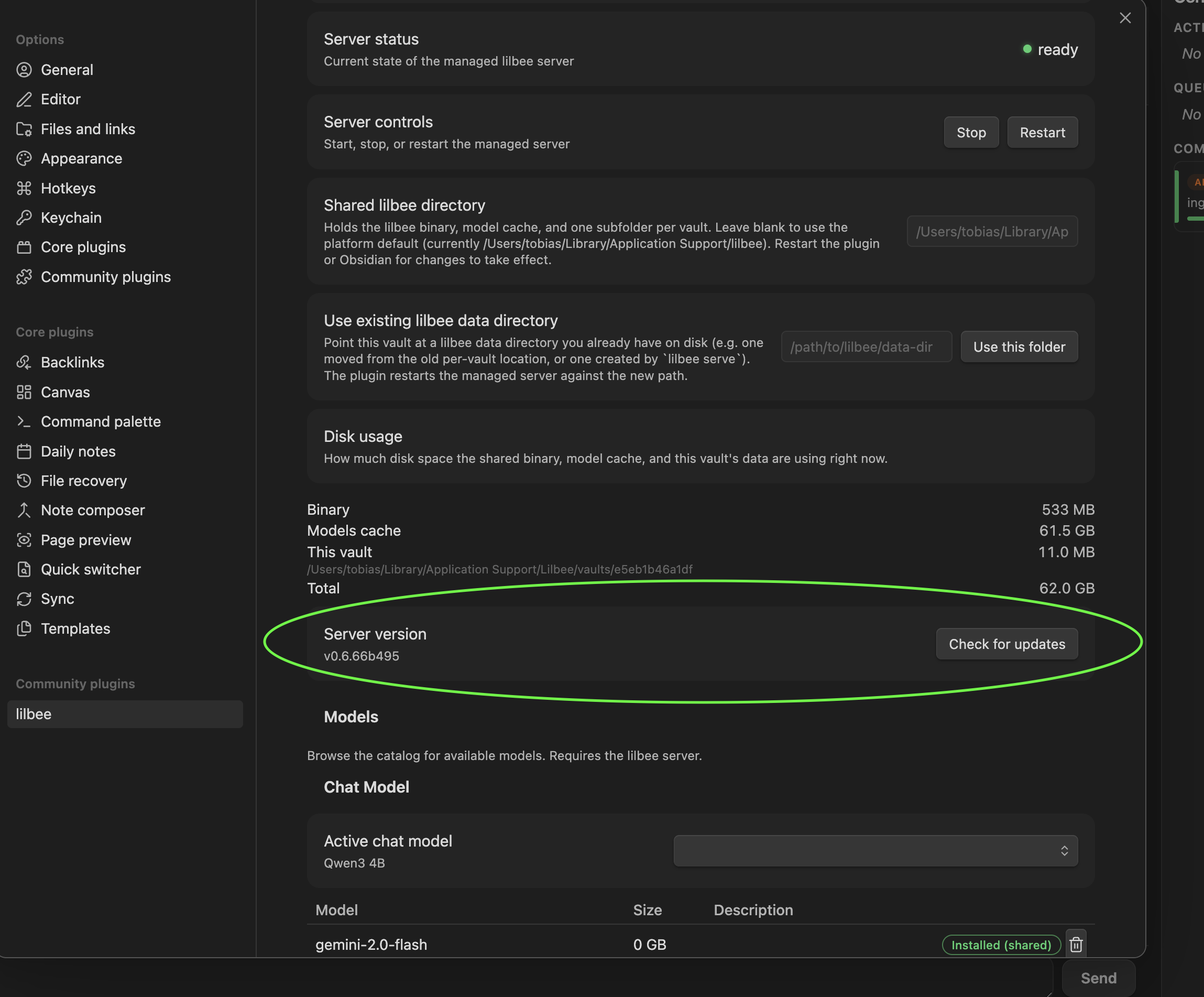
I don’t think there’s anything comparable right now that’s this lightweight and simple to onboard with in this space. Under the hood the plugin talks to a single executable that bundles a model manager, a search engine (local rag), and a web crawler (and more). I built the native model manager so the steps to get going stay contained to that one executable: from Obsidian it’s community store, install lilbee, and once you walk the setup wizard you have local AI over your vault.If you’re already using lilbee externally, you can just point the plugin at your external server.
If you want to see it before installing, the tutorial reel is the best overview and it’s linked in the project README at the top.
That’s the backstory. Here’s what it actually does:
It runs the models for you: browse a built-in catalog, pull one with a click, and it runs locally, so there’s no Ollama or LM Studio to install first and no account to make. It also works with your Ollama or LM Studio if you already have them, and a cloud model (OpenAI, Claude, Gemini) is there too, opt-in per role.
It crawls websites into your vault: point it at one page or a whole docs site and it saves them as markdown you can search and cite offline, even after the original changes or goes down. That’s how I talk to those horticulture forums and Wikipedia pages.
Every answer cites the file and line it came from, and you click the citation to land on the exact spot. That was the part I didn’t want to give up; I want to see where an answer came from, not just trust it.
It reads a lot more than markdown: PDFs, Office files, ebooks, spreadsheets, code, and scanned pages through OCR, 90+ document formats and 150+ programming languages. That’s how I read my car manual and search my own code.
You can run it managed or external: by default the plugin downloads and runs the engine for you, nothing to set up; if you already run lilbee yourself, just point the plugin at your own server.
Install: it is in the community plugin store. Settings → Community plugins → Browse → search “lilbee”. (Directory link is in the disclaimer at the top.)
Heads up: this downloads to your computer. lilbee is a local search engine with its own models, so the plugin fetches the engine (a few hundred MB) on first launch and the models you pick from the catalog (a few hundred MB up to several GB each) when you choose them. It’s all stored locally and runs on your machine.
It’s still early and in active development and I’d love feedback. Bug reports and ideas very welcome.
Thanks for reading!
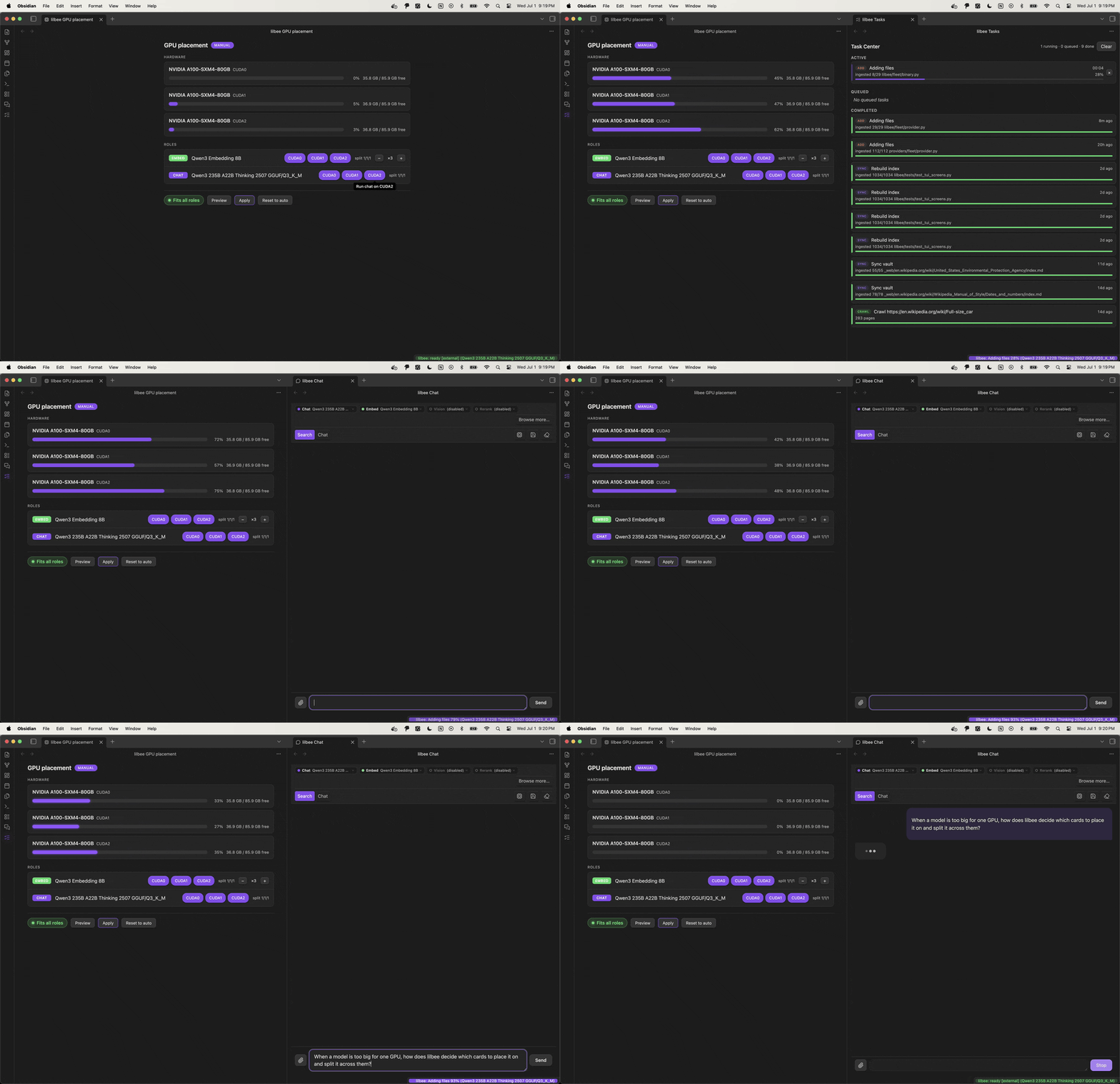
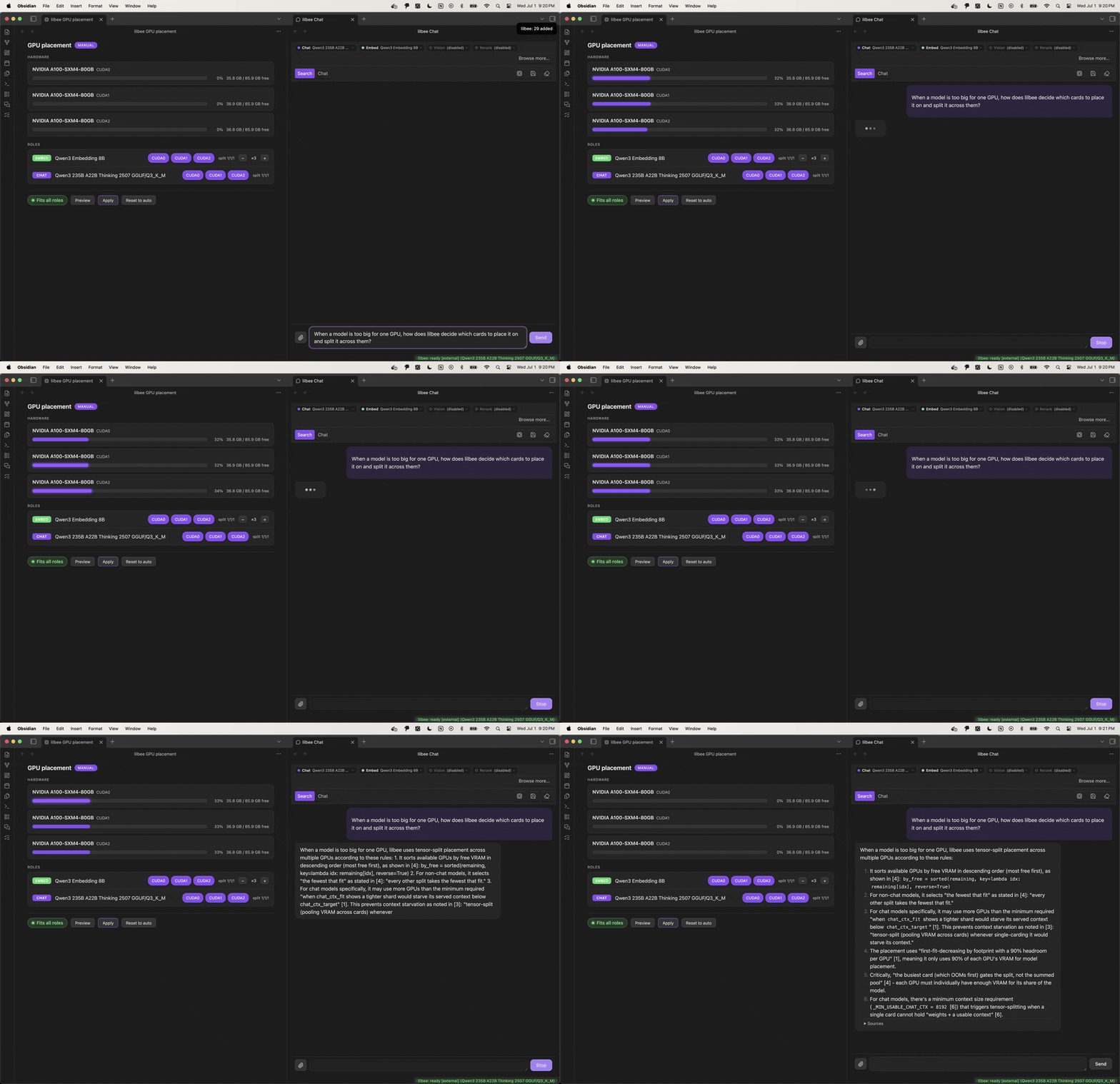
 , lilbee goes from single GPU to a multi-GPU cluster, plus opencode integration. I’ve been on this for about a month. It’s already running large models in practice, for example minimax m2 spread across 3 GPUs, and I’m currently using my dev branch to rasterize and embed roughly 300 GB (around 3 million files) across multiple GPUs.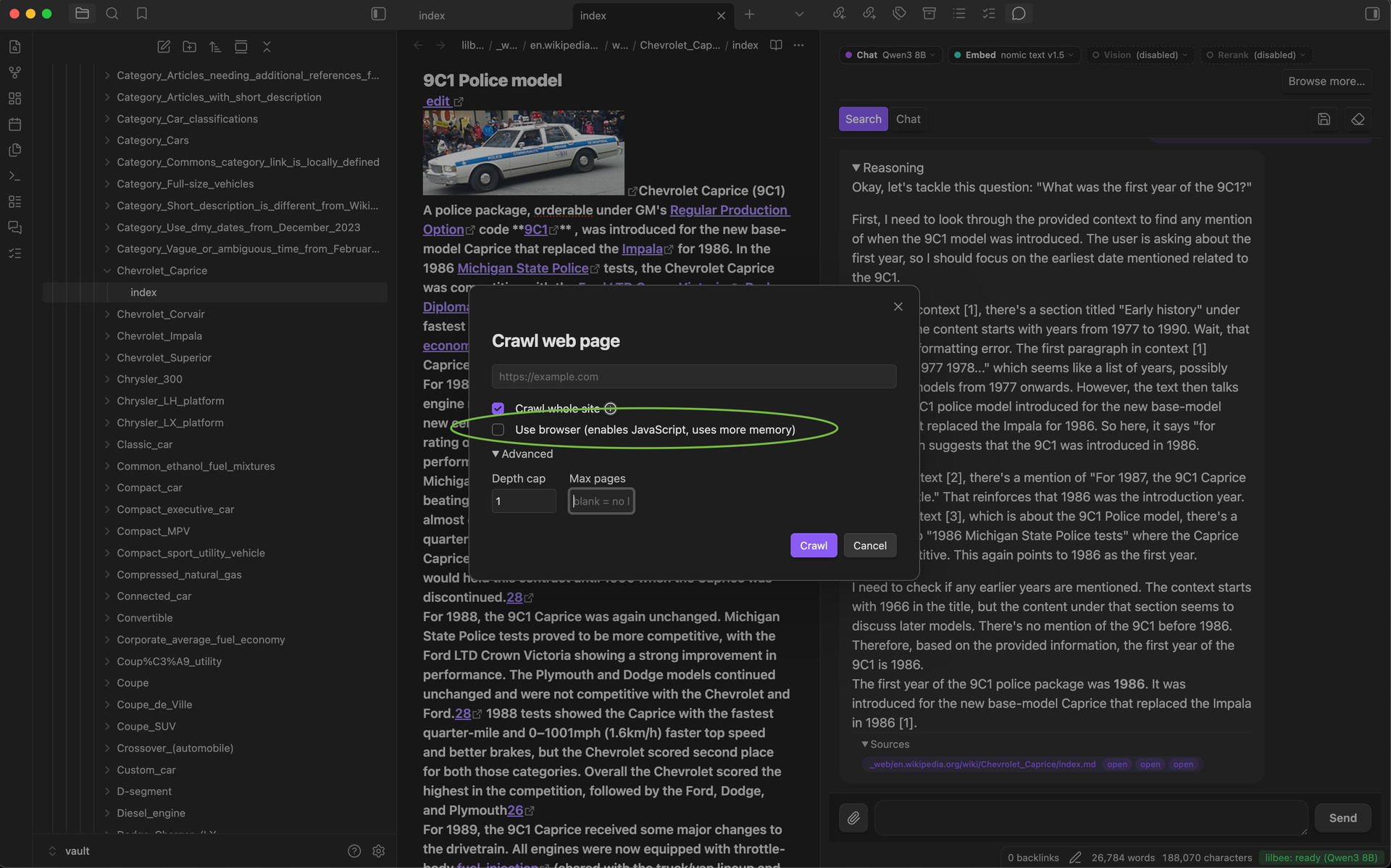
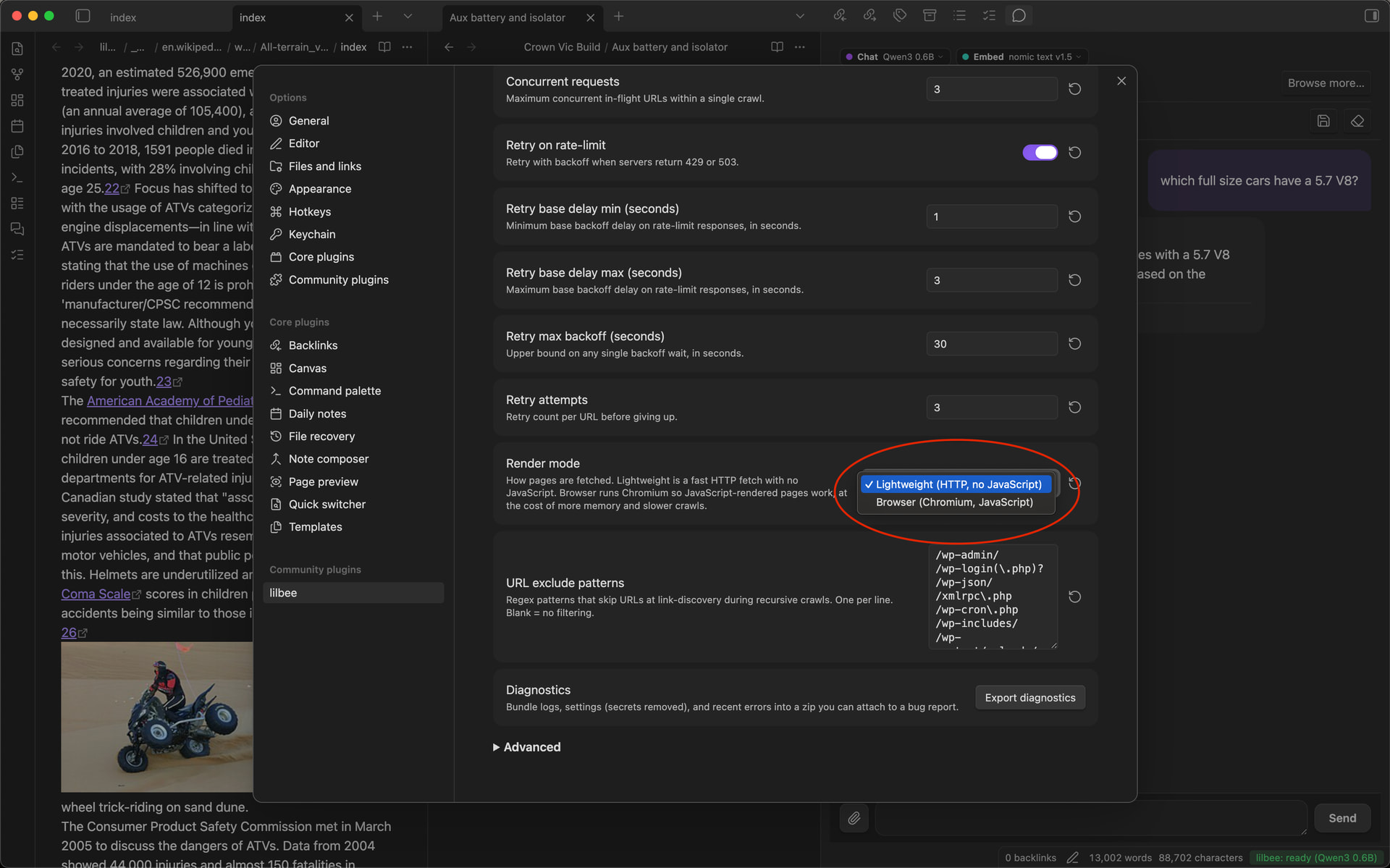
 and it’s insanely exciting for me to get this out as soon as possible. This is from my development branch at the moment but I’m anticipating that I will be ready to release this either this week!! Attached are real live demos.