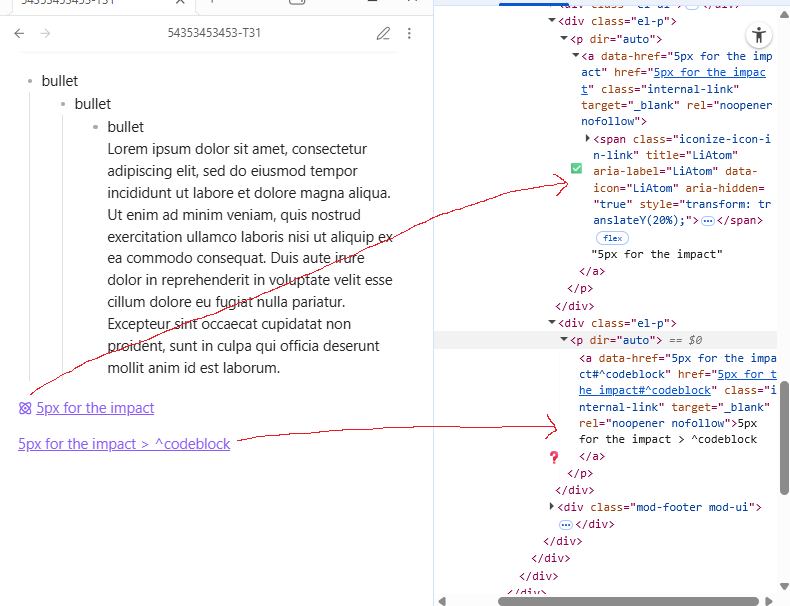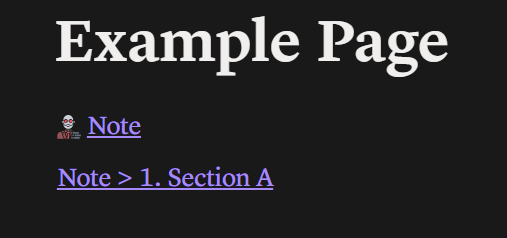
I’m using the Iconize plugin to set icons on my note, and when I create a link, the icon set to the note will appear beside it. But when I copy and paste a block link from that note, the icon does appear by its side in live preview, but not in reading mode (as seen in the image). The only solution I got from AI was to set the icon manually to the block link for each note:
.markdown-rendered a.internal-link[href*="Note#" i]::before {
    background-image: my SVG;
    display: inline-block;
    width: 18px;
    height: 18px;
}
Which works, but if it’s possible, I would rather this process be more automated. Is there a way to somehow make the note’s icon appear on block link in reading mode, so that i don’t have to manually set it each time I create a new note with it’s own specific icon.