Disclaimer
Is this plugin open source? Yes
Is this plugin completely free? Yes (you bring your own Claude or OpenAI-compatible API key)
Is this plugin vibe-coded beyond the author’s ability to comprehend how it works? No
Community Directory: https://community.obsidian.md/plugins/inkdown
Hi everyone! This is my first plugin. I found that sometimes I need to write math expressions and draw graphs in Obsidian, but current plugins just add a handwriting feature (not saying they are bad!). So I was thinking of a more “native” way to do this. This is why I made Inkdown, which I’ve been using a lot recently.
Not too many words, here are some GIFs.
Below are some ways you can use Inkdown.
Converting math expressions:

Converting graphs:

Converting network drawings:

Mistakes will be flagged in a block in addition to the converted result, rather than silently fixed:

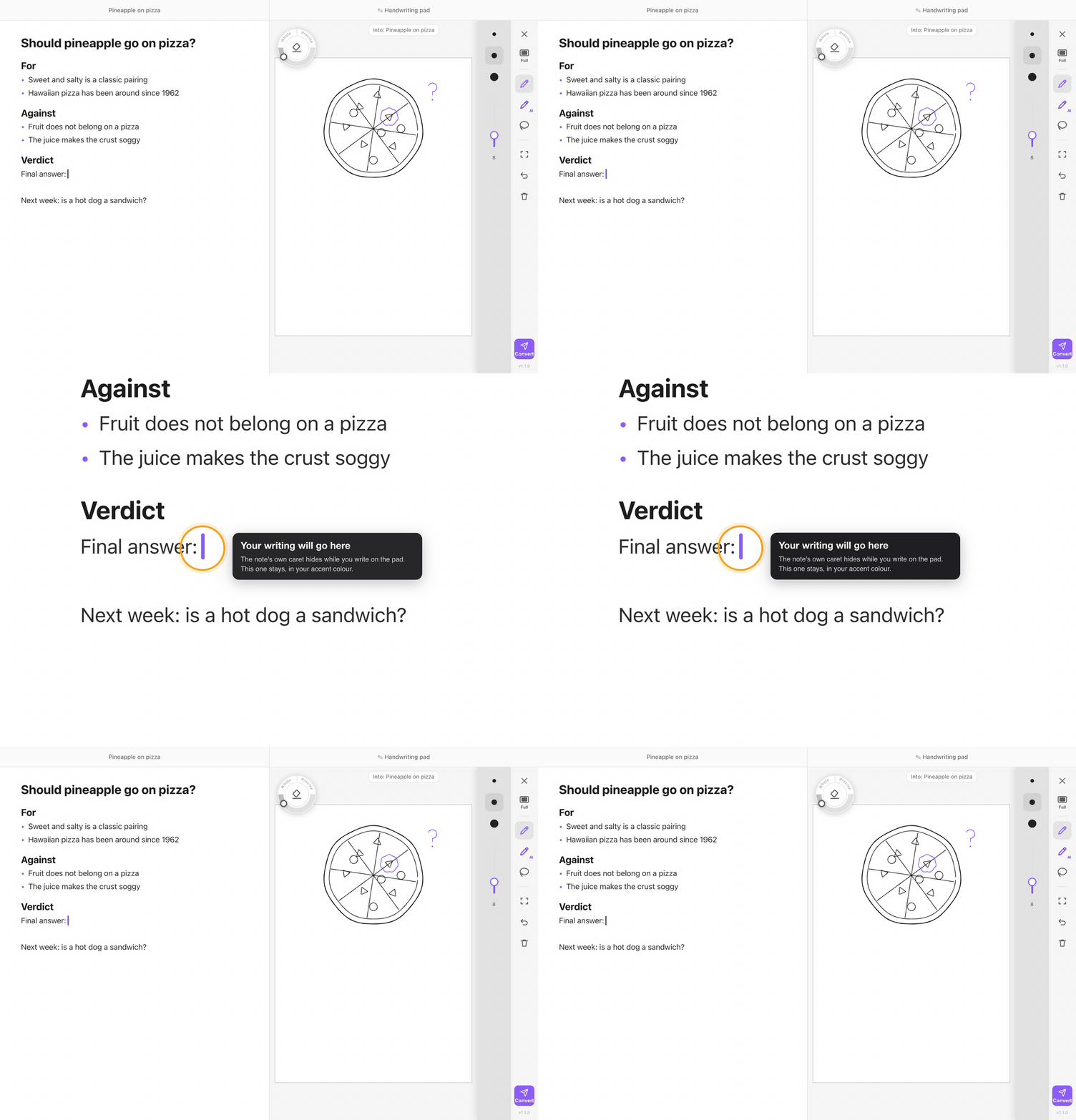
And the feature I like the most: AI pen! I added this feature cuz I found I need to “write” to the AI sometimes to make sure my things get converted in the way I want. So I made this pen, which you can use to write to the AI instead of having it converted.

Currently I’ve only tested it on my iPad with an Apple Pencil, so I don’t know how well it works on other tablets 
It uses your own API key, kept in Obsidian’s keychain. You can choose between Claude and any OpenAI-compatible service. In my own experience Claude Opus 5.5 works the best (and graphs are only redrawn as SVG with Claude).
Install: Settings → Community plugins → search “Inkdown”
GitHub: https://github.com/StanH123h/obsidian-inkdown
Any feedback is super welcome, especially if it misreads your handwriting (a screenshot helps a lot!). Reply here or open an issue on GitHub 
Updates will go in this thread.
Thanks!


 !