Steps to reproduce
- Create a base in obsidian-sandbox
- Generate card view
- Select image property
- Increase the card size to the maximum value.
The behavior of images in the cards is quite arbitrary. After following the previous steps, the image loses sharpness.


If I close Obsidian with the card size set to the maximum, then reopen Obsidian, the image in the card regains its sharpness. I can increase or decrease the card size, and the image maintains its high sharpness.
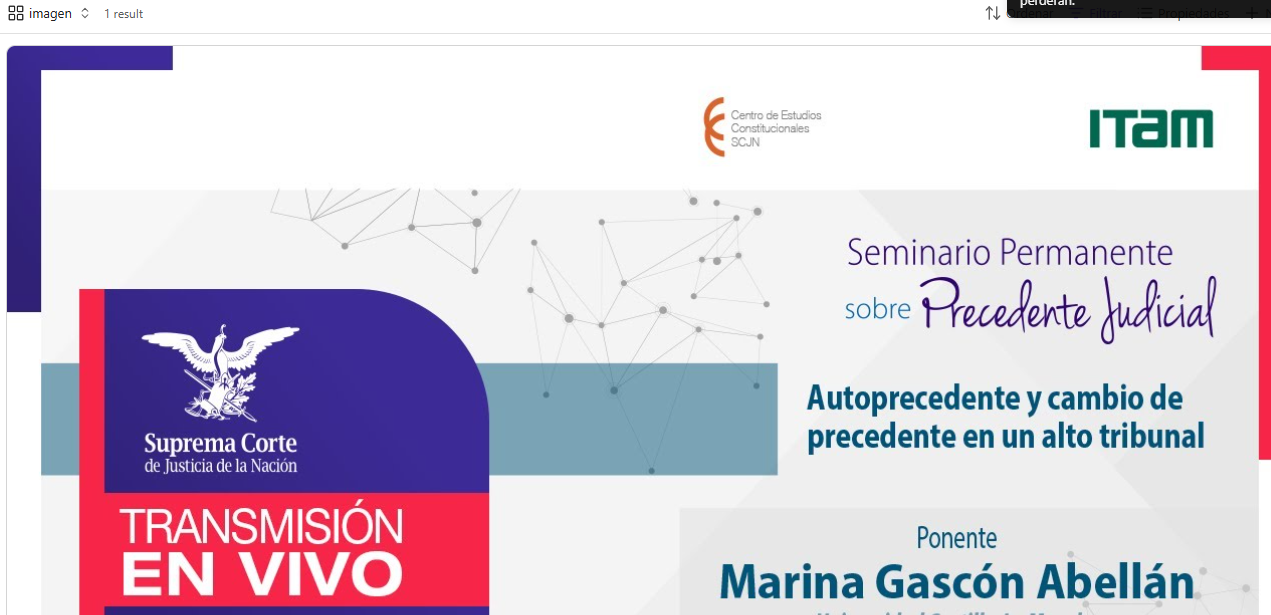
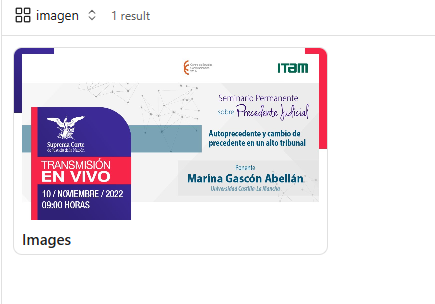
If we reduce the card size close to its minimum, close Obsidian, reopen Obsidian, and the image loses sharpness.
Did you follow the troubleshooting guide? [Y/N]
Y
Expected result
The image should not degrade or lose much sharpness when resizing in the cards.
Actual result
The image degrades when resizing the card.
Environment
SYSTEM INFO:
Obsidian version: v1.9.14
Installer version: v1.9.14
Operating system: Windows 10 Pro 10.0.19045
Login status: not logged in
Language: es
Insider build toggle: off
Live preview: on
Base theme: light
Community theme: none
Snippets enabled: 0
Restricted mode: on
RECOMMENDATIONS:
none