holroy
March 29, 2023, 8:35pm
2
So something like the following might be what you’re looking for:
```dataview
LIST
FLATTEN this.file.aliases as alias
WHERE contains(file.name, alias)
```
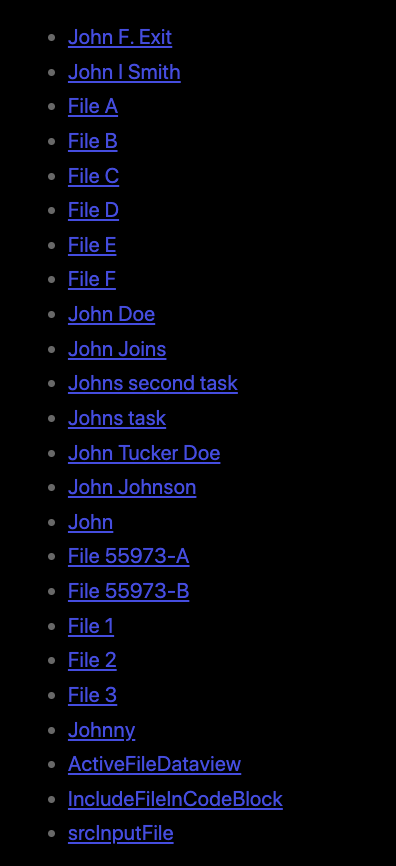
Test run in my test vault
With a frontmatter field like alias: File, John this produces this output in my test vault:
One could consider if one would want to use exact matches for some of the cases. And if one want to look the other way around, maybe parts of my answer (and especially the list build at the start of that template) below could be useful.
As a proof of concept I present to you a template which scans through all aliases, and if the selected text starts with the selected text, it inserts an link to that file using the alias. If multiple options are present it allows you to choose which file you want to link to.
Currently it does not match against actual file name, it’s just for the aliases. It also lists the full file path in parentheses in case you’ve got multiple notes with the same name. This could of course be adapted to your…
1 Like