I keep finding that a project’s context ends up scattered across notes, browser tabs and docs. Right now I link things by hand: a project note with wikilinks to meeting notes, a list of pasted URLs, and a folder for attachments. It works until the list of tabs outgrows it. How do you structure a project hub in Obsidian? Do you use one index note per project, Bases or Dataview, or something else entirely? I’d love to hear what has held up for you over months, not just days.
Can you share what you’ve searched for and topics read so far so folks don’t repeat what you’ve already found, tried, etc?
For notes and files, a folder. For browser tabs, if needed, Safari’s “tab groups” feature (I imagine other browsers have something similar).
I don’t know if this is what you want to hear, but…
For every major project, I create a separate folder (not a vault) for it.
This folder contains a separate, dedicated Obsidian vault for that project, as well as other folders holding files related to that project.
I keep all links relevant to the project in the project’s Obsidian vault. I never use my browser to store anything; for me, it’s strictly a working space, not a place for organizing and storing information.
All project files within the Obsidian vault are organized using Properties and displayed on a single page with embedded Bases that query for different file types.
All project files outside of Obsidian are stored in other subfolders of the project folder.
For every medium-to-large-scale task, I also create a temporary vault on my desktop. I do this because, in practice, working in the main vault has proven inconvenient – it’s too demanding when it comes to organizing information – I feel constrained by it and can’t work as freely as I’d like.
But in a separate vault, I can do absolutely anything I want, without having to organize the information at all; I can simply focus on the task itself, and after completing it, organize all the information and move it to the main vault for storage.
At the same time, nothing will get lost among thousands of other files in this vault, because there aren’t thousands of files there – at most, a few dozen.
While working on a task, I organize all the information right on my desktop – I have a separate area designated for each task, containing all the files relevant to that task.
I use VS Code as a draft editor for external notes, simply because I find it more convenient than Obsidian.
I mainly use Obsidian for organization and storage, rather than for thinking through tasks as I work on them.
The desktop is divided into sections by a background image – into 3 or 4 sections, depending on the number of active tasks.
The left section is reserved for files not related to projects, since when I create or move files to the desktop, they usually appear on the left, and I don’t want them to get mixed in with project files and disrupt my organization.
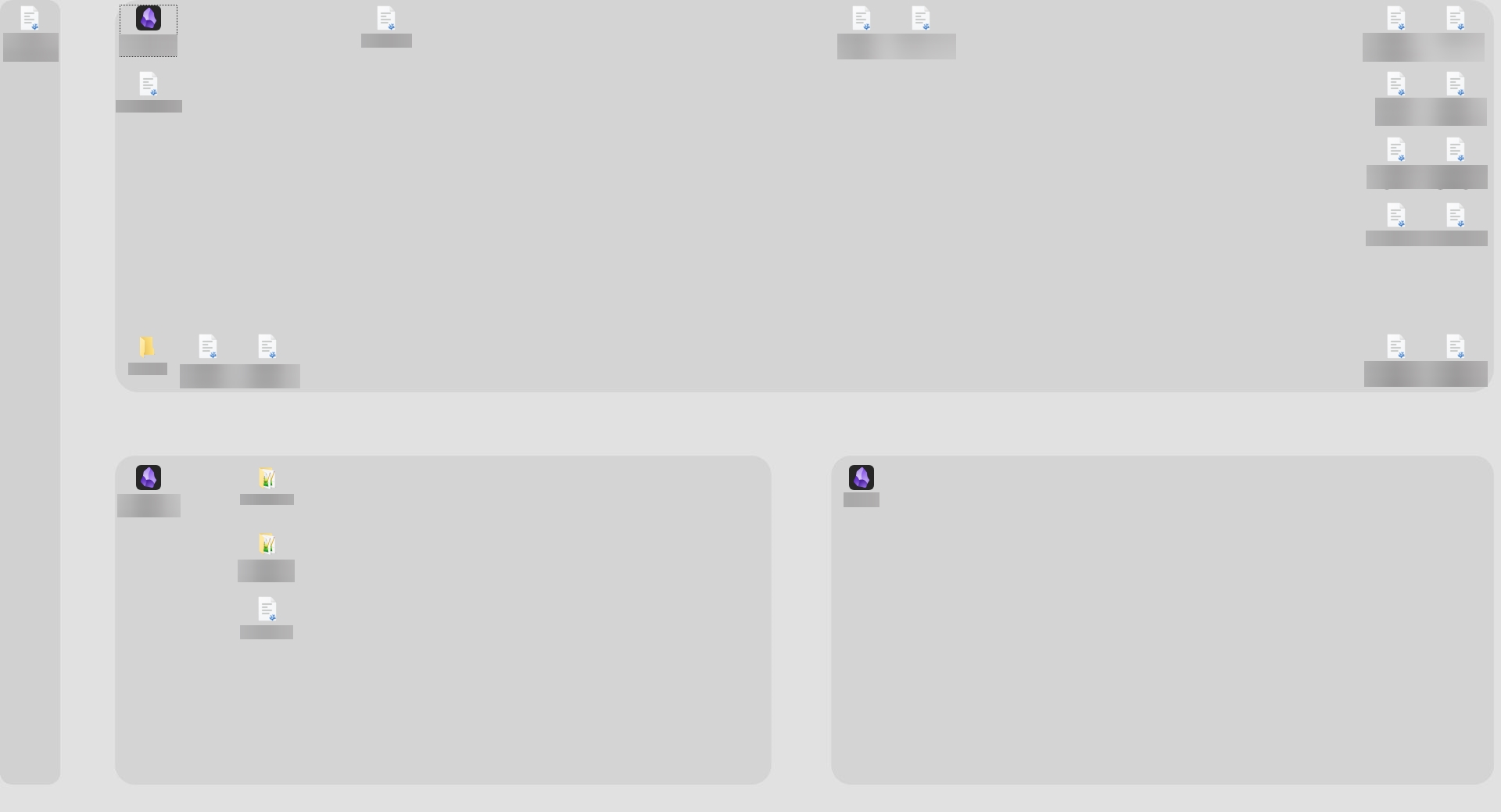




I’m not sure how optimal this approach is, but after several years of working this way, it’s the best solution I’ve been able to come up with.
From the outside, this might seem a bit cumbersome – especially the large number of vaults – but in reality, only large projects have permanent vaults; for individual tasks, they’re temporary. Once a task is completed, all the information is transferred out of them, and the vaults themselves are deleted.
1 Like