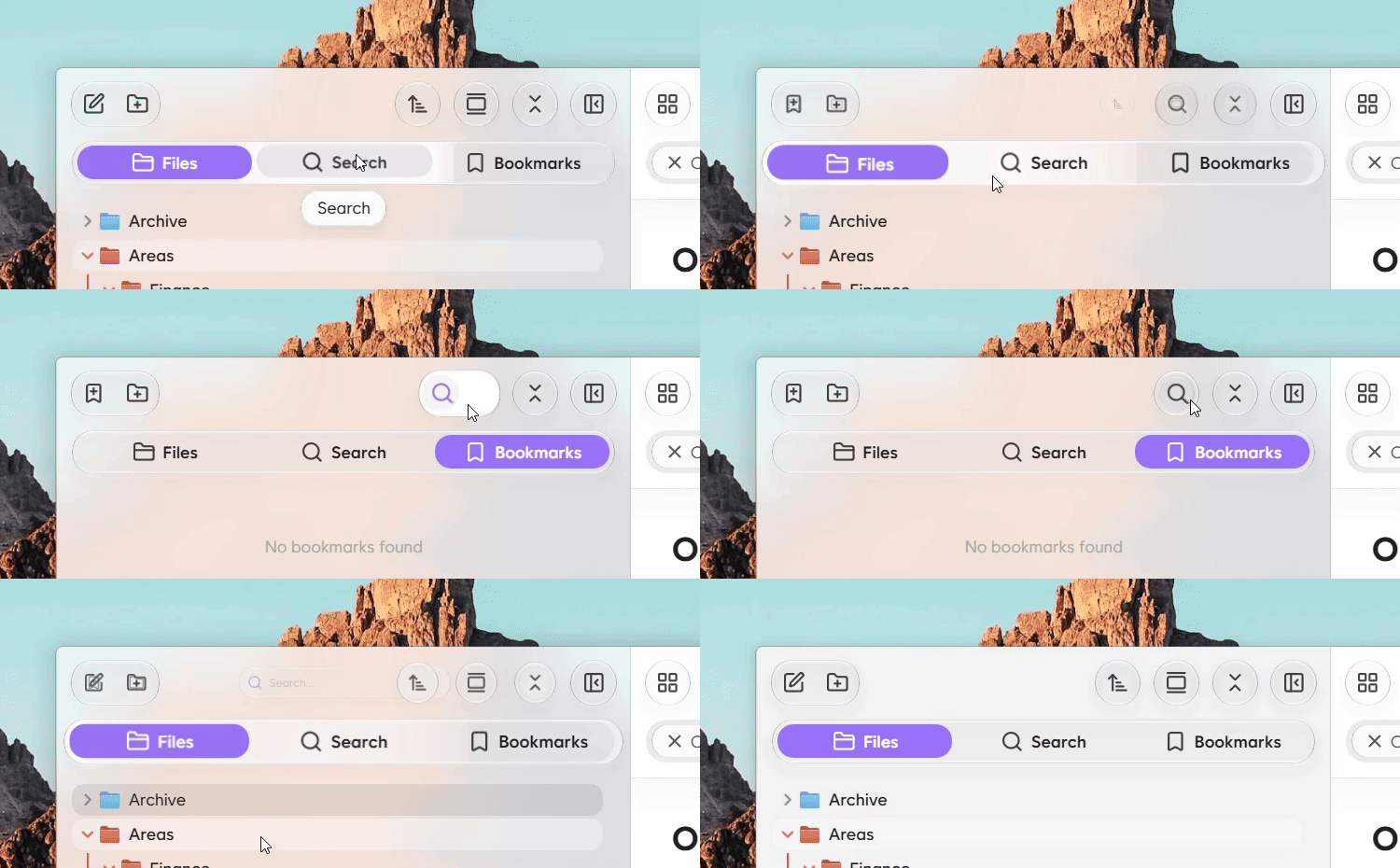
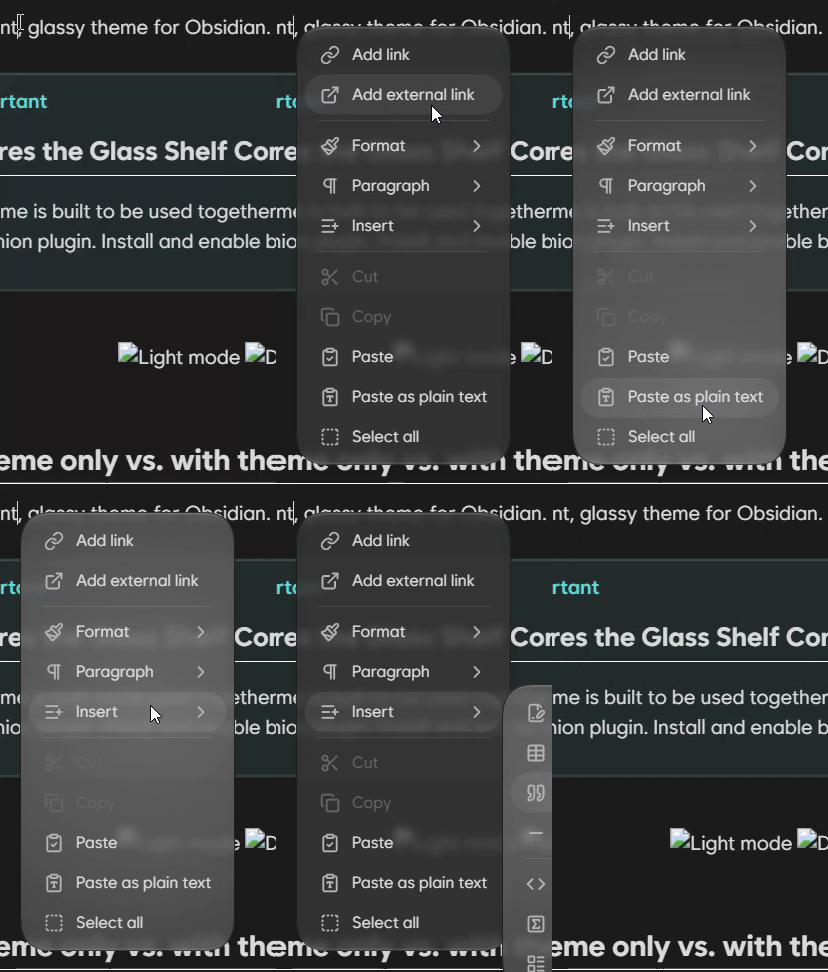
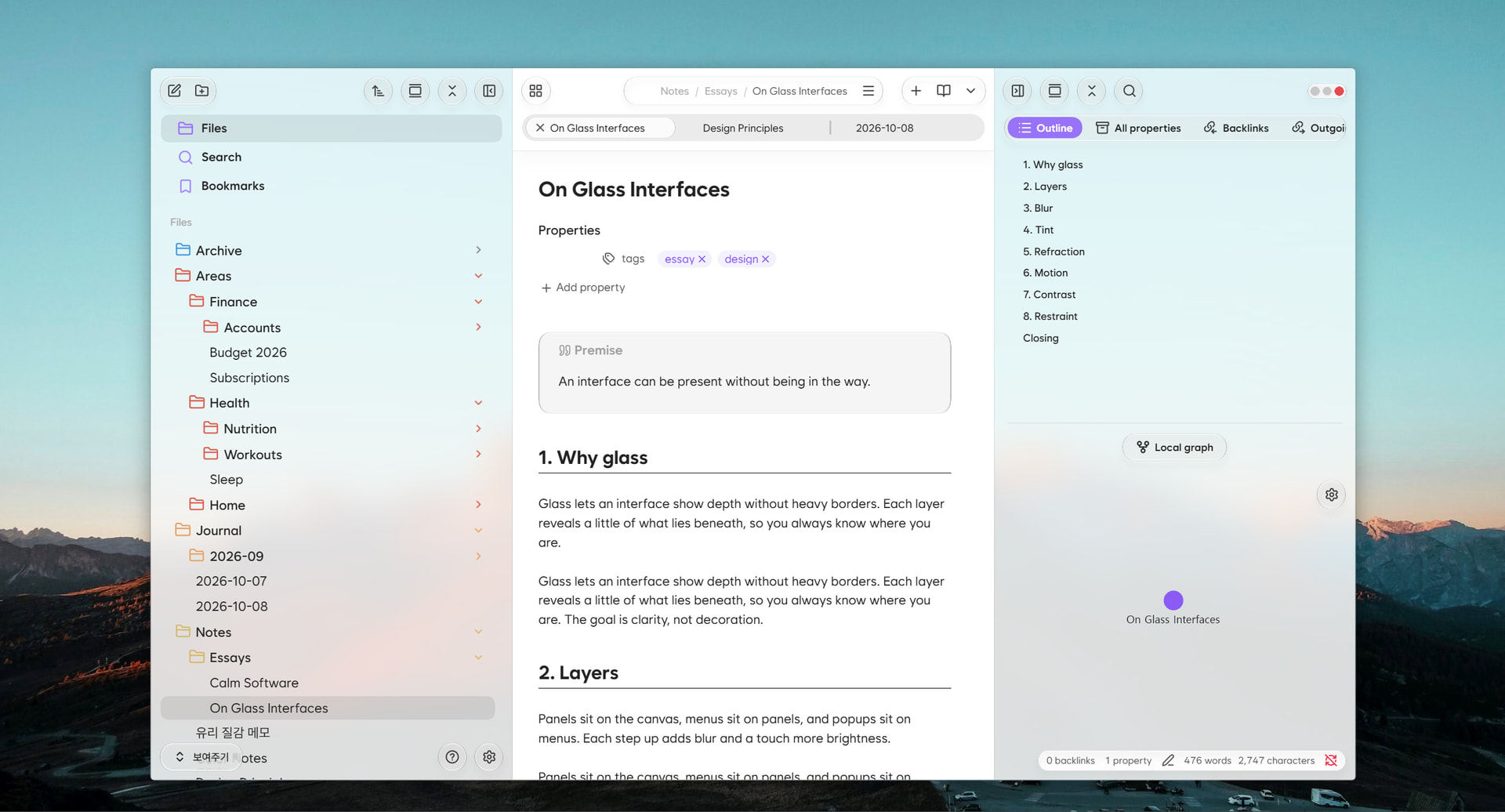
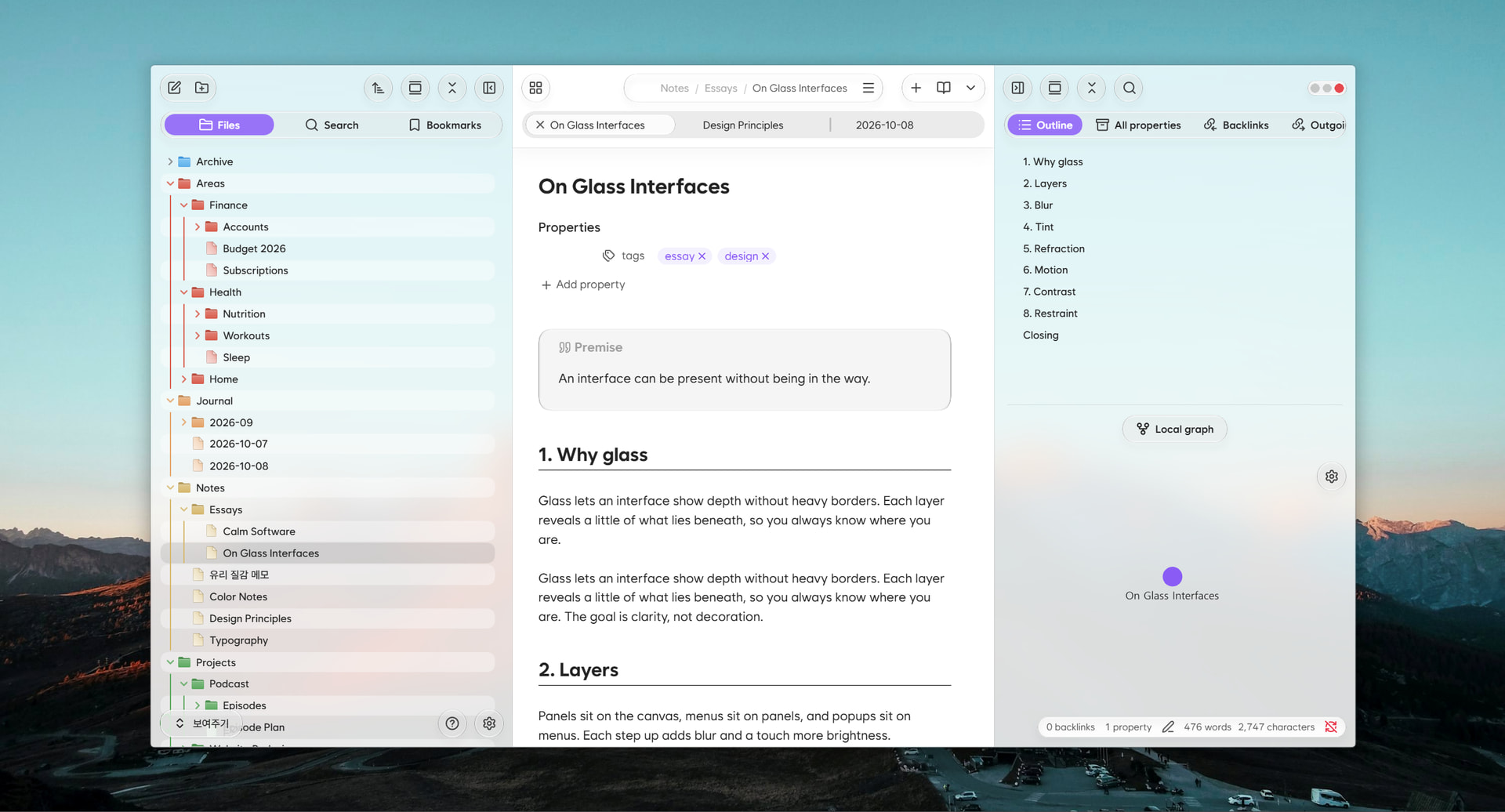
Disclaimer
Is this theme/snippet open source? Yes
Is this theme/snippet completely free? Yes
Is this theme/snippet vibe-coded beyond the author’s ability to comprehend how it works? No
Theme Link In Community Directory: Glass Shelf - Obsidian Theme
Glass Shelf


A translucent, glassy theme for Obsidian. The screenshots above use the companion plugin, Glass Shelf Companion. With the theme alone, it looks like this ↓
theme
You can probably guess where the inspiration came from. Panels, menus and popups are drawn as glass, with pill-shaped buttons and squircle corners (Chromium 139+).

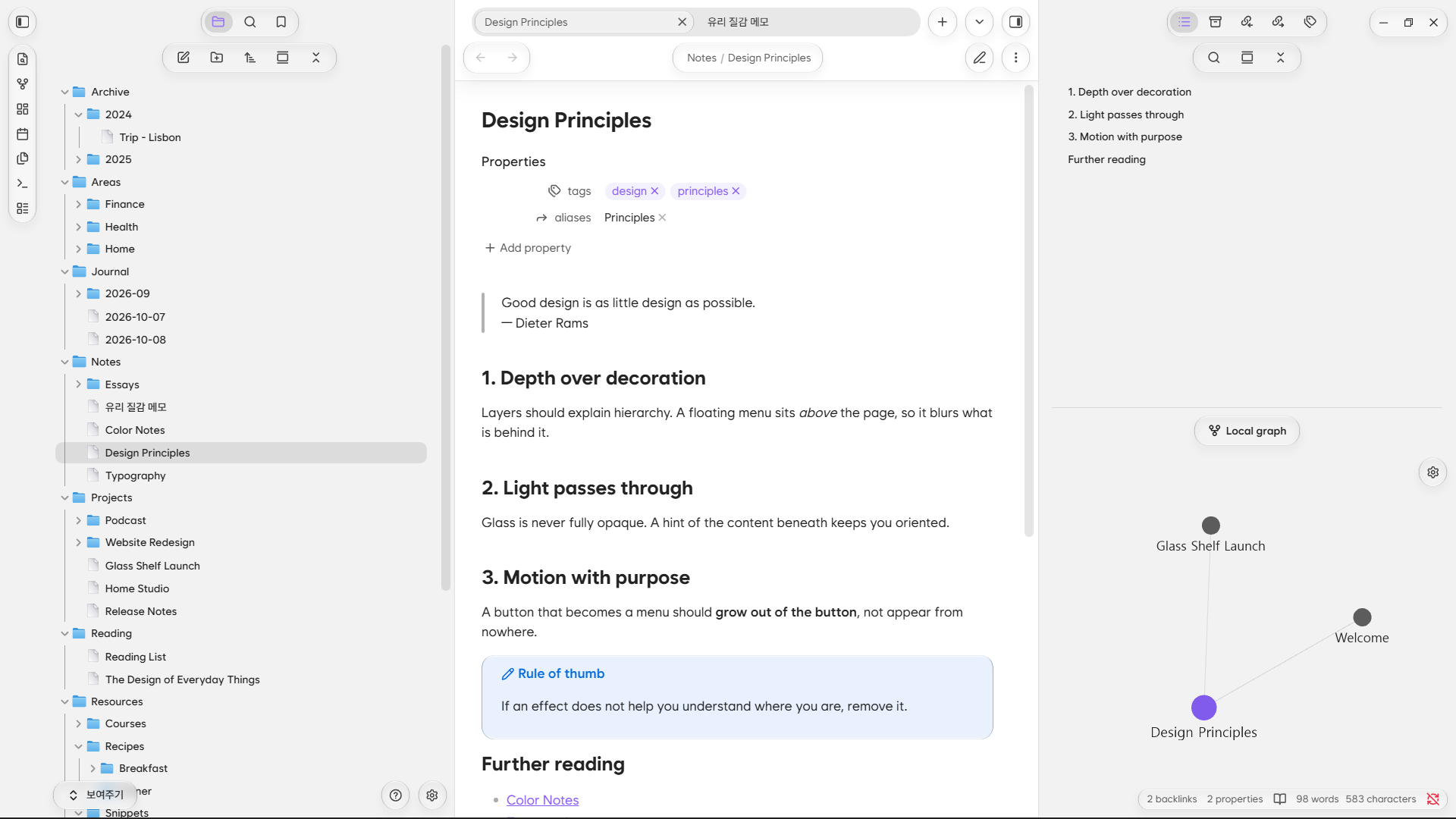
The theme works on its own, but the plugin completes the look.
With the plugin
Choose your layout
Pick the tab bar style in the settings.


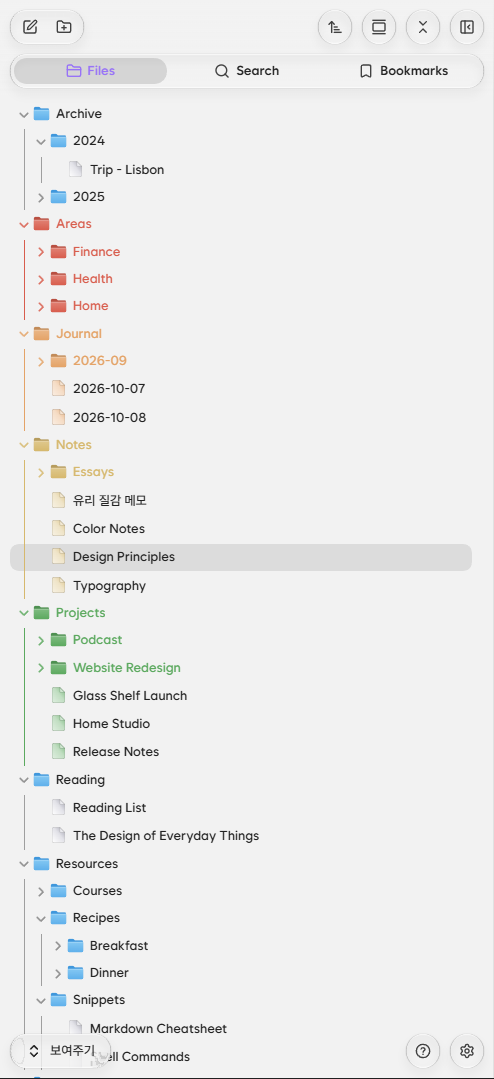
Folder colors and striped rows

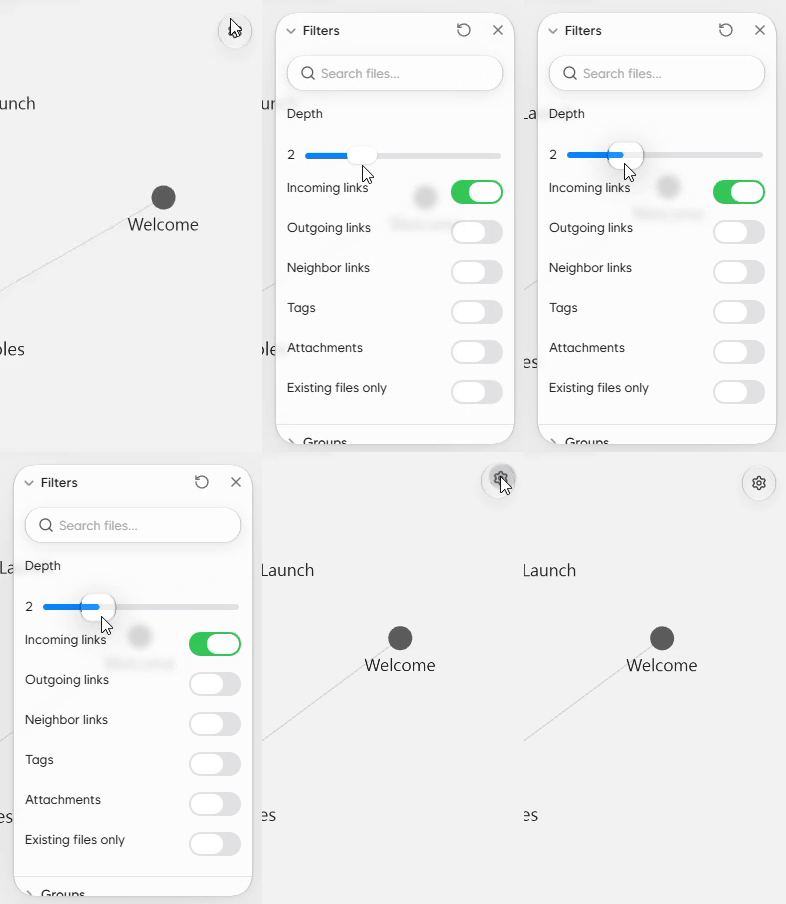
Animations

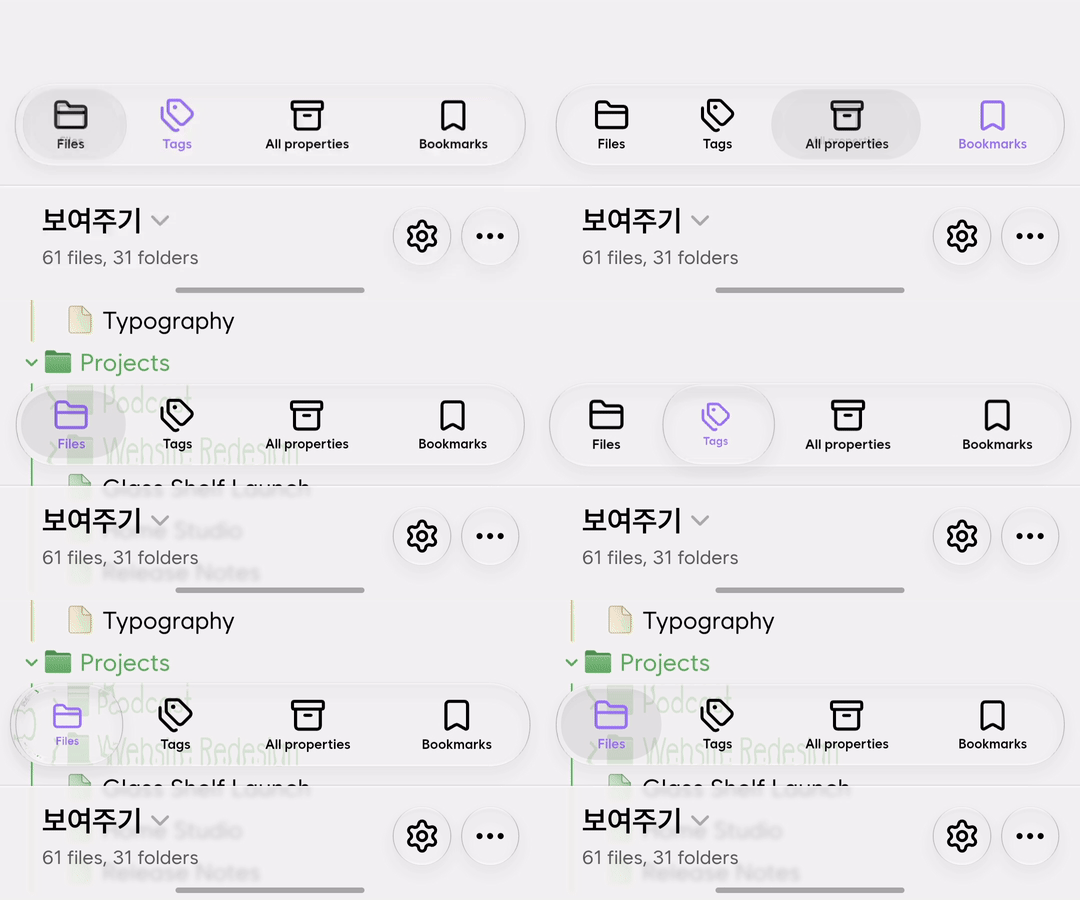

Platforms
- Built mainly for PC and Android.
- On iPhone and iPad, refraction is not supported, so only blur is applied.
- I don’t have a Mac, so macOS isn’t properly tested. Please let me know if anything looks off.