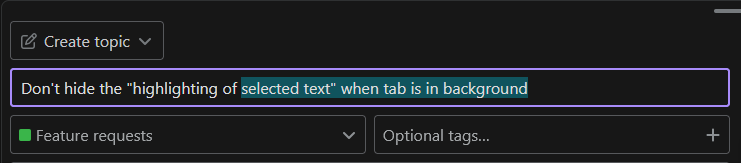
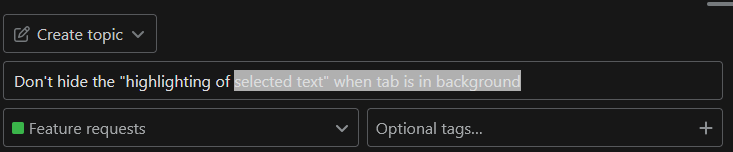
In split view when selecting text in left tab, the highlighting of that text is gone once you click at the right tab. Instead it should be lighter/grayer. This is useful to know your place when working on a source text.
Like this forum when in background. See attached screens.