Steps to reproduce
- Create a note (“Test”)
- Create a canvas
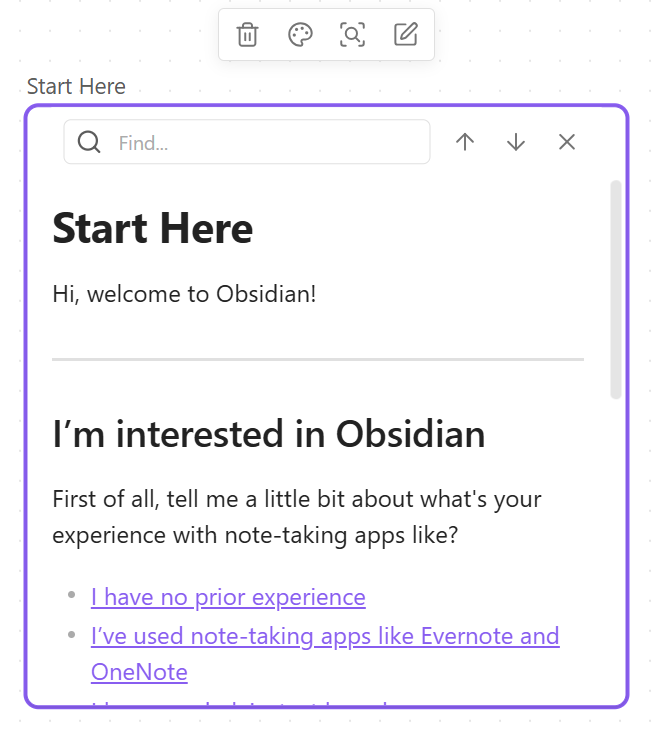
- Insert note “Test” into the canvas
Click somewhere else in the canvas to make sure the note is not selected(I’m not sure about this step.)- Ctrl-click the title of the note in the canvas to open it in a separate tab
- Try to use Ctrl-L to create a checkbox
Did you follow the troubleshooting guide? Y
Expected result
Checkbox appears
Actual result
Nothing happens
Environment
SYSTEM INFO:
Obsidian version: v1.9.14
Installer version: v1.9.14
Operating system: Windows 11 Enterprise 10.0.26200
Login status: logged in
Language: en
Catalyst license: insider
Insider build toggle: off
Live preview: on
Base theme: dark
Community theme: none
Snippets enabled: 2
Restricted mode: off
Plugins installed: 6
Plugins enabled: 3
1: Calendar v1.5.10
2: List Callouts v1.2.9
3: Easy Bake v1.1.0