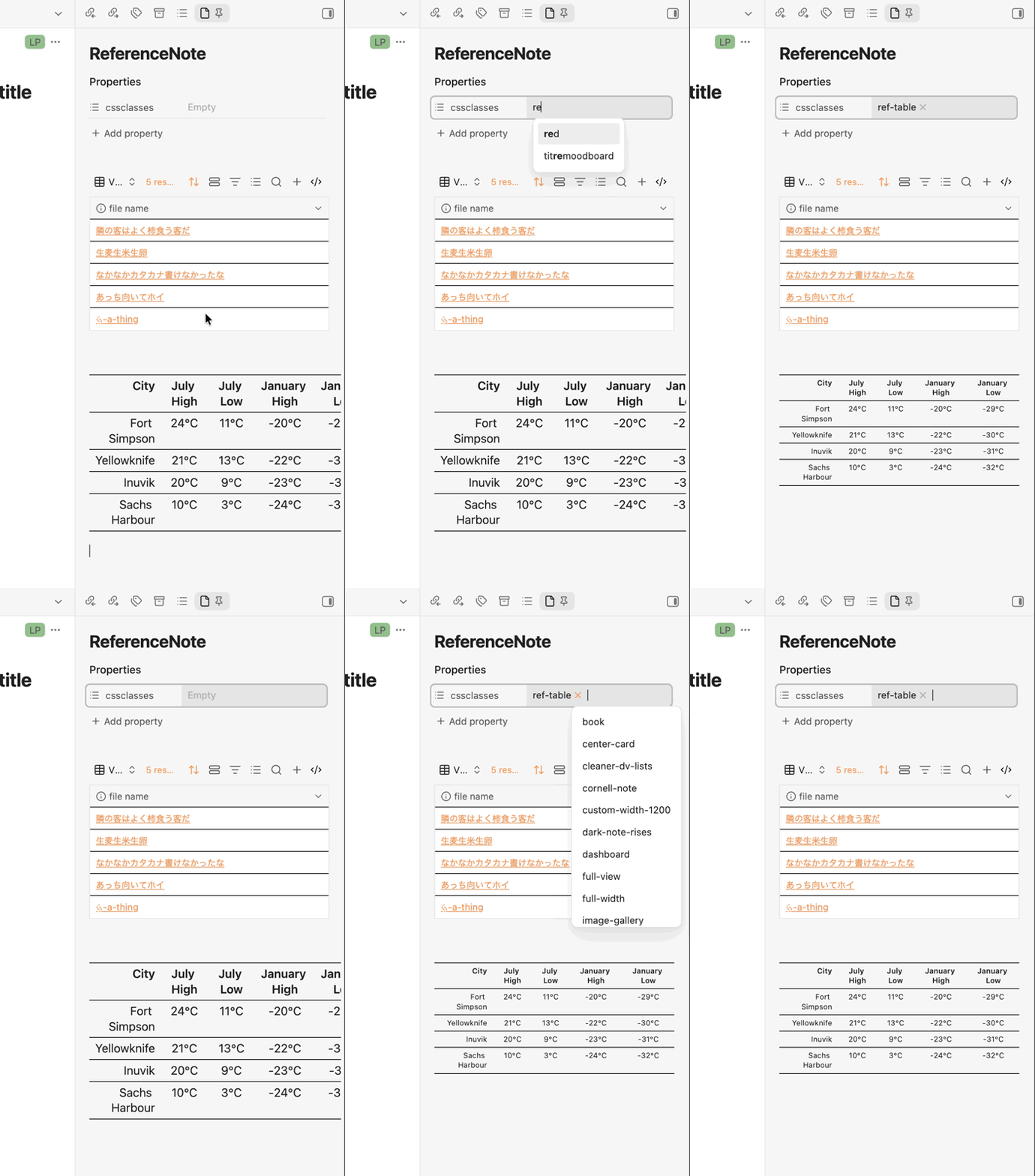
I have a “Reference” note pinned to my sidebar, containing a few things including:
- Base of notes tagged “Current”
- Manually edited table of keyboard shortcuts
The manual keyboard shortcut table is too big, so I want to add a CSS snippet to make it smaller.
However, I cannot find the CSS class or selector to make it work.
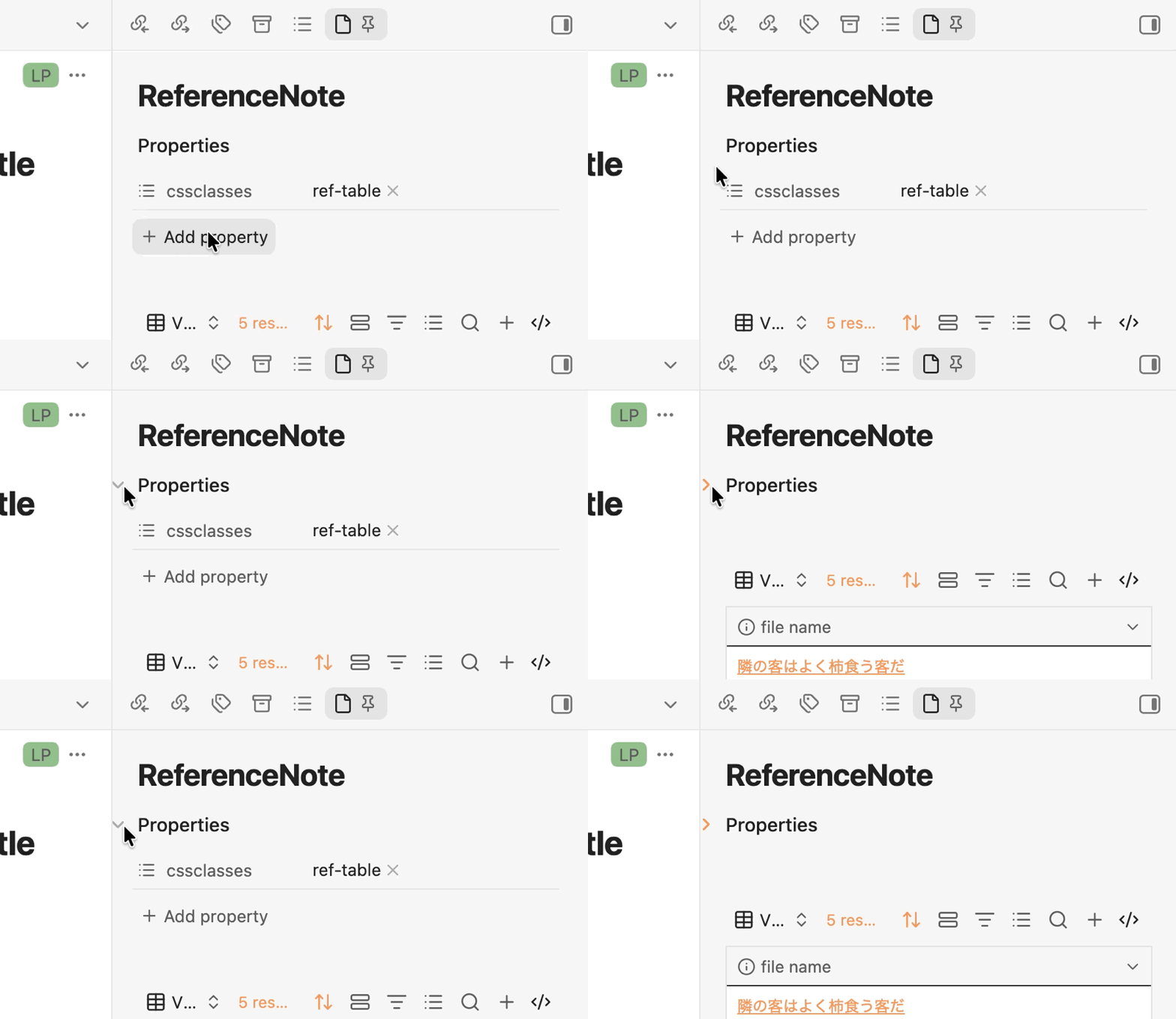
I’ve worked my way through Obsidian CSS Inspector Workflow
I’ve changed things in the Dev mode, and seen them change in the app. But never the bit I want to change!
I tried the solution in CSS: How to create a CSS class meant for a little small font note that goes on the sidebar? My first approach was modifying zoom which bugged out, but the only thing that changed was the Base table, not the keyboard shortcut table.
I used Dev mode to copy the selector for the table in question:
body > div.app-container > div.horizontal-main-container > div > div.workspace-split.mod-horizontal.mod-sidedock.mod-secondary-split.mod-right-split > div.workspace-tabs.mod-top.mod-top-right-space.mod-active > div.workspace-tab-container > div.workspace-leaf.mod-active > div > div.view-content > div.markdown-source-view.cm-s-obsidian.mod-cm6.node-insert-event.is-live-preview.is-folding.show-properties.tableSmall > div > div.cm-scroller > div.cm-sizer > div.cm-contentContainer > div > div.cm-embed-block.cm-table-widget.markdown-rendered.has-focus
Can anyone help?