If the blocks are separated by blank lines, you should be able to link to them.
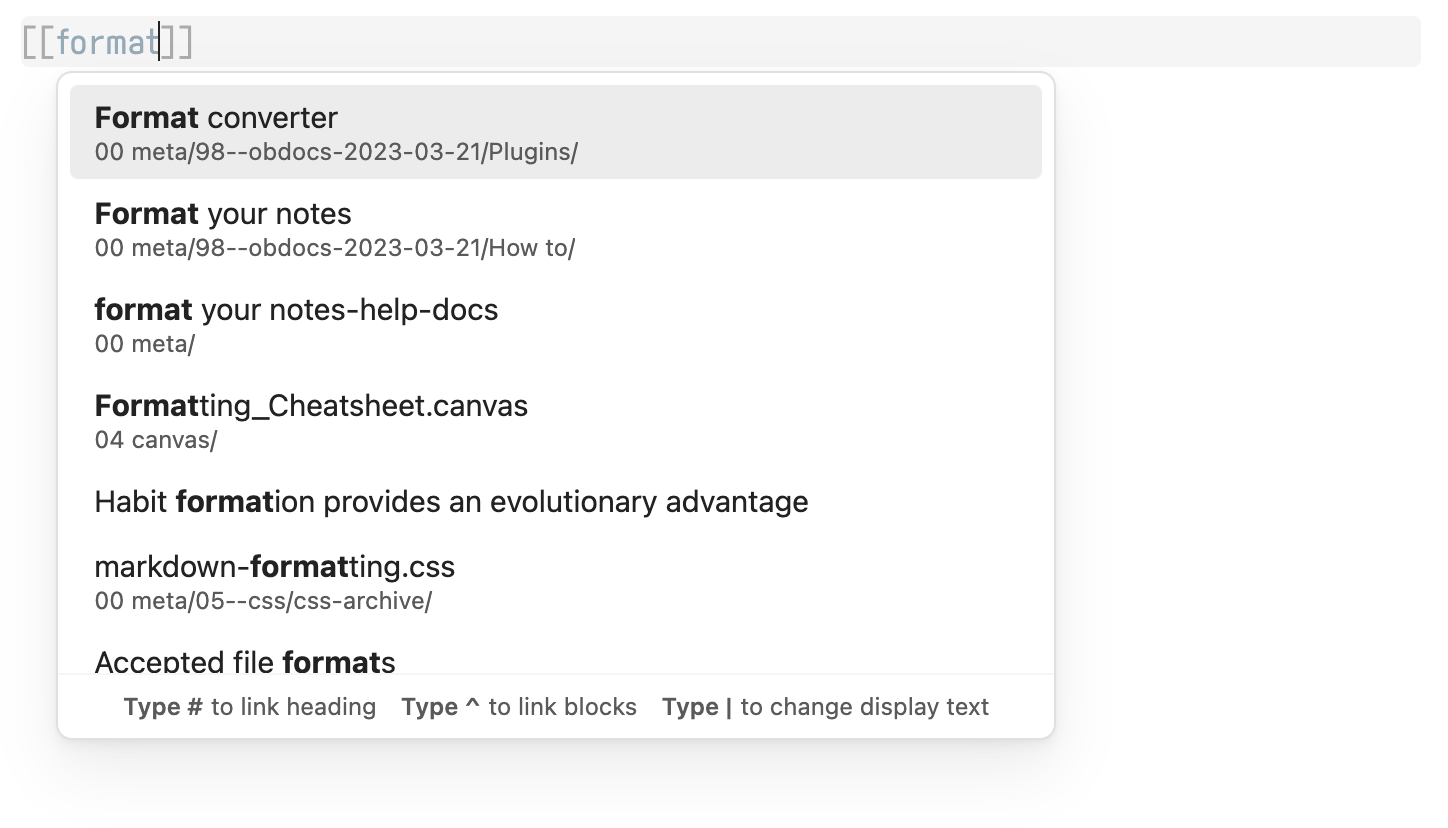
Type [[ and start typing the name of the note. Use your up/down arrow keys to select the note you want (don’t hit enter)
then type ^ (usually shift + 6). Then use the arrow keys again to select the block
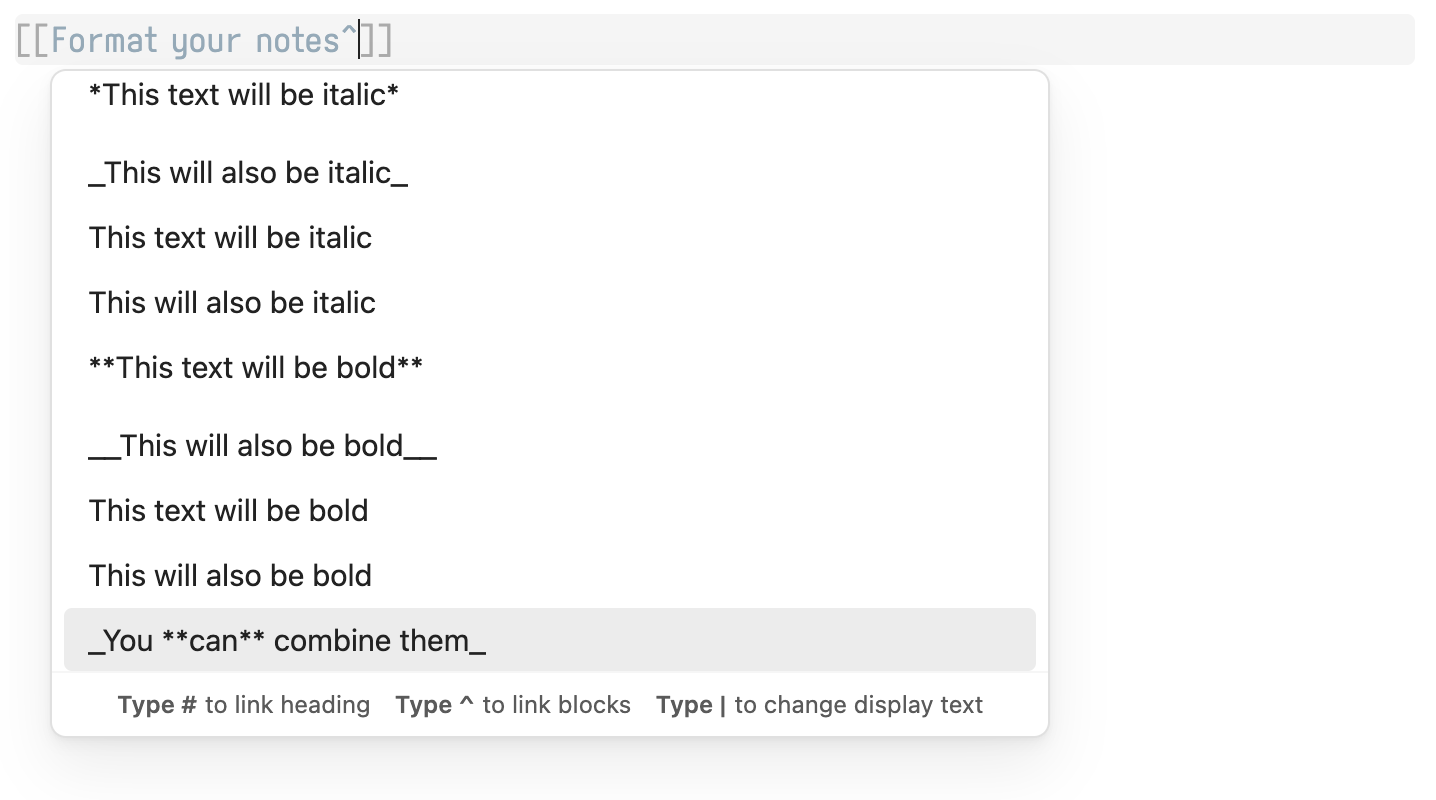
and hit enter when you’ve found the block/section you want to link to. A link and block ID will be created.
Does that work?