I had a same issue today along with below notification from Windows system.
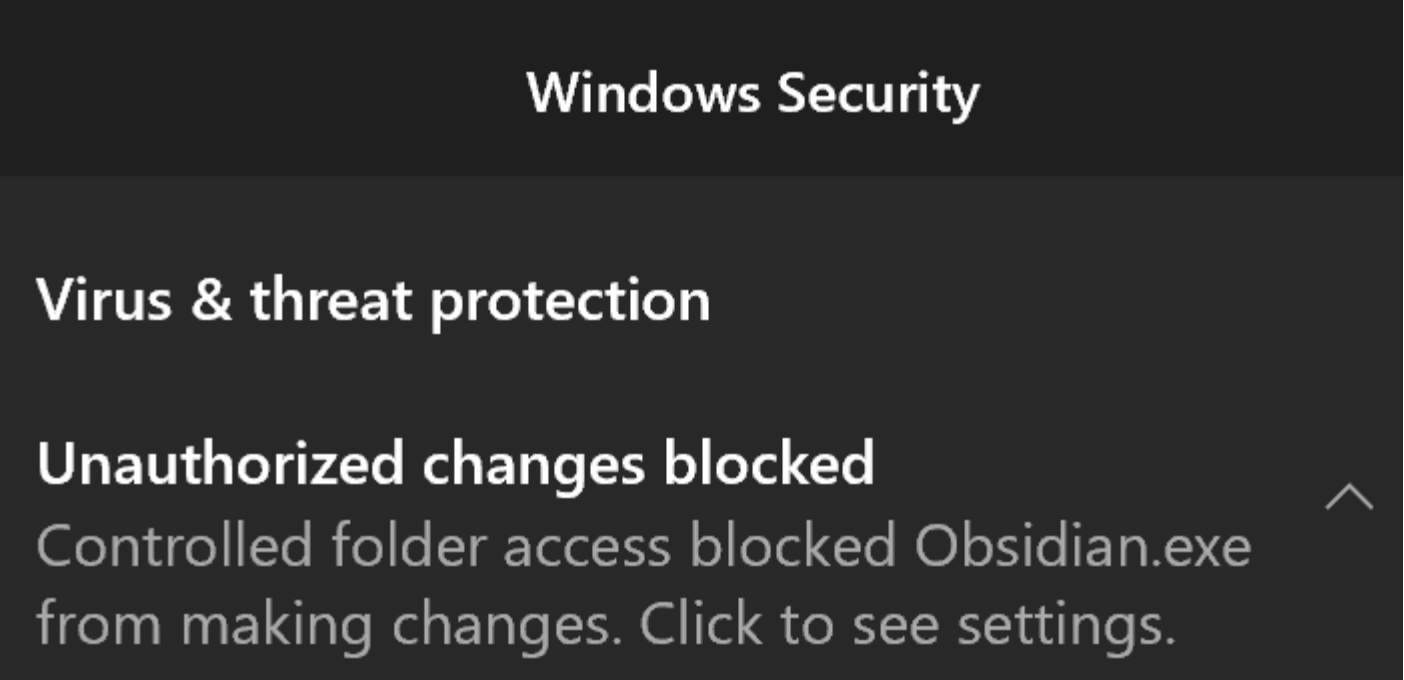
I did below steps to fix it. See if this resolves the issue for you.
- Navigate to Windows Security > Virus & threat protection > Manage ransomware protection > Allow an app through Controlled folder access
- Add Obsidian to the allowed app list