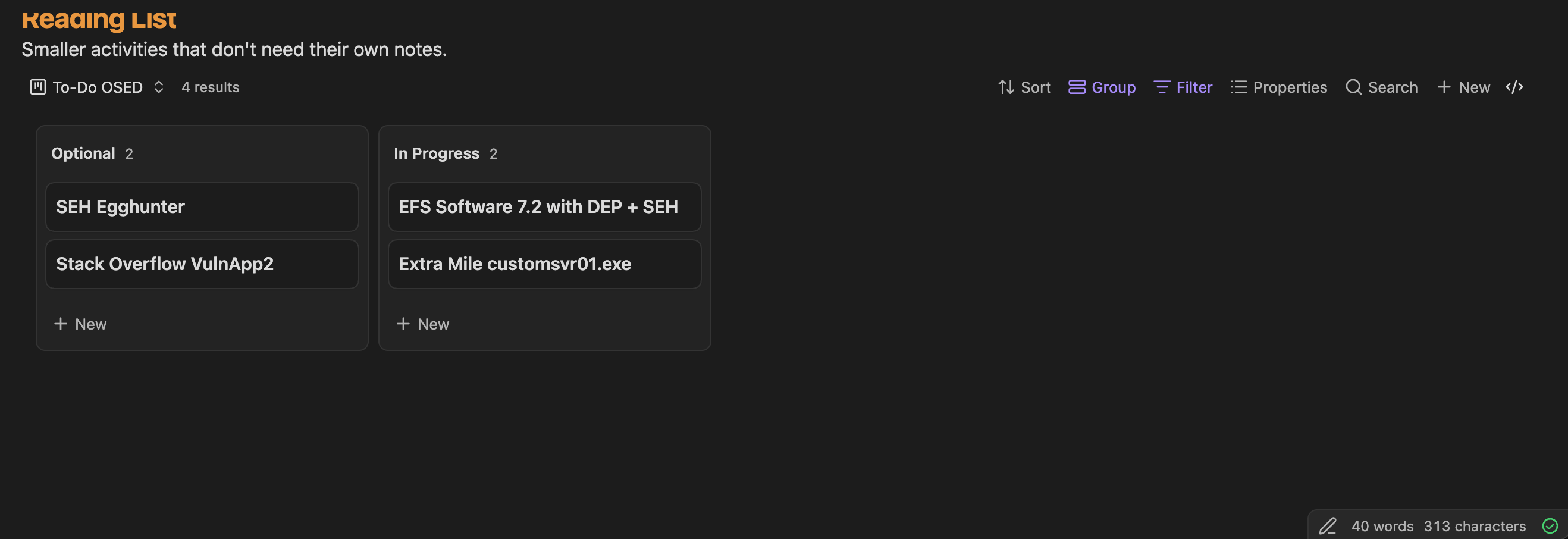
When the column of a Kanban view has too many items. I would need to scroll all the way down to click on the “New” button for a column to create a note for that column.
Add a view option to set the maximum length for a column and allow for “Show more” or pagination. Currently the “New” button for a column is at the bottom of a columnn so it’s directly affected by the amount of items present in a column, thus causing the user to scroll all the way to the bottom.
Current workaround (optional)
Current work around is to set a column to hide, in order to make the view readable. This only adjust to the next longest column though.
Thanks! The new note button at the top right of each column is a solution for problem one.
But problem 2 is still the column height. The css settings is a solution but I’d like a some sort of official implementation of limits on kanban column views. As scrolling all the way to the bottom if I had content below that base representation in a note would be a pain in the butt