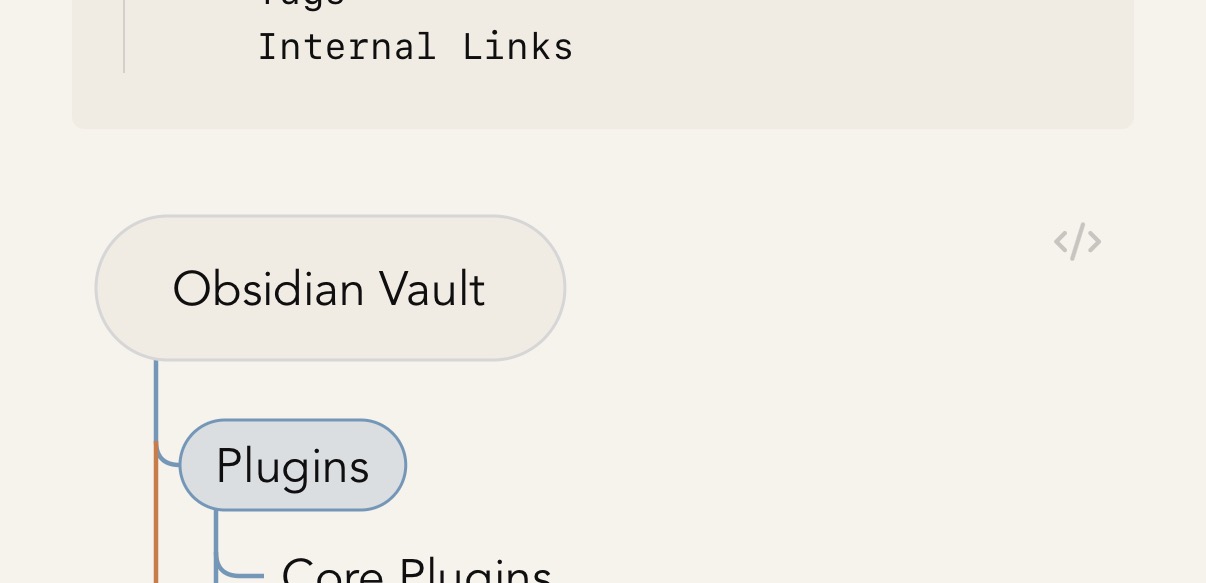
Use case or problem
When editing Mermaid diagrams from a mobile device in Live Preview, it’s very difficult to move the cursor into the code block so you can edit the data. On iOS, hold and slide on the spacebar does not work to move the cursor into the code block.
OS: iOS 27.2
Obsidian version: 1.15 (with new Pele library)
Proposed solution
Add an “edit button” for easy access to the underlying code block, similar to the button added for images in Obsidian 1.13, which will open the code block.
Current workaround (optional)
Switch to Source mode so I can edit the code block, or add the Move caret up/down commands to the mobile toolbar.